

Integrations
absentify integrations – ready to use in your Microsoft 365 environment
Tool chaos? Not with absentify. absentify integrates with the tools your team uses every day, keeping absence data, calendar entries and status messages up to date.
Start for free
unlimited users
Used by 30,000+ companies worldwide



















Microsoft 365
Your absentify integrations at a glance
Microsoft Power Automate
Automate workflows between absentify and other Microsoft 365 services such as SharePoint or Teams. For example, send approval messages in Teams or by email when a new absence request arrives. The connector uses Microsoft sign-in without a separate API key. Essentials includes three flows and Plus includes unlimited flows; HTTP and API access provide an alternative.

Shared calendar synchronization
Synchronize approved absences with personal calendars and selected shared calendars. For shared calendars, choose the departments and leave types; calendar settings control how entries appear in Teams.
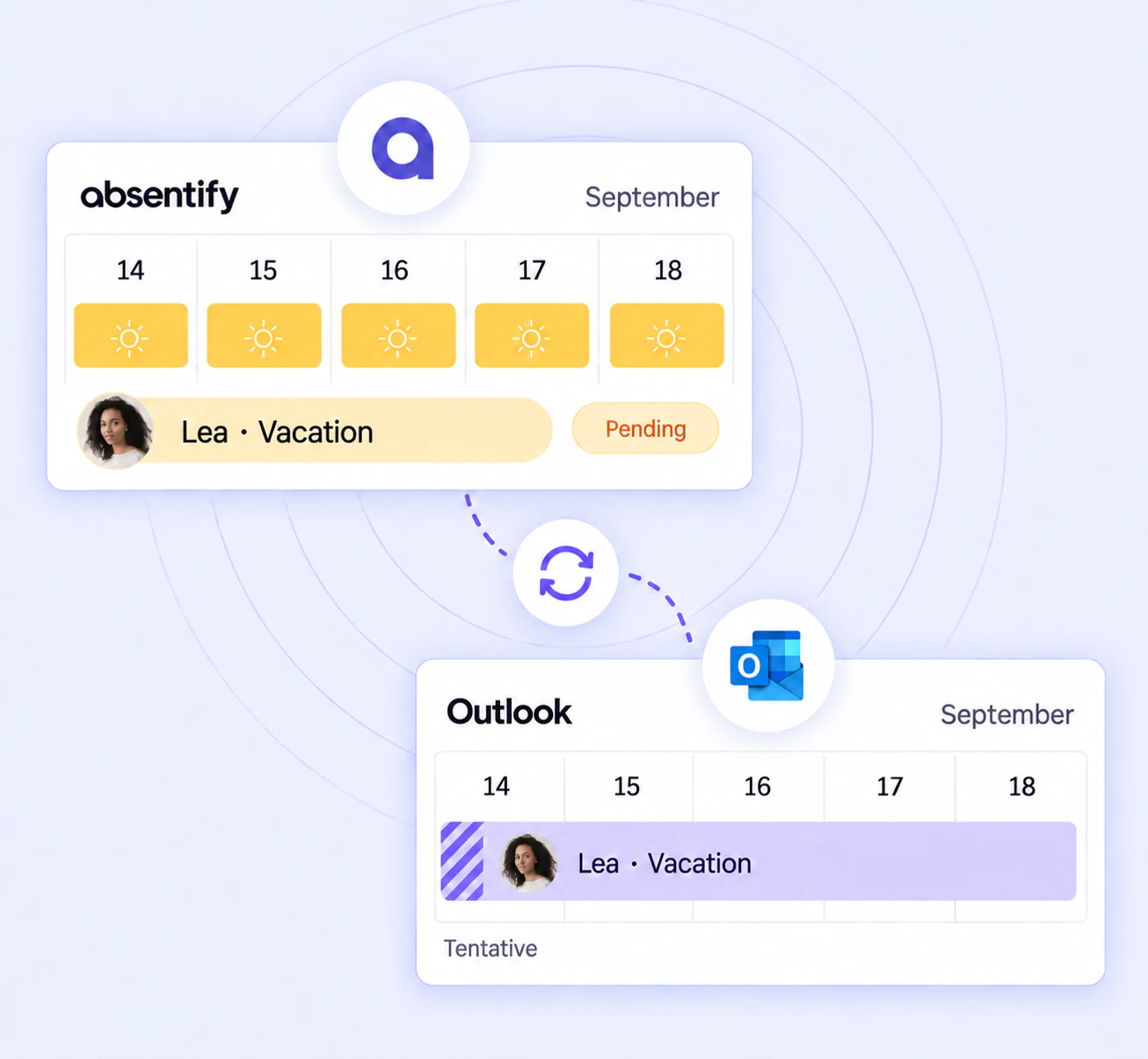
Company-wide out-of-office messages
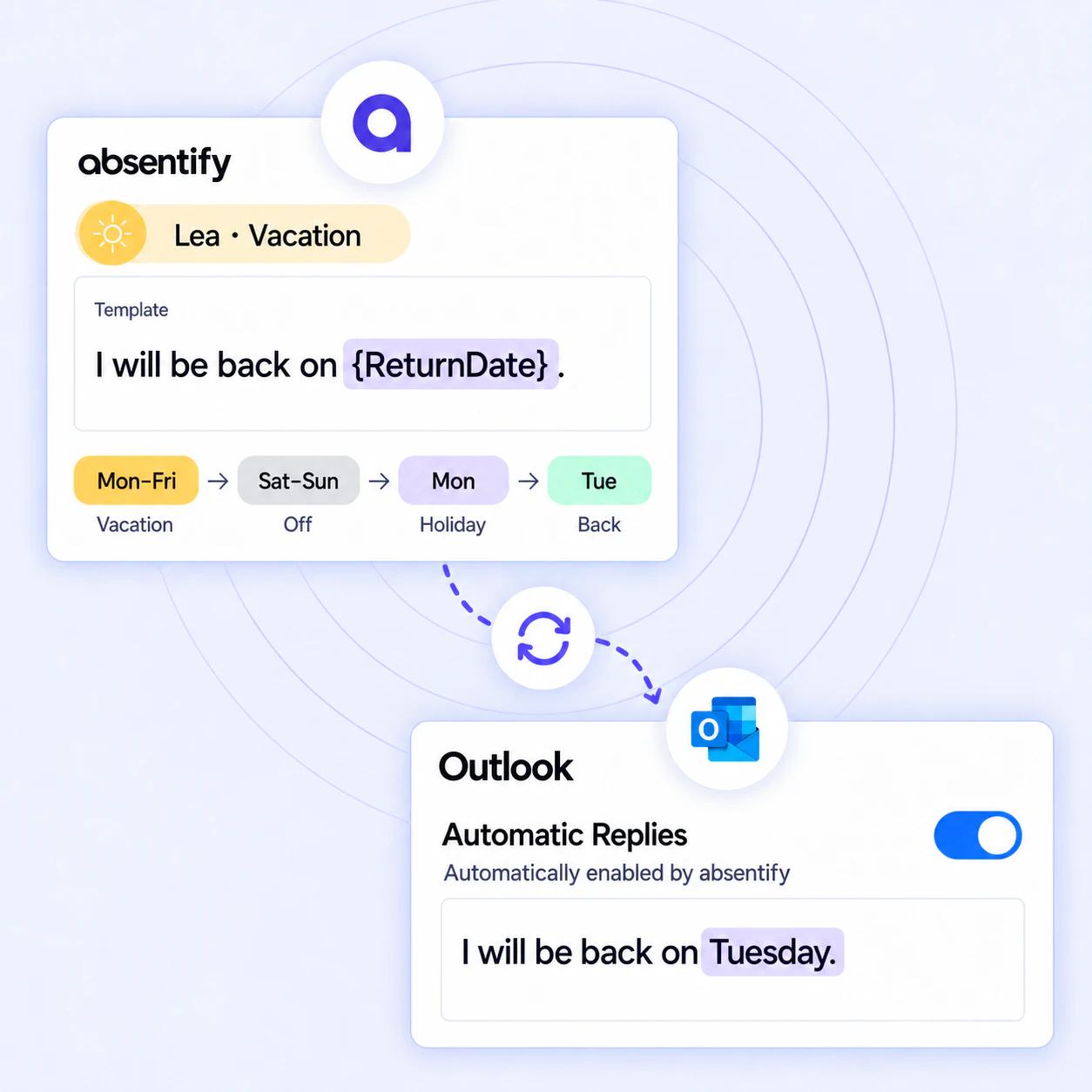
Manage central templates for automatic Outlook replies on the Plus plan. Placeholders can add dates and representatives, and the scheduled Outlook reply is also shown in Microsoft Teams.
Microsoft Entra ID sync
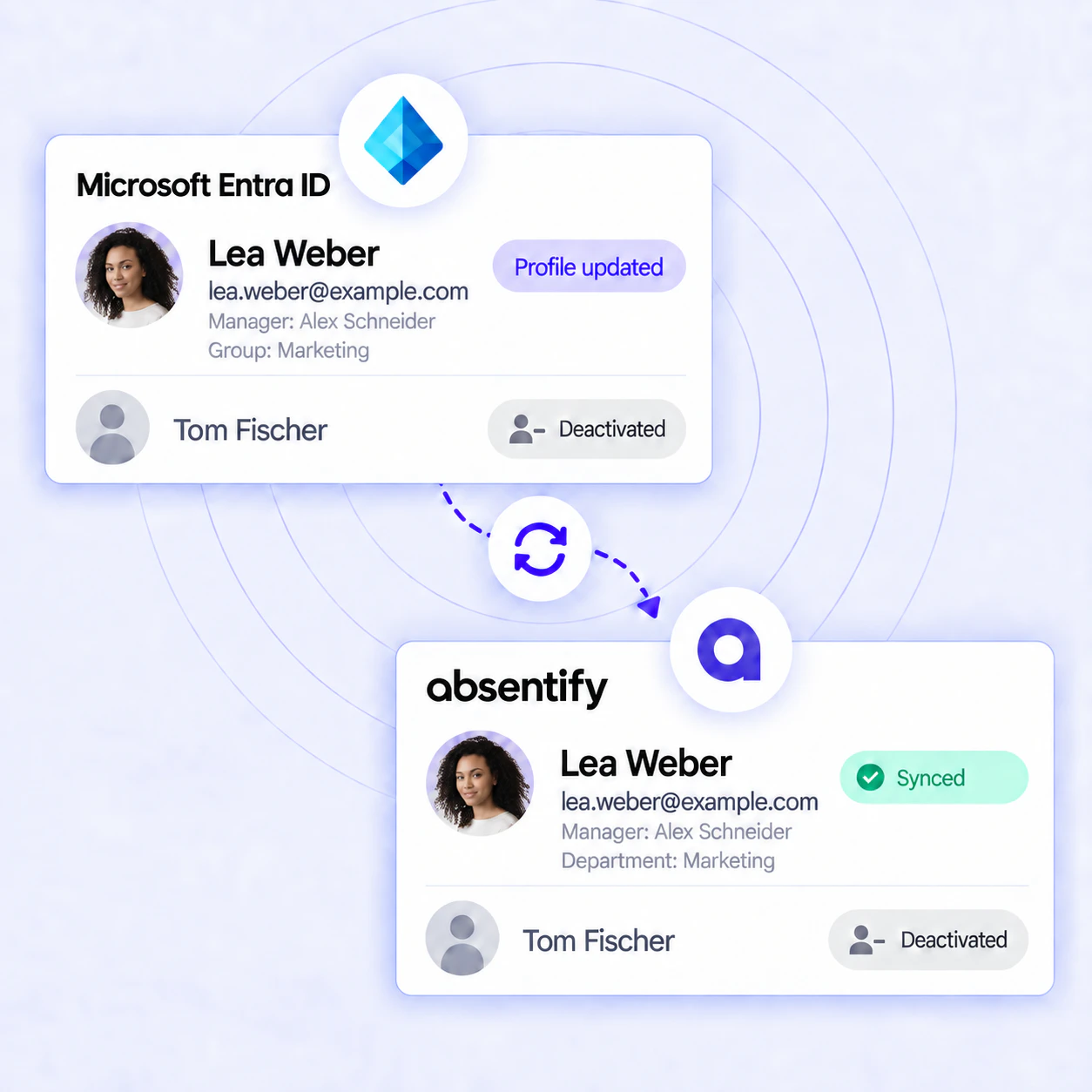
Synchronize selected Entra ID groups with departments. Missing accounts can optionally be created as inactive for an admin to activate. Removed members can optionally be archived if they belong to no other department, including one assigned manually.
Power BI
Import absence data into Power BI on the Plus plan to build dashboards and analyses for vacation statistics, sickness rates and working-from-home use. The supplied connector refreshes manually; direct API access can support scheduled refreshes.
timeghost
Send approved absences from absentify to timeghost as absence time. Matching users, work schedules and time zones ensure that times are assigned correctly.
Custom processes
Extend absentify with webhooks and API keys
Webhooks and API keys let you connect your own systems and processes directly. This keeps absence management low maintenance and routes information where it is needed.
Webhooks
Select events such as requests being created or changing status and users being created or updated. absentify sends JSON to your URL so a chatbot or intranet can trigger follow-up processes. The log shows status, event and attempts and lets you retry a failed delivery manually.
API access with a key
On the Plus plan, use an API key to read absence, user and department data for custom dashboards or HR systems and create or update absences. This supports tailored reports for Excel or BI tools and imports.
Setup
Set up absentify integrations in 3 steps:
Connect absentify to the services your team already uses.
1
Choose an integration
Choose the integration in the absentify dashboard under Settings › Integrations. Set up company-wide out-of-office messages under Settings › Users › Bulk edit.
2
Grant permission
Sign in with Microsoft or enter an API key, depending on the service.
3
Save and get started
Save and test the integration. Synchronization starts according to its configuration; Power BI connectors are refreshed manually.
Benefits
The benefits of absentify integrations
Low maintenance
Once configured, synchronizations follow their settings and reduce manual upkeep.
Secure
Microsoft sign-in, API keys and targeted permissions protect connections.
Controlled
Depending on the integration, you decide which departments, leave types or events flow to target systems.
Ready to extend
Webhooks and API endpoints connect additional systems to your processes.
Try absentify and see integrations live in your Microsoft 365 setup.

Start for free now
No credit card required – enjoy unlimited access with our free plan. You can upgrade or cancel at any time.
FAQ
absentify integrations – frequently asked questions
Required permissions depend on the integration. For example, company-wide out-of-office messages use MailboxSettings.ReadWrite. A Microsoft 365 administrator grants the documented Microsoft Graph permissions during setup.
For company-wide out-of-office messages, consent is granted separately for each Microsoft 365 tenant. absentify can then use each connection with its approved permissions.
Review the status and logged delivery attempts regularly. You can manually retry failed webhook deliveries in the dashboard and test the integration afterwards.
Connections use TLS 1.2 or higher, and absentify runs on Microsoft Azure in the EU. Permissions and privacy settings determine which information becomes visible in connected target systems.
Yes. Webhook logs show the event, status and delivery attempts and allow a manual retry. Microsoft synchronization logs can be filtered by status, operation and date and include error details.
Limit synchronization to the groups, departments and events you need and observe the connected services' API limits. Test the setup before a large rollout; absentify support can help with specific requirements.