

The 6 best Microsoft Teams integrations
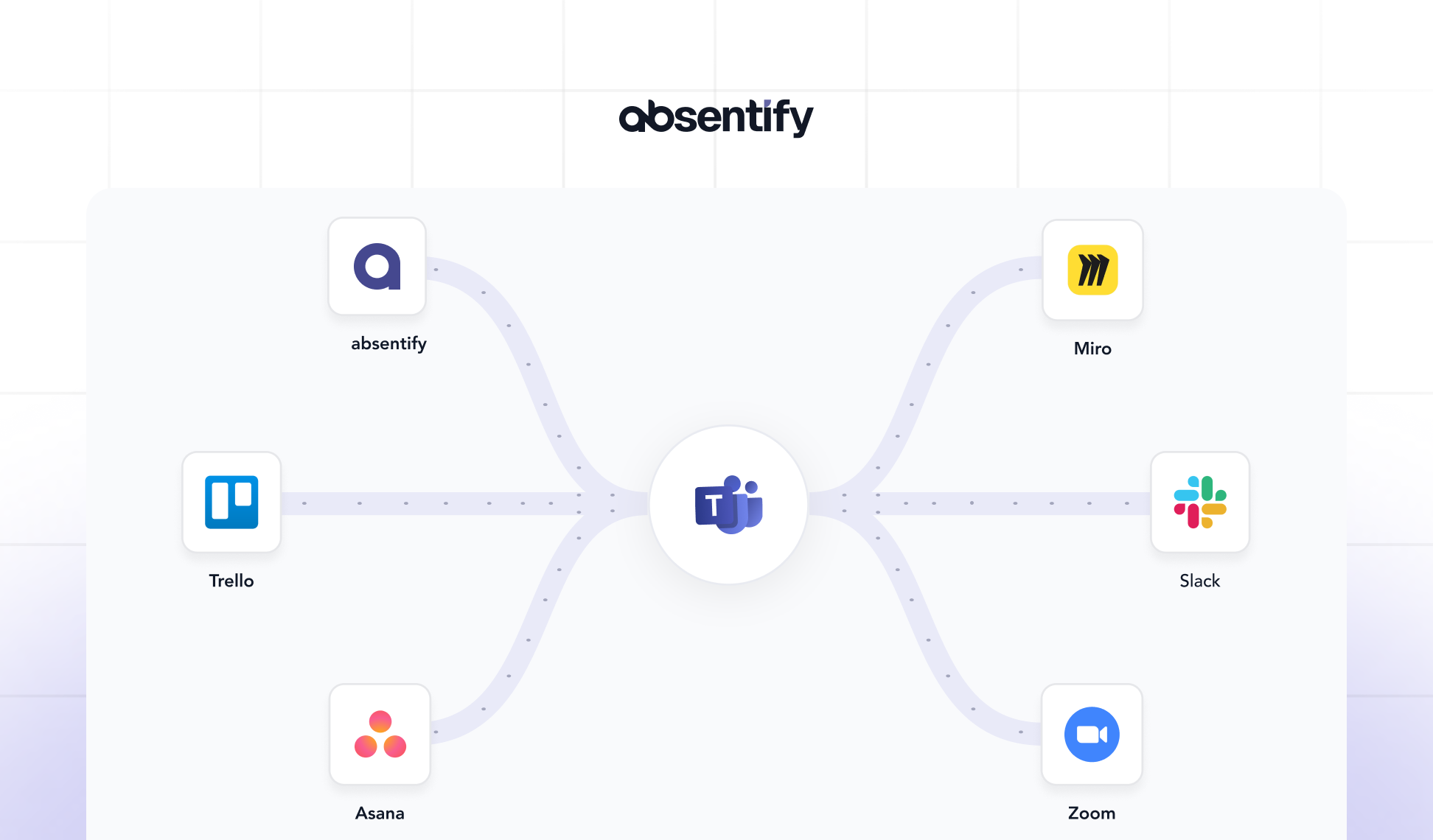
Microsoft Teams has evolved from a chat tool into a comprehensive work platform. With the right integrations, it becomes the central hub for projects, approvals, and collaboration. There are now many integrations available, but which ones do you really need?
Microsoft Teams Integrations: The Essentials at a Glance
-
Microsoft Teams integrations connect communication, tasks, and data directly within the platform.
-
Good Microsoft Teams integrations save time, avoid switching tools, and provide a better overview in the daily work routine.
-
For the DACH market, data protection, hosting within the EU, and secure user management are important for MS Teams integrations.
-
The comparison of the top 6 Microsoft Teams integrations showcases tools from areas such as project management, reporting, signatures, and absence scheduling.
Directly to the best Microsoft Teams integrations
What makes for good team integrations?
-
**Deep Microsoft 365 integration: **Tabs, message extensions, notifications, link previews, and commands right in chats/channels.
-
Data protection in the DACH context: GDPR-compliant processing of orders, transparent data residency, and clear roles/rights.
-
**Admin-Friendliness: **Entra ID-based control, policies, easy deployment in the tenant, reliable support.
-
**Practical benefit: **Fewer tool changes, clear handovers, measurable time savings.
Brief & to the point – what should you pay attention to
-
Link Calendar, Tasks, Files, Status directly and without switching tools in Teams
-
Automated workflows (approvals, notifications, escalations)
-
Check EU/EWR data retention or EU Data Boundary for Microsoft 365
-
Simple rollout via Entra ID and clear guidelines for privacy and access

#1 absentify
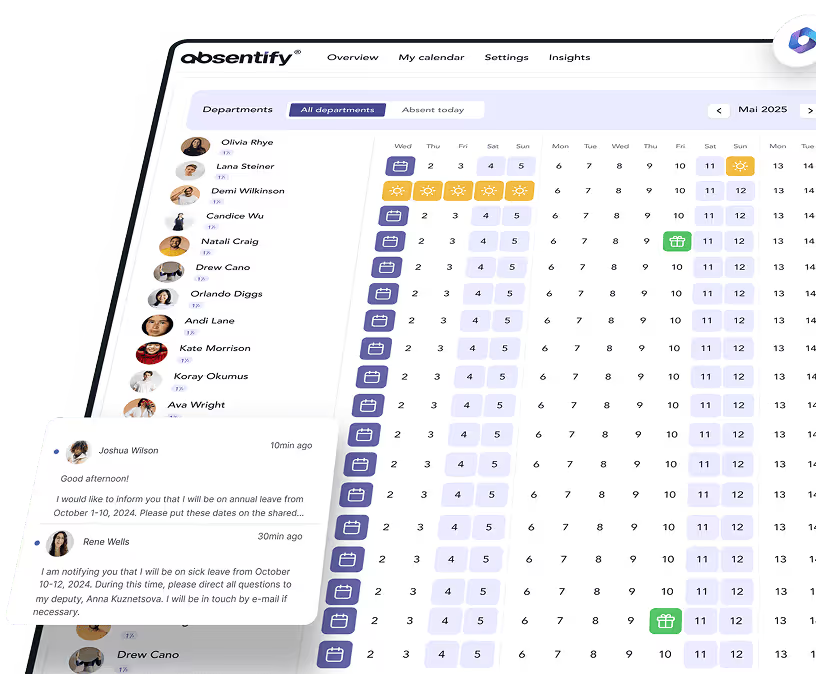
absentify is a solution for leave and absence management fully integrated into Microsoft 365. The app uses Teams as an interface for leave requests, approvals, and calendar synchronization.
absentify strengths
-
Deep Microsoft integration: Synchronization with Outlook, Teams, and SharePoint.
-
Automatic user synchronization via Entra ID.
-
Multi-level approval processes with delegation logic.
-
GDPR-compliant data processing within the Microsoft Cloud.
Functions
-
Management of vacation, sickness, home office, and special absences.
-
Approval processes in teams.
-
Automatic out-of-office replies.
-
Live dashboards and conflict verification.
absentify Plans & Pricing
| Plan | Price per user/month¹ | Departments | Main functions |
|---|---|---|---|
| Free | Free of charge | 2 | Basic absences, Outlook calendar, Teams app |
| Mini | 1 € / user | 4 | Additional types of absence, 5 Power Automate connectors |
| Essentials (popular) | 2 € / user | 8 | 8 Multi-level workflows, unlimited connectors, webhooks |
| More | 3.50 € / user | unlimited | API support, white-label, prioritized support |
¹Prices excl. taxes.
#2 Trello for Microsoft Teams
Trello is a project management tool that combines task management with team communication capabilities and enables visual planning directly in the chat.
Trello Strengths
-
Clear board display within teams.
-
Direct card management without switching apps.
-
Integration with Outlook; connections to Microsoft Planner possible through third-party or Power Automate.
-
Customizable automations via Butler rules.
Functions (Selection)
-
Task boards with drag-and-drop.
-
Checklists, labels, and due dates.
-
Real-time team notifications.
-
Power-Ups for calendar or time tracking.
Trello Plans & Pricing
-
Free: permanently usable; limited to 10 employees
-
**Standard: **$5 per user/month
-
Premium: $10 per user/month
-
Enterprise: $17.50 per user/month
#3 Asana
Asana is a cloud-based tool for task and project management. The Teams integration allows for the creation and management of projects directly from chats or meetings.
Strengthen Asana
-
Task creation via chat command or tab.
-
Synchronization of status updates between Teams and Asana.
-
Advanced reporting options for team leaders.
-
Flexible workflow design with templates and rules.
Functions (Selection)
-
Tasks, projects, and goals with deadlines.
-
Notifications in Teams channels.
-
Automatic status updates.
-
Integration with Microsoft 365 Calendar.
Asana Plans & Pricing
-
Personal: permanently free to use
-
**Starter: **$10.99 per user/month
-
Advanced: $24.99 per user/month
-
Enterprise: Price upon request
#4 Miro
Miro is a visual collaboration platform that helps teams with brainstorming and planning. Through integration with Microsoft Teams, whiteboards can be used directly as a tab, meeting board, or chat extension.
Miro Strengths
-
Deep integration into Microsoft Teams: Boards can be embedded as tabs or meeting boards.
-
EU data residency with hosting in Ireland; additional regional storage options within the EU are available for enterprise customers.
-
Role and rights management for team access, including audit functions.
-
Extensive template library and add-ons for various scenarios.
Functions
-
Collaborative work in real-time.
-
Comment, tag, and mention from MS Teams.
-
Access to existing Miro templates and integrations with Microsoft 365 apps.
-
Rights management for team members and guests.
Miro Plans & Pricing
-
Free: permanently usable; limited active boards
-
**Starter: **$8 per user/month
-
Business: 16 € per user/month
-
Enterprise: Price on request (from 30 members)
Miro offers a 14-day trial period for the Business plan, while Free is without a time limit.

Start for free now
No credit card required—enjoy unlimited access with our free plan. You can upgrade or cancel anytime.
#5 Slack
Slack is a collaboration platform for channels, chat, audio/video, and workflows. Through the official 'Microsoft Teams Calls' app, Slack connects with Microsoft Teams, allowing users to start or join Teams meetings directly from Slack.
Strengths
-
Start Teams calls from Slack with a click or slash command.
-
Join Teams meetings directly from Slack notifications (e.g., Outlook Calendar).
-
GDPR-compliant use with contract processing.
-
Granular policies, SSO/SCIM, audit logs, and eDiscovery (depending on the plan).
Functions
-
Teams-calls and Teams can be set as the default call providers in Slack.
-
Participant overview before joining, meeting updates as channel/DM notifications.
-
Outlook Calendar App in Slack: Scheduling, reminders, direct join to Teams.
-
Role/rights management, guest access, workflow automations.
Slack Plans & Pricing
-
Free: Basic features (90-day limit for message and file history)
-
Pro: $6.75 per user/month
-
Business+: $15 per user/month
-
Enterprise+: Price upon request
#6 Zoom
Zoom is a video conferencing platform and can be integrated directly into Microsoft Teams through an official app. This allows meetings, phone calls, or chat functions to be initiated directly from Teams.
Zoom Strengths
-
Direct start, joining, and scheduling of Zoom meetings in Teams channels and chats.
-
Integration of Zoom Phone for calls, voicemail, and queues.
-
Data residency option for paid accounts, where selected data such as recordings and chats are stored within the EU.
-
Compatibility between Zoom Rooms and Microsoft Teams meetings.
Functions (Selection)
-
Plan and start meetings from within Teams.
-
@Zoom commands for creating spontaneous meetings in chats.
-
Make phone and video calls directly through Zoom Phone.
-
Storage of recordings and transcripts within the EU (depending on the rate).
Zoom Plans & Pricing
-
Basic (free): Group calls limited to 40 minutes.
-
Pro: €12.49 per user/month
-
Business: €17.49 per user/month
Numerous additional integrations such as 'Custom Avatar' or 'Zoom Webinars' can be booked for an additional fee.
Here's how to find the best Microsoft Teams integration
Depending on the team structure and scenario, the benefits and effort of an integration can vary significantly. The following criteria will help in your selection:
| Growth and scaling | Privacy and Security | Depth of integration | practical benefit |
|---|---|---|---|
| Make sure that integrations scale with your number of users and amount of data. Cloud-based systems offer clear advantages here. | For the DACH market, GDPR compliance is important. Check server location, encryption, and authorization models. | Good apps access Teams features without requiring you to maintain data twice. APIs or Entra ID integrations are a plus. | Only integrations that simplify processes or save time create real added value. Testing phases help to assess everyday usability. |
Further tips:
-
Choose integrations that fit your long-term IT infrastructure and security strategy and can adapt to increasing needs.
-
Test new tools first to realistically assess features, stability, and user acceptance.
-
Pay attention to transparent pricing models and ensure that support and documentation are available in German.
-
Incorporate data protection and governance early on so that processes and access rights are properly regulated from the start.
Is absentify the right Microsoft Teams integration for you?
Are you looking for a tool that integrates seamlessly into Microsoft 365 and directly reflects absences in Teams? Then try in your personal demo how, with absentify, you can manage holiday planning, substitutions, and approvals in your existing work environment – without additional tools or manual maintenance.
Would you like to simplify your absence management?
- No credit card required
- Unlimited free access
- Upgrade or cancel anytime
Microsoft Teams Integrations – Frequently Asked Questions and Answers
About the author

Anna Keller
Content manager at absentify
As a blog author at absentify, Anna Keller explains how companies can efficiently manage absences, vacations, and working hours. In her articles, she combines HR practice with Microsoft 365 tips for Outlook and Teams and provides templates, step-by-step instructions, and software comparisons for modern, digital processes.
Share article
More interesting articles
Reducing overtime: rights, duties and the process for employers and teams
Reducing overtime means offsetting accumulated extra hours with time off or payment. Under German employment law, the six calendar months or 24 weeks specified in the German Working Time Act apply solely to offsetting an extended working day against the statutory eight-hour average. Employment contracts, works agreements or collective agreements determine how an overtime balance can be reduced. Where these rules permit time off in lieu, the employer determines its timing and process within the scope of their right to give instructions.
Anna Keller
Content manager at absentify
When does unused leave expire? Deadlines and exceptions that determine your entitlement
Under German law, unused leave expires only under certain conditions: entitlement generally lapses on 31 December, or after the carryover period on 31 March, only if your employer has given you timely and specific notice of the impending expiry and you still do not take the leave. An exception applies in cases of continuous illness.
Anna Keller
Content manager at absentify
Employee Self Service (ESS): Definition, Features, and Benefits for Leave and Absence Management
Employee Self Service (ESS) gives employees access to manage their personal data, leave requests, or absences themselves without coordinating every step with HR. The term originally comes from SAP HR modules and has become an umbrella term for self-service features in human resources. Its benefits are particularly clear in leave and absence management.
Anna Keller
Content manager at absentify