

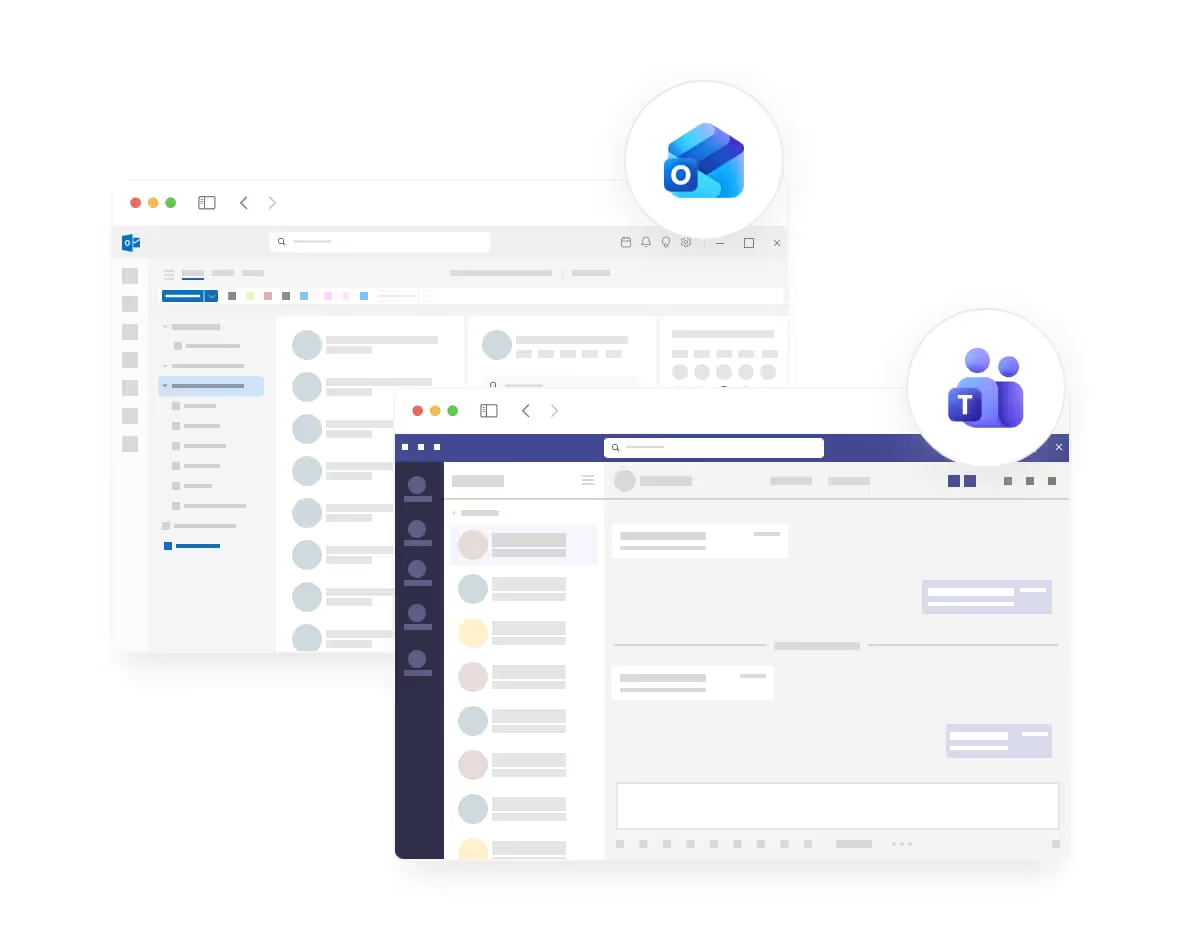
No installation required – absentify appears automatically where your employees work.
The absentify app is directly integrated into Microsoft Teams and Outlook. IT admins deploy the app centrally – employees find it automatically in their familiar work environment. No app store, no downloads, no manual installation.
Used by 30,000+ companies worldwide

















Microsoft 365 integration at a glance

Everything synced in Microsoft 365
Login with Microsoft account

Users & groups synchronized

Calendar always automatically up to date
Manage absences in Teams
Secure, compliant, and maintenance-free
Why Microsoft integration is crucial
absentify is fully integrated into Microsoft Teams and Outlook. This means: No downloads, no updates, no manual setup. Employees use absentify where they already work – in chat, in the calendar, and in daily team communication.

Rolled out centrally
IT distributes absentify with just a few clicks for the entire organization.

Automatically for new employees
As soon as they log in, absentify appears in Teams & Outlook.

Available everywhere
Desktop, Mobile, Outlook Web, SharePoint, usable everywhere.

Visible to your team, no installation required
absentify is embedded directly in Teams and Outlook. Whether on a desktop, in a browser, or on a smartphone, employees can access absentify at any time without any additional setup steps.
Rolled out by IT. Immediately available to everyone.
Admins approve the app in the Microsoft Teams Admin Center and select which users or departments should receive it. Optionally, absentify can even be pinned to the Teams sidebar so that all employees can see the app immediately.
- Automatic activation & deactivation
- Return date is calculated correctly
- Changes are applied immediately

Teams, Outlook, Mobile: always the same app
absentify is natively integrated into Microsoft 365. Whether in Microsoft Teams, Outlook, or SharePoint, the app works identically everywhere, synchronizes automatically, and requires no separate installation or updates.
- Rollout for the entire company or specific teams
- App automatically visible in Teams
- Optional: Pin to the Teams sidebar
Your own app: Name, icon, and colors
With the Plus Plan, absentify can be fully branded: your own app name, your own icon, custom colors, and branded welcome emails. For employees, absentify looks like an internal company tool rather than external software.
- Your own app name & logo
- White label without absentify branding
- 11 languages for welcome emails
Why absentify? The comparison shows the difference.
| Feature | Other solutions | |
|---|---|---|
Automatic Sync | Fully automatic | Often manual or semi-automatic |
Shared Calendars | Yes, unlimited | Usually unavailable |
Teams Group Calendar | Native integration | Rarely available |
Status Synchronization | Intelligent mapping | Mostly just "Absent" |
iCal Export | Yes, for all calendar apps | Restricted |
Real-time Updates | Within seconds | Often delayed |
Configurability | Highly customizable | Limited options |
GDPR compliant | Made in Switzerland | Not always |
Discover more features
Here you will find concise answers to frequently asked questions about usage, security, and features.


Answers to the most important questions
Here you can find concise answers to common questions about usage, security and functions.

Do you still have unanswered questions or do you have special requirements?
Your vacation and absence planning, fully integrated with Microsoft 365


100% Microsoft 365 integrated
directly in Teams, Outlook & Entra ID
GDPR & ISO 27001 certified
certified safety
Rollout in hours, not weeks
without IT implementation
230,000+ active users worldwide
for HR, IT, management and more