

Vacation planner for team coordination in Microsoft 365
Plan leave as a team and check which absences are already scheduled before approving a request!
Compare leave requests directly with team planning
Identify overlaps before approval
Automatically add approved leave to Outlook


Used by 30,000+ companies worldwide



















From a leave request to a coordinated vacation plan
absentify shows planned absences where new leave periods are reviewed. This lets employees and managers see early on when there are already overlaps in the team. The vacation plan is built on shared information rather than separate calendars and arrangements.
The vacation planner follows every request through to the calendar
Check team leave before submitting a request
Employees see their available leave days and planned team absences before requesting a new period. This helps them identify inconvenient overlaps while planning their own leave.


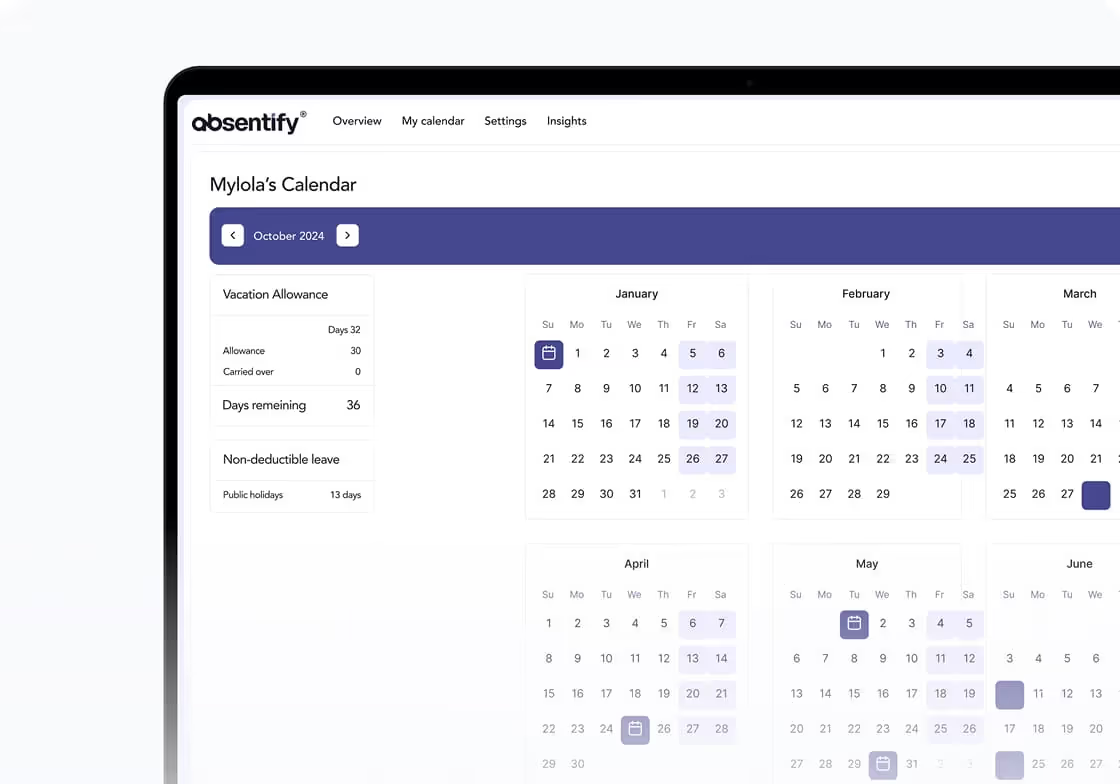
Review approvals with team context
When reviewing a request, managers see which absences are already planned during the requested period. Configured minimum staffing rules help with the review before leave is approved.


Automatically add approved days
After approval, leave is reflected in the shared data. Outlook calendar synchronization adds approved absences to the designated calendars without having to enter the period again.

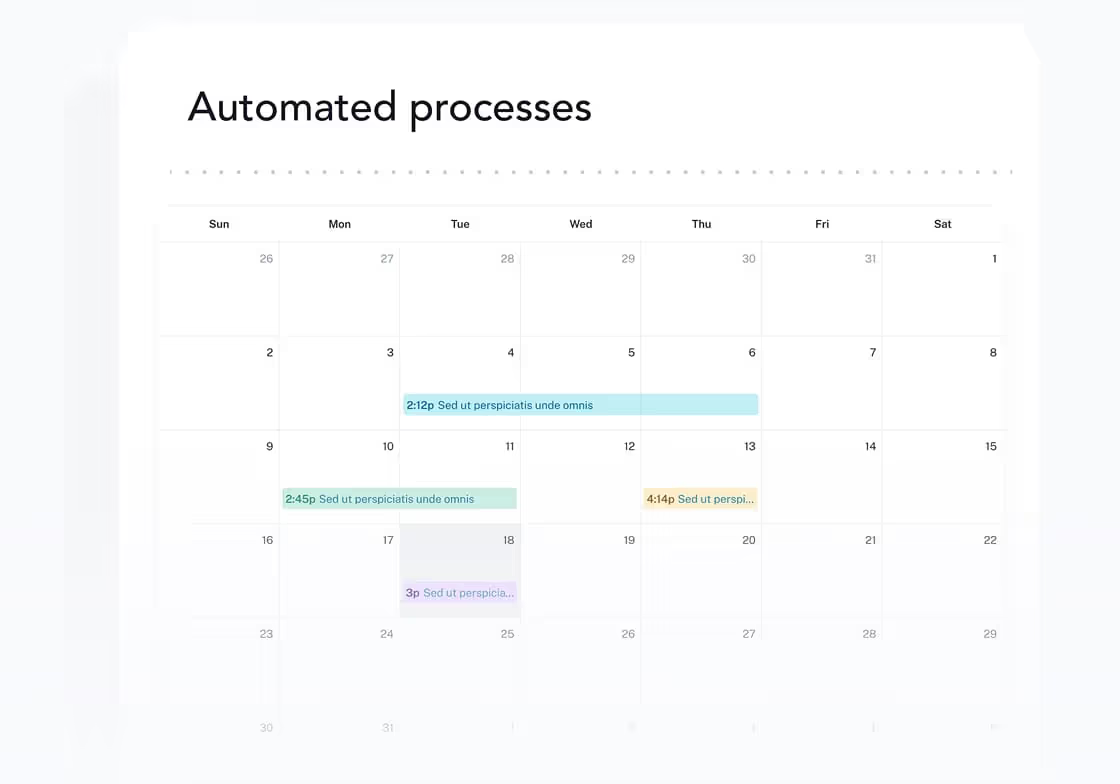
Vacation planning without scattered lists and arrangements
Use absentify with any number of employees through Microsoft 365 or in your browser. Everyone accesses the same leave information and can use the vacation planner where they already work.
Without absentify
- Gather leave requests from emails
- Ask about remaining leave before planning
- Search spreadsheets for overlaps
- Manually add approved leave to the calendar
- Maintain employee data in multiple places
How vacation planning changes as your team grows

Start-ups and small teams
Use a shared vacation plan so coordination does not happen across scattered channels.
Before approving, check whether other colleagues in the team are already away during the requested period.
View remaining leave and planned absences without having to ask HR for the current status.
Agencies
Coordinate absences with ongoing client projects so important dates stay covered despite leave.
Identify overlaps in key project roles early, before several key people are away at the same time.
Keep approved leave visible in the team calendar so project teams plan with the same information.

Mid-sized businesses
Plan leave across multiple departments and identify where absences overlap.
Consider minimum staffing levels when reviewing requests before approving another team absence.
Assign approvals by department so new requests go directly to the responsible person.

Large and international companies
Bring vacation planning across multiple locations together so teams do not work with separate overviews.
Account for regional public holidays so leave allowances match each employee's location.
Control access by department and role so authorized people see the information they need.
Nonprofits and public organizations
Plan leave jointly across different areas without maintaining separate lists for every team.
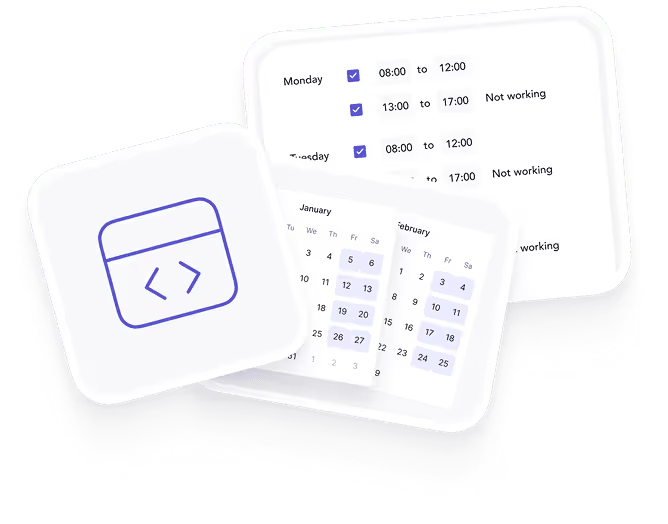
Account for public holidays and working schedules so leave days are calculated to match each employment arrangement.
Make team absences visible so those responsible can plan cover and required staffing earlier.
Set up absentify as your vacation planner
Set up absentify in a few steps and start planning your leave right away!

1. Sign in with Microsoft
2. Set up your team and leave rules
3. Start planning leave

absentify is wherever you are
Simply connect absentify with your tools to unify leave planning across your company.