

The 5 Best timeout App Alternatives 2026
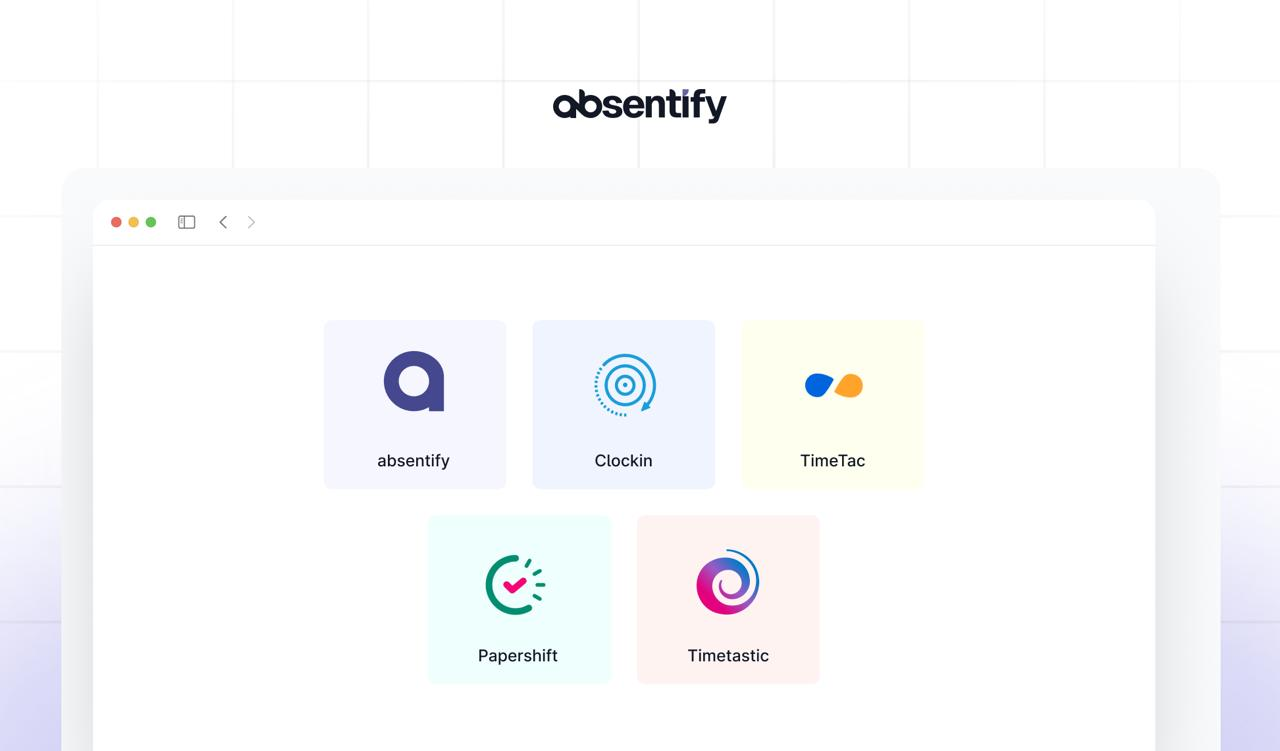
Many teams rely on the Timeout app to plan breaks and structure working hours. However, as business needs evolve, it can be worth exploring other tools. If you're looking for a timeout app alternative, here's an overview of five comparable tools with a similar range of features.
Alternatives to timeout: Key Points in Brief
- A timeout app alternative should combine absence management, time tracking, and approval workflows in one system, with synchronization to Microsoft Teams and Outlook.
- Decision-makers should compare licensing costs and potential add-on fees to ensure long-term budget predictability.
- Data privacy matters, as working time data contains sensitive information and should be encrypted and GDPR-compliant.
- Tools vary significantly in integrations, workflows, and usability, so trial periods should be used to find the best fit for your team.
Jump to the timeout app alternatives
Key Decision Criteria When Choosing the Best timeout App Alternative
Before selecting a timeout app alternative, it's worth clearly defining your own requirements. Only then can you find a tool that matches how your team actually works. These factors will help guide your decision:
Feature Set
Consider whether you simply need a basic break reminder or whether time tracking, reports, and team features are also important.
Usability
The interface should be intuitive so that new team members can get started without lengthy onboarding.
Pricing Model
Compare license costs, available free tiers, and scaling options for teams. Also watch out for hidden fees for add-ons or extensions.
Integrations
Check whether your timeout app alternative covers integrations with calendars, communication tools, or project management platforms, so working hours don't need to be maintained in multiple places.
Workflows
There are often differences in approval processes, ranging from simple sign-offs to multi-level workflows with deputy and escalation rules.
Data Privacy
Especially when dealing with working time data, GDPR-compliant storage is essential. Check where your data is hosted and who has access.

At a Glance – What Should You Look for in a timeout App Alternative?
If you're searching for a timeout app alternative, look for features that go beyond simple timers and cover the full scope of daily work:
- Customizable break and time tracking: Some tools are limited to timers, while others also record working hours, overtime, and different break types.
- Calendar integration: Check whether the timeout alternative enables deployment in Microsoft Teams and Outlook, so absences and breaks automatically appear in your calendar.
- Approval workflows: Depending on the provider, options range from simple approvals to multi-level processes with deputy arrangements for comprehensive absence management.
- Automatic synchronization: Consider whether real-time sync between calendars and Teams status updates matters to you, or whether manual adjustments are sufficient.
- GDPR-compliant data storage: Determine whether data is hosted in compliance with GDPR within the EU, and whether clear role and permission models are available for access control.
- Employee self-service: Consider whether employees should be able to submit absence requests independently, or whether centralized entries are sufficient.
- Transparent pricing models: Some providers offer transparent licensing models, while others charge additional fees for integrations or core features.
#1 absentify
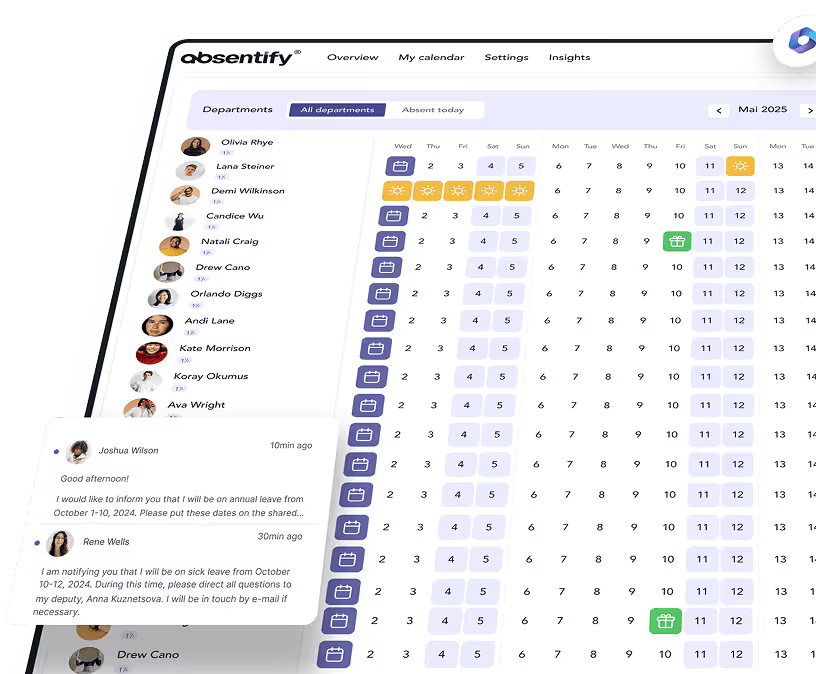
absentify is a Microsoft 365-native tool that integrates directly into Teams, Outlook, and SharePoint. It allows you to manage absences, shifts, and leave requests without any additional systems.
absentify Strengths
- Automatic user sync via Entra ID: No manual imports or CSV uploads required.
- Multi-level approval workflows: Department heads, HR, and deputies can be directly involved.
- Deep Microsoft 365 integration: Synchronization with Outlook calendars, Teams status updates, and SharePoint lists.
- Data privacy compliance: Storage within the Microsoft 365 environment, fully GDPR-compliant.
Functions (Selection)
- Management of vacation, sickness, home office, and special absences
- Configurable workflows with deputy and escalation levels
- Automatic out-of-office messages via Microsoft Graph API
- Live dashboard in Teams and Power BI interface for reports
- Bulk actions for larger teams and conflict checking for overlaps
absentify Plans & Pricing
absentify offers four pricing tiers that scale with your team's size and requirements. A free plan is available to get started.
| Plan | Price per user/month¹ | Departments | Included Features |
|---|---|---|---|
| Free | Free of charge | 2 | Basic absences, Teams app, Outlook sync |
| Mini | €1 | 4 | Additional absence types, 5 Power Automate connectors |
| Essentials | €2 | 8 | Multi-level workflows, unlimited connectors, webhooks |
| Plus | €3.50 | Unlimited | API access, white-label option, prioritized support |
¹ Prices excl. taxes; annual billing recommended (up to 15% discount available).

Start for free now
No credit card required—enjoy unlimited access with our free plan. You can upgrade or cancel anytime.
#2 Clockin
Clockin is a time tracking and absence management software from Germany. The tool allows you to record hours via mobile, terminal, or browser, and connects time tracking with absence management.
Strengths
- Intuitive time tracking via app, terminal, or browser, usable without any technical expertise
- Absences such as vacation and sickness can be recorded directly through the app
- Export functions for payroll, including DATEV integration and digital project files
- Real-time overviews in the office center, including statutory rest periods
Functions (Selection)
- Clock in and out via app, terminal, or browser
- Management of breaks and rest periods
- Submit leave requests and sick notes digitally
- Project time tracking and digital project files
- Automatic exports for payroll
- Mobile web app with checklists and forms
Plans & Pricing
Clockin offers several monthly license packages, tiered by features. A 14-day trial is included with all packages.
| Plan | Price/user/month¹ | Included Features |
|---|---|---|
| Digital Time Clock | €3.99 | Basic time tracking, calendar & absences |
| Project Time Tracking | €6.99 | Incl. project allocation, Lexware integration |
| Time Tracking & Documentation | €9.99 | Plus: checklists, photos, digital project files & signatures |
¹ Prices based on monthly billing.
#3 TimeTac
TimeTac is an Austrian software for time tracking and absence management. It's designed for businesses that want to bundle working hours, leave requests, and project time in a single system.
Strengths
- Time tracking via web, terminal, or app
- Absence management with approval workflows
- Project time tracking for teams and departments
- GDPR-compliant hosting in Europe
Functions (Selection)
- Working time tracking for individuals and teams
- Leave and absence planning with approval workflows
- Project time tracking including hourly rates and reports
- Mobile apps for iOS and Android
- Exports to Excel, CSV, and payroll system integrations
Plans & Pricing
TimeTac offers several modules that can be used individually or combined. A free trial period is available to test all core features.
| Module | Price per user/month¹ | Included Features |
|---|---|---|
| Working Time Tracking | €5.20 | Time entries, clock-in/out, reports |
| Project Time Tracking | €10.10 | Project hours, activities, cost centers, reports |
| Leave Management | €3.20 | Leave and absence planning, approval workflows |
¹ Prices based on monthly billing.
Additional fees:
- Base fee: €21.00 per month (incl. technical operations, updates, support, iOS & Android app usage)
- Annual payment: 2 months free (e.g., €252 instead of €294 base fee)
#4 Papershift
Papershift is a software for shift scheduling, time tracking, and absence management based in Germany. It's suited for businesses that want to combine leave planning and time tracking in one system.
Strengths
- Shift and leave planning in one system: Linking absences with shift schedules.
- GDPR-compliant hosting in Germany: Server located in the DACH region.
- Mobile app: Time tracking and leave requests via smartphone.
- Open interfaces: Export to DATEV, Personio, or payroll systems.
Functions (Selection)
- Leave and absence management with approval workflows
- Shift scheduling with drag-and-drop
- Time tracking via app, terminal, or web
- Reports for time accounts, absences, and capacity utilization
- Payroll interfaces
Plans & Pricing
| Package | Price per user/month¹ | Included Features |
|---|---|---|
| Core | €5 | Time tracking via smartphone/tablet/browser, absence management, digital employee file & profile |
| Premium | €6 | All Core features, shift scheduling, uploads, reporting, analytics & export |
| Professional | €9 | All Premium features, automated shift scheduling, bulk imports/exports, advanced roles & permissions |
¹ Prices based on monthly billing, min. 10 users.
Additional information:
- A monthly base fee of €39 applies (incl. basic customer support).
- Annual subscription with monthly or yearly billing available.
- For smaller teams, there's a Light Demo for up to 10 employees; for larger businesses, custom enterprise plans are available.
#5 Timetastic
Timetastic is a leave planning software from the UK, known primarily for its simplicity and mobile accessibility.
Strengths
- Leave requests via app or web interface
- Integration with Outlook, Google Calendar, and iCal
- Automatic reminders for upcoming absences
- Clear team calendars with color coding
Functions (Selection)
- Leave requests with approval workflows
- Mobile app for iOS and Android
- Synchronization with calendar tools
- Statistics on leave balances and sick notes
- Export functions for reports
Plans & Pricing
Timetastic offers a straightforward pricing model. Both plans can be tested free for 30 days.
| Plan | Price per user/month | Main Features |
|---|---|---|
| Timetastic | USD 1.50 (~€1.40) | Unlimited users & departments, shared calendar, leave overview, approvals, mobile & desktop app |
| Timetastic Pro | USD 2.50 (~€2.30) | All basic features plus: trends & insights, burnout alerts, company-wide reports, extended profiles, integrations (incl. Teams), single sign-on, customizable absence policies |
How to Find Your timeout App Alternative
To find the right timeout app alternative, you should consider factors that matter in the long run:
| Scalability & Stability | Integration & Extensibility | Security & Data Privacy |
|---|---|---|
| Make sure the software scales with your team and performs reliably even with many simultaneous requests. Stable performance is especially critical in larger organizations. | Check how easily the tool connects with Microsoft Teams, Outlook, or other platforms. An API or ready-made integrations ensure you can quickly incorporate future processes. | Since personal data is being processed, GDPR compliance is a must. Encryption, role-based access controls, and regular updates are therefore essential. |
Additional tips:
- Determine in advance how quickly your team is likely to grow and what budget you can realistically allocate.
- Consider how important employee self-service features are for reducing the HR workload.
- Check how well support, documentation, and community resources are available in your region.
- Use trial periods to make sure the usability fits your workflow.
When you keep these points in mind, you'll find an option that simplifies processes, works reliably in daily operations, and scales with your team.
Is absentify the Right timeout App Alternative for You?
If absentify has convinced you, you can book a free demo here. You'll get a firsthand look at the system and see how it can be used for your workflows.
Would you like to simplify your absence management?
- No credit card required
- Unlimited free access
- Upgrade or cancel anytime
timeout App Alternative – Frequently Asked Questions and Answers
About the author

Anna Keller
Content manager at absentify
As a blog author at absentify, Anna Keller explains how companies can efficiently manage absences, vacations, and working hours. In her articles, she combines HR practice with Microsoft 365 tips for Outlook and Teams and provides templates, step-by-step instructions, and software comparisons for modern, digital processes.
Share article
More interesting articles
Reducing overtime: rights, duties and the process for employers and teams
Reducing overtime means offsetting accumulated extra hours with time off or payment. Under German employment law, the six calendar months or 24 weeks specified in the German Working Time Act apply solely to offsetting an extended working day against the statutory eight-hour average. Employment contracts, works agreements or collective agreements determine how an overtime balance can be reduced. Where these rules permit time off in lieu, the employer determines its timing and process within the scope of their right to give instructions.
Anna Keller
Content manager at absentify
When does unused leave expire? Deadlines and exceptions that determine your entitlement
Under German law, unused leave expires only under certain conditions: entitlement generally lapses on 31 December, or after the carryover period on 31 March, only if your employer has given you timely and specific notice of the impending expiry and you still do not take the leave. An exception applies in cases of continuous illness.
Anna Keller
Content manager at absentify
Employee Self Service (ESS): Definition, Features, and Benefits for Leave and Absence Management
Employee Self Service (ESS) gives employees access to manage their personal data, leave requests, or absences themselves without coordinating every step with HR. The term originally comes from SAP HR modules and has become an umbrella term for self-service features in human resources. Its benefits are particularly clear in leave and absence management.
Anna Keller
Content manager at absentify