

Leave management & GDPR: what to know in 2026 | absentify
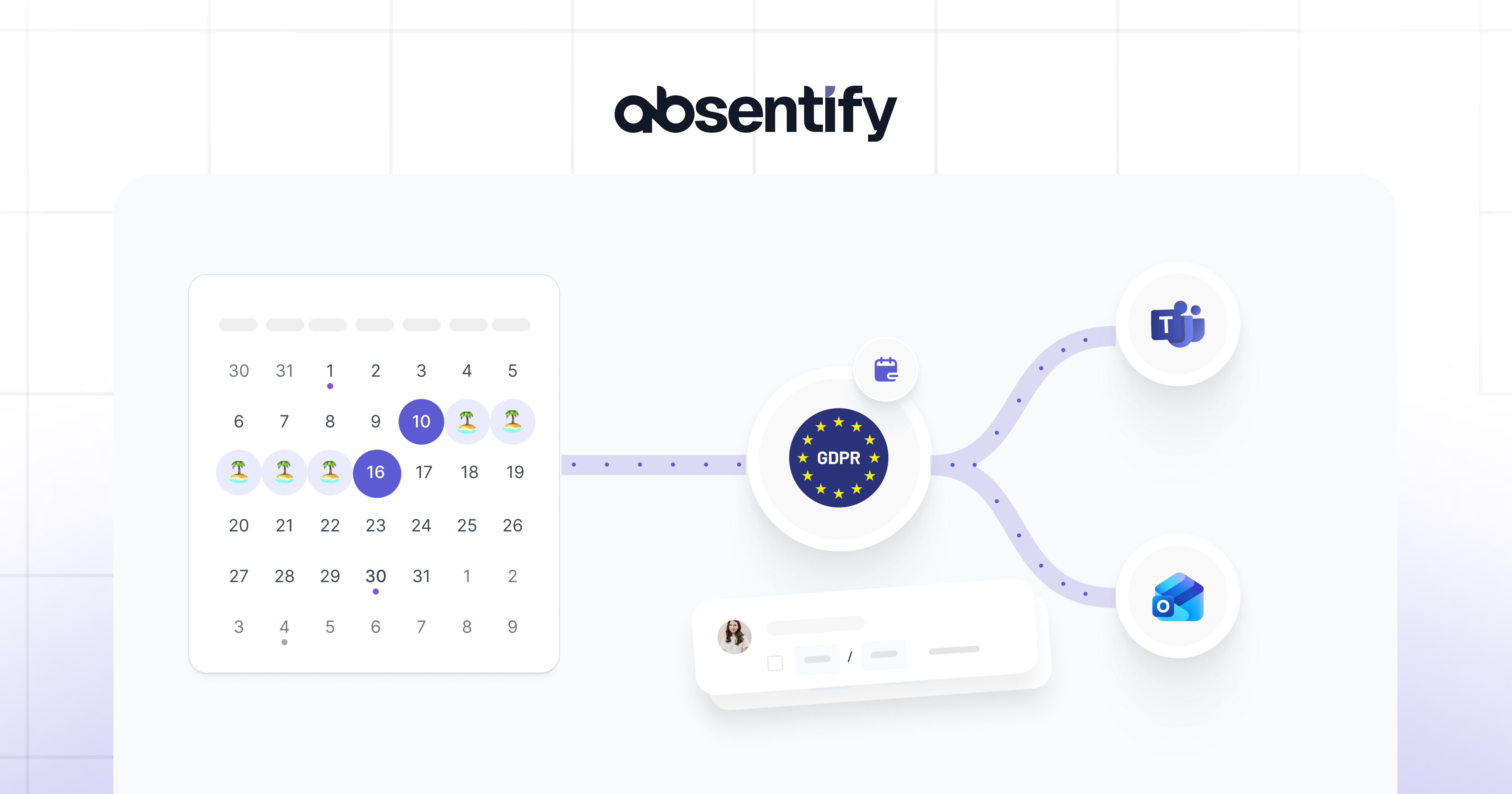
Every employer is responsible for ensuring that leave management complies with the GDPR. Leave requests, remaining holiday balances and absence overviews all contain personal data and fall fully within the scope of data protection law. Where a controller breaches the GDPR, the regulation provides for fines of up to EUR 20 million or 4 % of global annual turnover.
Leave Management and GDPR: The Essentials at a Glance
- Leave data such as the employee's name, absence type, dates and department qualifies as personal data under Article 4 GDPR and is fully covered by data protection law.
- The legal basis for processing is Article 6(1)(b) GDPR (performance of the employment contract). Colleagues only see whether someone is present or absent — the reason stays with HR and the line manager.
- Leave records must be kept for at least three years (general limitation period under English/EU law and §195 of the German Civil Code), after which the erasure obligation under Article 5(1)(e) GDPR applies.
- absentify enforces data protection in leave management automatically: granular visibility rules govern who can see which absence data, directly inside Microsoft 365, with no per-employee maintenance required.
What Makes My Leave Management GDPR-Compliant?
A leave management process is GDPR-compliant when four conditions are met: a clear legal basis, access limited to authorised people, defined retention periods, and a transparent privacy notice for employees. If any of these is missing, the processing may be unlawful.
Which Legal Basis Applies to GDPR-Compliant Leave Requests?
For GDPR-compliant handling of leave requests, the relevant legal basis is generally Article 6(1)(b) GDPR — processing necessary for the performance of the employment contract. Article 6(1)(c) GDPR additionally applies to obligations arising from national working-time and holiday-leave legislation (for example, the UK's Working Time Regulations 1998 or the German Federal Vacation Act, BUrlG).
A separate consent from employees is generally not required. As soon as you share leave data with external service providers — for example a payroll bureau — you do, however, need a data processing agreement (DPA) under Article 28 GDPR.
Who Is Allowed to See Which Leave Data?
Access to leave data should follow the role principle. HR sees all data needed to administer the employment contract; line managers see their team's data for resource planning; colleagues only see whether a teammate is present or absent, without the reason. This tiered model is a direct consequence of the data minimisation principle in Article 5(1)(c) GDPR.
What colleagues should never see:
- the reason for the absence
- the remaining leave balance
- private notes attached to the request.
How Long Must Leave Data Be Retained?
Leave data must be retained for at least three years after the end of the employment relationship. This is derived from the general statute of limitations applicable to employment claims (six years in the UK under the Limitation Act 1980, three years under §195 of the German Civil Code). Only after that period does the erasure obligation under Article 5(1)(e) GDPR kick in. While the employment relationship is ongoing, the retention period extends accordingly.
Where leave data feeds into payroll, additional tax and social-security retention obligations apply — typically up to six years in the UK (HMRC employer record-keeping rules) and up to ten years in many EU jurisdictions.
What Information Must Be Disclosed to Employees?
Under Article 13 GDPR, you must inform employees, when their data is first collected, which leave data you process, for what purpose, on which legal basis and for how long it is stored. This information belongs in the privacy notice attached to the employment contract or onboarding pack.
Employees also have specific rights: access (Article 15), rectification (Article 16), erasure (Article 17) and data portability (Article 20). You should document how employees can exercise these rights in practice.

Why Are Excel Sheets and Open Calendars a GDPR Risk?
Excel spreadsheets (or comparable table formats) and openly shared Outlook calendars rarely meet the GDPR's requirements for leave management. They offer no role-based access controls, no automatic deletion and no record of who viewed what data and when.
- No access control: anyone who can open the file sees the leave data of every employee.
- No change history: modifications cannot be reconstructed afterwards.
- Manual housekeeping: when an employee leaves the company, their data stays in the file indefinitely.
- No automatic deletion once the retention period ends.
Open Outlook calendars add an extra problem: reasons for absence are visible to all colleagues, which — for sickness or parental leave — touches Article 9 GDPR on special-category data. Leave management without technical separation of visibility levels is no longer defensible. Breaches can be sanctioned under Article 83 GDPR with fines of up to EUR 20 million or 4 % of the company's global annual turnover.

Start for free now
No credit card required—enjoy unlimited access with our free plan. You can upgrade or cancel anytime.
How Can Digital Leave Planning Enforce Data Protection Automatically?
A digital leave-planning tool with data protection wired into the configuration lets you grant access rights by role, locks data automatically when employees leave, and creates an audit-proof record of every action.
absentify's absence management integrates directly with Microsoft 365 and reuses the existing permission structures from Entra ID. In practice this means:
- Granular visibility rules: for each absence type, you decide who can see the reason (for example, "sickness" only for HR, "vacation" for the whole team).
- Automatic data revocation: when an employee leaves the organisation and their Microsoft 365 account is deactivated, they automatically lose access to absentify.
- Audit trail: every leave request automatically captures who submitted, viewed and approved it.
- EU hosting on Microsoft Azure: through Microsoft 365, data can be stored in European data centres, removing US Cloud Act exposure.
- No duplicate maintenance: name or email changes from the M365 account are picked up by absentify automatically.
For organisations that already work in Microsoft Teams and Outlook, the digital leave request becomes a natural part of the daily workflow — including its GDPR compliance.
Implementing GDPR-Compliant Leave Management with absentify
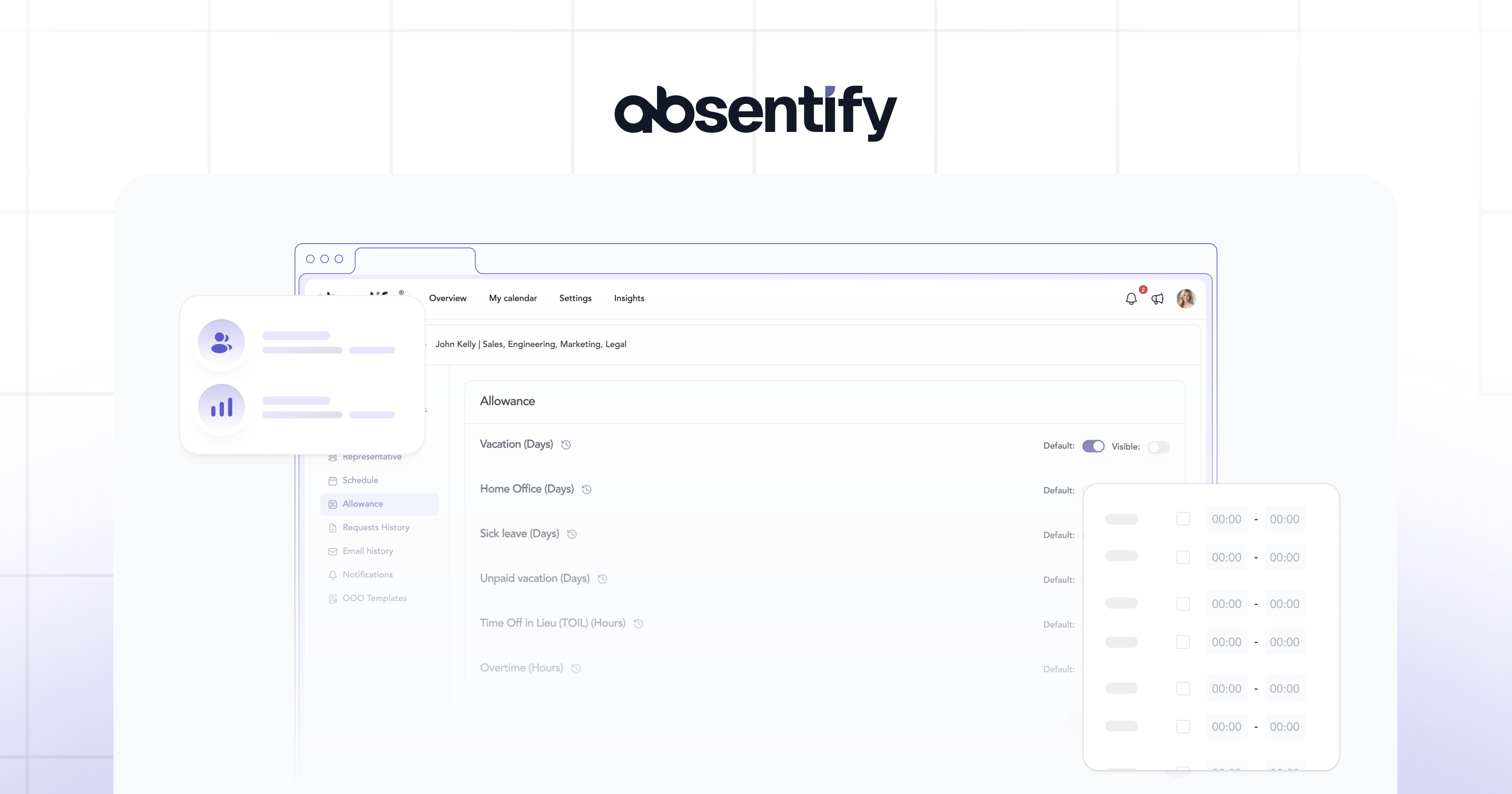
absentify enforces every prerequisite of a GDPR-compliant leave management technically, without you having to build a new IT infrastructure. You install the app straight from the Microsoft Teams Store and you're up and running in three steps.
- 1. Install the app and synchronise the team: absentify syncs employee data automatically through Entra ID. New employees are added automatically; leavers automatically lose access.
- 2. Configure visibility rules per absence type: for each absence type (vacation, sickness, etc.), you define who can see what. Access rights are properly tiered between HR, line managers and colleagues.
- 3. Automation: absence notes are written via the Microsoft Graph API with minimal permissions. absentify only stores the calendar event ID, not its content. Every action — from submission to approval — is logged in an audit-proof archive. Retention periods can be configured at system level so that Article 5(1)(e) GDPR is met automatically.
How absentify keeps your leave management GDPR-compliant in the background:
- EU hosting on Microsoft Azure: all data sits in Azure data centres inside the EU; US Cloud Act exposure is removed.
- End-to-end encryption for all data in transit; application keys are stored in Azure Key Vault.
- ISO 27001 certification and Microsoft 365 App certification as independently audited security and compliance standards.
Run leave management end-to-end GDPR-compliant in Microsoft 365 with absentify
- No credit card required
- Unlimited free access
- Upgrade or cancel anytime
Leave Management and GDPR – Frequently Asked Questions
About the author

Anna Keller
Content manager at absentify
As a blog author at absentify, Anna Keller explains how companies can efficiently manage absences, vacations, and working hours. In her articles, she combines HR practice with Microsoft 365 tips for Outlook and Teams and provides templates, step-by-step instructions, and software comparisons for modern, digital processes.
Share article
More interesting articles
Reducing overtime: rights, duties and the process for employers and teams
Reducing overtime means offsetting accumulated extra hours with time off or payment. Under German employment law, the six calendar months or 24 weeks specified in the German Working Time Act apply solely to offsetting an extended working day against the statutory eight-hour average. Employment contracts, works agreements or collective agreements determine how an overtime balance can be reduced. Where these rules permit time off in lieu, the employer determines its timing and process within the scope of their right to give instructions.
Anna Keller
Content manager at absentify
When does unused leave expire? Deadlines and exceptions that determine your entitlement
Under German law, unused leave expires only under certain conditions: entitlement generally lapses on 31 December, or after the carryover period on 31 March, only if your employer has given you timely and specific notice of the impending expiry and you still do not take the leave. An exception applies in cases of continuous illness.
Anna Keller
Content manager at absentify
Employee Self Service (ESS): Definition, Features, and Benefits for Leave and Absence Management
Employee Self Service (ESS) gives employees access to manage their personal data, leave requests, or absences themselves without coordinating every step with HR. The term originally comes from SAP HR modules and has become an umbrella term for self-service features in human resources. Its benefits are particularly clear in leave and absence management.
Anna Keller
Content manager at absentify