

Vacation management without conflicts + Tips & Software
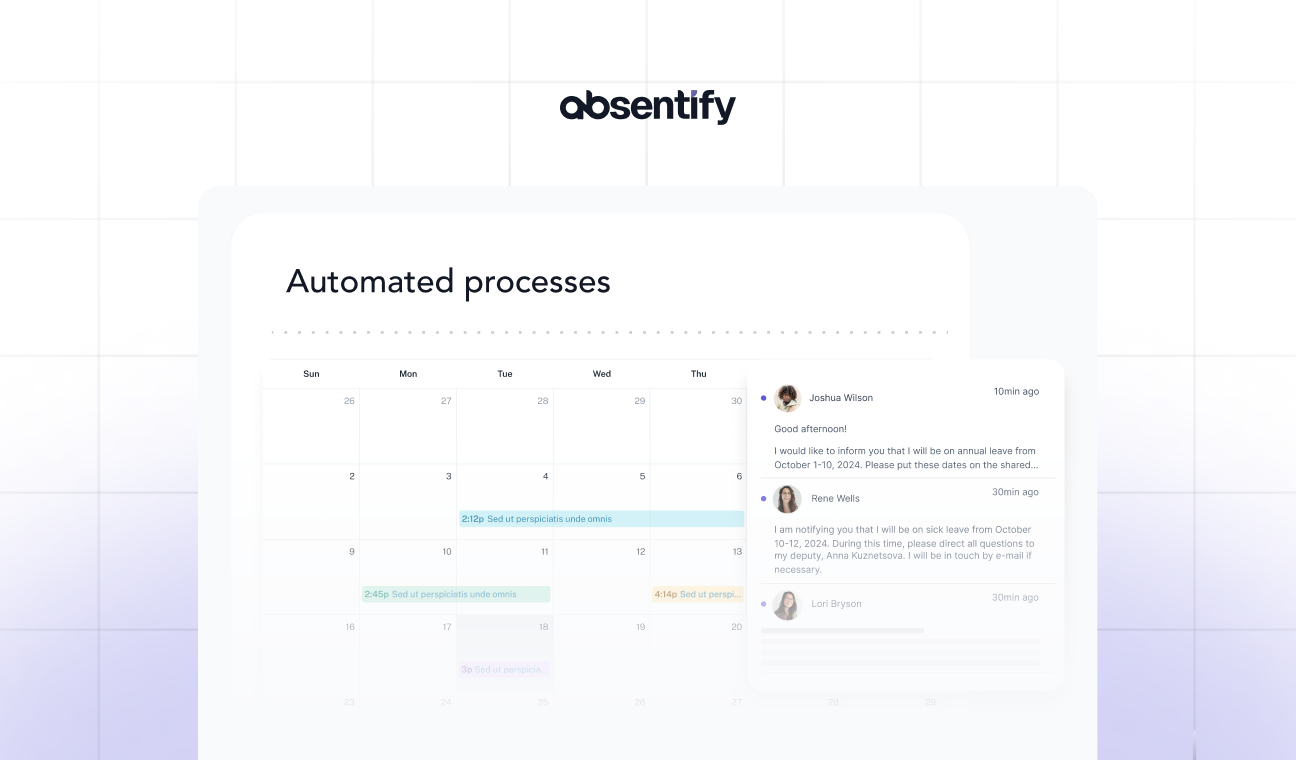
If vacation planning always involves a mess of papers or different versions of the Excel vacation list on multiple computers, it's time for a better vacation management system. In this guide, we will show you what has proven effective in vacation planning, how to reduce the effort, and which tools can help you from now on.
Tips & Best Practices for Managing Your Vacation
To plan the annual leave of the staff as conflict-free and clear as possible, the following points have proven to be the core of vacation management:
Create a clear set of rules
First and foremost, clear rules are needed for managing vacation time: When should vacations be planned or by what deadline? Who approves vacation time? What happens if changes are requested? You should best capture this in a brief guide or manual and make it accessible to everyone.
Transparency for all
Discrepancies often arise from lack of clarity. Everyone on the team should always know how much remaining leave they have, which vacation days have already been approved, and which are still pending review.
At the same time, it is helpful for each team member to know who is on vacation and when. This allows for timely handovers, coverage for absences, and prevents anyone from waiting in vain for urgent contributions that cannot currently be provided.
Delegation instead of Overload
Even in small teams, it can be wise not to handle vacation planning solely through one's own desk. Consider whether your deputy, a team leader, or project manager should take over the vacation planning for colleagues instead.
Ultimately, what should matter to management is not who is on vacation and when, but that the work is completed overall. Trust your team to plan responsibly – you still have the final say.

Software & Tools for reliable vacation management
Managing vacation manually can be stressful even with just a few colleagues. Even after resolving all conflicts regarding bridge days and the best vacation times, usually a few weeks after approval, at least one team member comes with a request for changes.
Managing vacation on paper is usually not feasible, especially due to the effort involved. At the latest when some colleagues are rarely in the office due to home office or field service, the classic vacation calendar is obsolete. A digital alternative is much easier to handle in most cases:
Classic tables (e.g., Excel)
Maintaining a vacation schedule in Excel is quite common. Such a table is quickly created, and there are numerous templates available for free download.
-
Advantages: Free for many (if you already have Microsoft Office) and relatively easy to use.
-
Disadvantages: Over time, tables become quickly cluttered. Multiple people need to be able to access the document simultaneously. Furthermore, an Excel spreadsheet is just as prone to errors as a paper calendar.
Tip: If you're already working with Microsoft365 using Outlook or Teams, you can directly review and approve your employees' leave. [Anchor: Leave management and approval without leaving Outlook/Teams]
Online vacation management
By now, you can find a variety of tools for online vacation management. They stand out due to:
-
**Barrier-free access: **Everyone has access from anywhere, which is especially convenient for remote work.
-
**Current overviews: **Remaining leave balances are always up to date.
The clear disadvantage is that you have to motivate your team and yourself to use another platform consistently. For many, an* additional *tool that needs to be opened separately is more of a burden than a relief.
Tip: With absentify, you can manage leave within Outlook or Teams.
Free vacation management and approval, without leaving Outlook/Teams
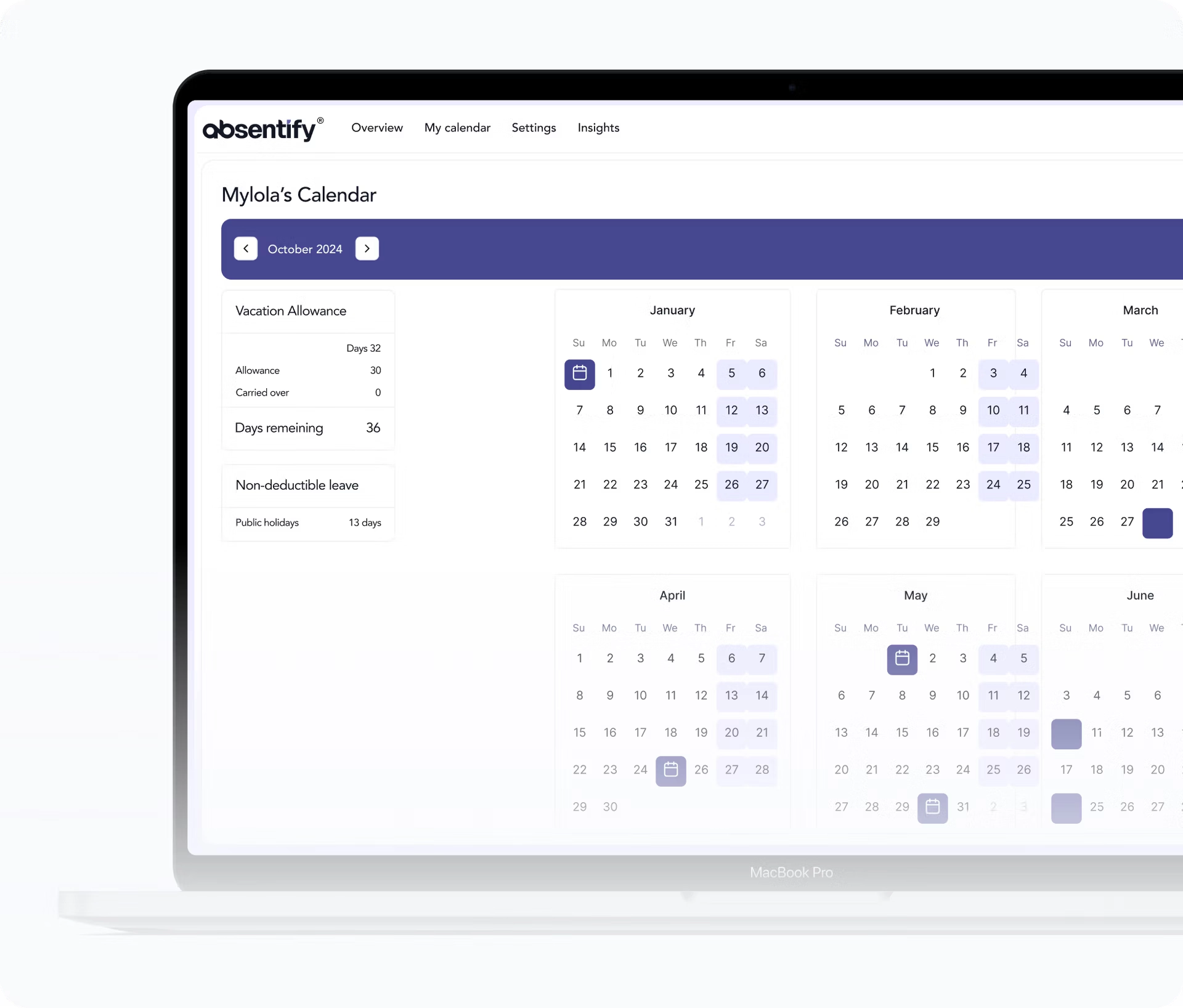
Your entire team can integrate the vacation management tool absentify for free into Microsoft365. This way, everyone can enter their vacation requests and see the entries of others without having to leave Outlook or Teams.
-
After installation, absentify is indistinguishable from the familiar Microsoft interface. Therefore, you are not imposing another platform on your team.
-
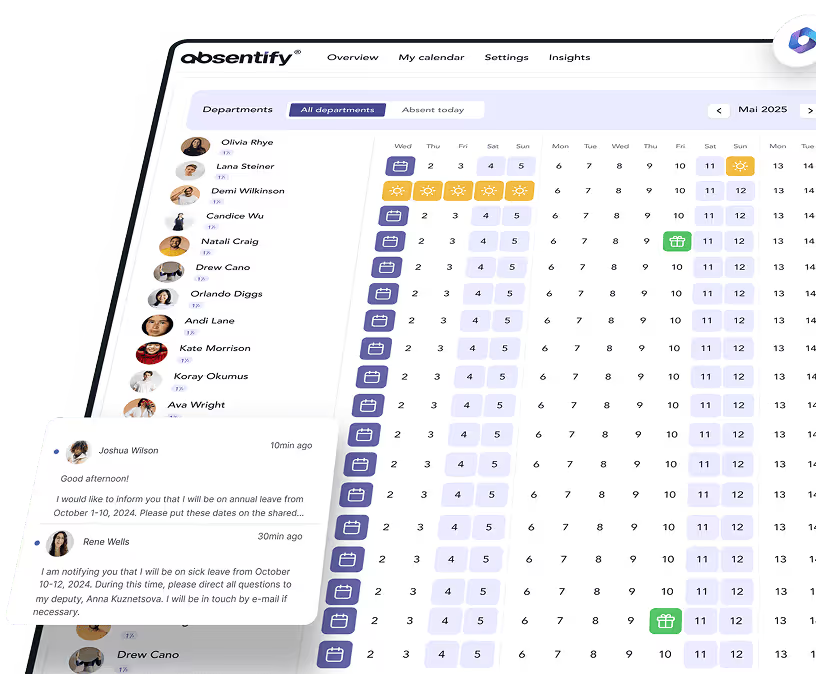
Employees submit their leave requests – the person responsible for approval receives a notification directly.
-
Set a cap on how many employees can be on vacation at the same time
-
Divide the staff into departments, each with its own boundaries
-
receive alerts for vacation request conflicts


Start for free now
No credit card required—enjoy unlimited access with our free plan. You can upgrade or cancel anytime.
Would you like to simplify your absence management?
- No credit card required
- Unlimited free access
- Upgrade or cancel anytime
Vacation Management – Frequently Asked Questions and Answers
About the author

Anna Keller
Content manager at absentify
As a blog author at absentify, Anna Keller explains how companies can efficiently manage absences, vacations, and working hours. In her articles, she combines HR practice with Microsoft 365 tips for Outlook and Teams and provides templates, step-by-step instructions, and software comparisons for modern, digital processes.
Share article
More interesting articles

Reducing overtime: rights, duties and the process for employers and teams
Reducing overtime means offsetting accumulated extra hours with time off or payment. Under German employment law, the six calendar months or 24 weeks specified in the German Working Time Act apply solely to offsetting an extended working day against the statutory eight-hour average. Employment contracts, works agreements or collective agreements determine how an overtime balance can be reduced. Where these rules permit time off in lieu, the employer determines its timing and process within the scope of their right to give instructions.
Anna Keller
Content manager at absentify

When does unused leave expire? Deadlines and exceptions that determine your entitlement
Under German law, unused leave expires only under certain conditions: entitlement generally lapses on 31 December, or after the carryover period on 31 March, only if your employer has given you timely and specific notice of the impending expiry and you still do not take the leave. An exception applies in cases of continuous illness.
Anna Keller
Content manager at absentify

Employee Self Service (ESS): Definition, Features, and Benefits for Leave and Absence Management
Employee Self Service (ESS) gives employees access to manage their personal data, leave requests, or absences themselves without coordinating every step with HR. The term originally comes from SAP HR modules and has become an umbrella term for self-service features in human resources. Its benefits are particularly clear in leave and absence management.
Anna Keller
Content manager at absentify