

Vacation Planner Excel 2026: Free Template Download

Here you will find a free template for your holiday planning in Excel for 2026. Additionally, we will show you how to choose a suitable holiday calendar for your company and simplify the holiday planning in your team significantly.
3 Tips for the Vacation Planner in 2026 in the Company
-
Digital over paper: Forego printed calendars that circulate around the office. Have your team enter their vacation planning directly into the Excel file instead, as a digital vacation planner eliminates several errors that often occurred with manual planning.
-
Accessible to all: The vacation planner should be accessible to the entire team at all times, so that everyone can view the planned absences and coordinate vacation requests more effectively. Therefore, make sure that the Excel file is shared with everyone and that everyone knows where to find it.
-
Using templates: The Excel template is an easy way to get started and you can download it immediately on this page. By the way, vacation planning becomes even easier with a tool where you can directly approve or reject the entered leave.

Vacation Planner 2026: Free Excel Template for Download
Here you can download our free Excel template for 2026. It is already prepared, so you just need to add the names of the employees and the holidays of your federal state.
Template for Vacation Planner (Google)
Holiday Planner Template (Excel)
Important instructions for using the template:
-
Access rights: Ensure that the file is shared with all staff members.
-
Editing mode: Disable protected view to allow editing of entries.
-
Alternative Options: Excel is a good foundation, but there are even more efficient ways. More on this in the next section.

Start for free now
No credit card required—enjoy unlimited access with our free plan. You can upgrade or cancel anytime.
Alternative to vacation planning in Excel: Schedule and approve in Outlook
An Excel spreadsheet is often used as a vacation planner, but there are alternatives in Microsoft365 that are much more suitable. In the Outlook and Teams calendar, vacations can be entered as days of absence. This way, it's clear week by week during the work routine whose vacation is coming up next. There's no need to search for the Excel list again.
Vacation as absence in Microsoft Teams:
-
Status Indicator: Set your status to 'away' to inform colleagues about your vacation.
-
Team calendar: Current vacation days can be made visible in the team calendar.
Out of Office in Microsoft Outlook:
-
Calendar entries: Schedule your vacation for yourself or, with the appropriate permissions, for your colleagues.
-
Out of office messages during vacation: Set up automatic email replies.
When the team members' vacations are scheduled in the calendar, it also allows for a better consideration of other appointments within the company. During team trainings, on trade fair days, or in periods of high workload, as many colleagues as possible should be present.
In other words, it is helpful if one can release vacation quotas for each department for absences. To ensure the allocation of vacation days is fair, careful approval of the planning remains.
The creation of quotas and an approval feature are missing even in Outlook, but both can be added** for free with absentify**.
Complete holiday calendar with approval, without leaving Outlook or Teams
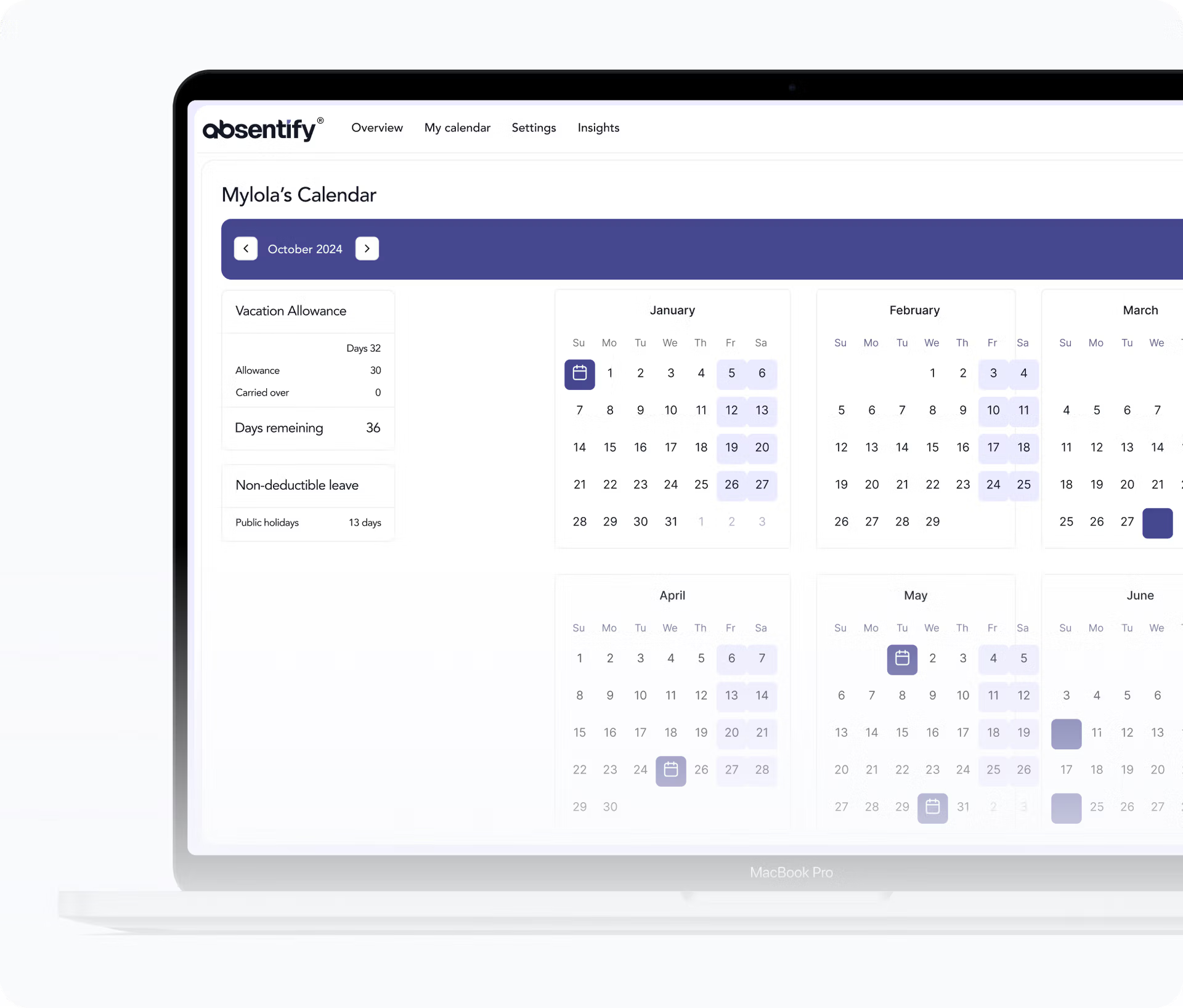
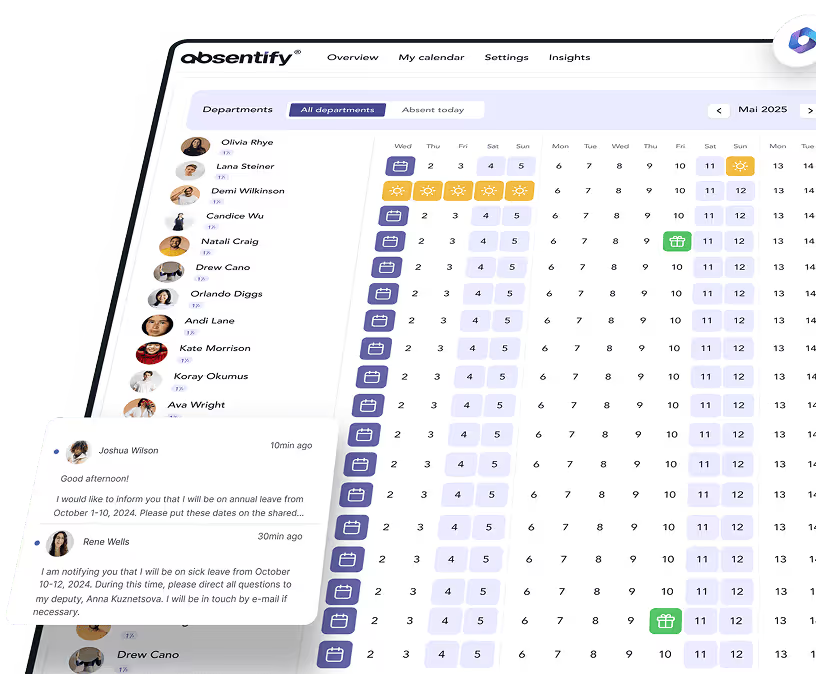
The vacation and absence management tool absentify can integrate your entire team** for free into Microsoft365**. This way, everyone can see each other's vacation and the company's important dates, and add their own entries without having to leave Outlook or Teams.
absentify bietet darüber hinaus viele Funktionen, die die Urlaubsplanung nicht nur für jedes Teammitglied leicht macht, sondern auch für die Verantwortlichen, die für die Fairness einstehen und den Urlaub genehmigen müssen:
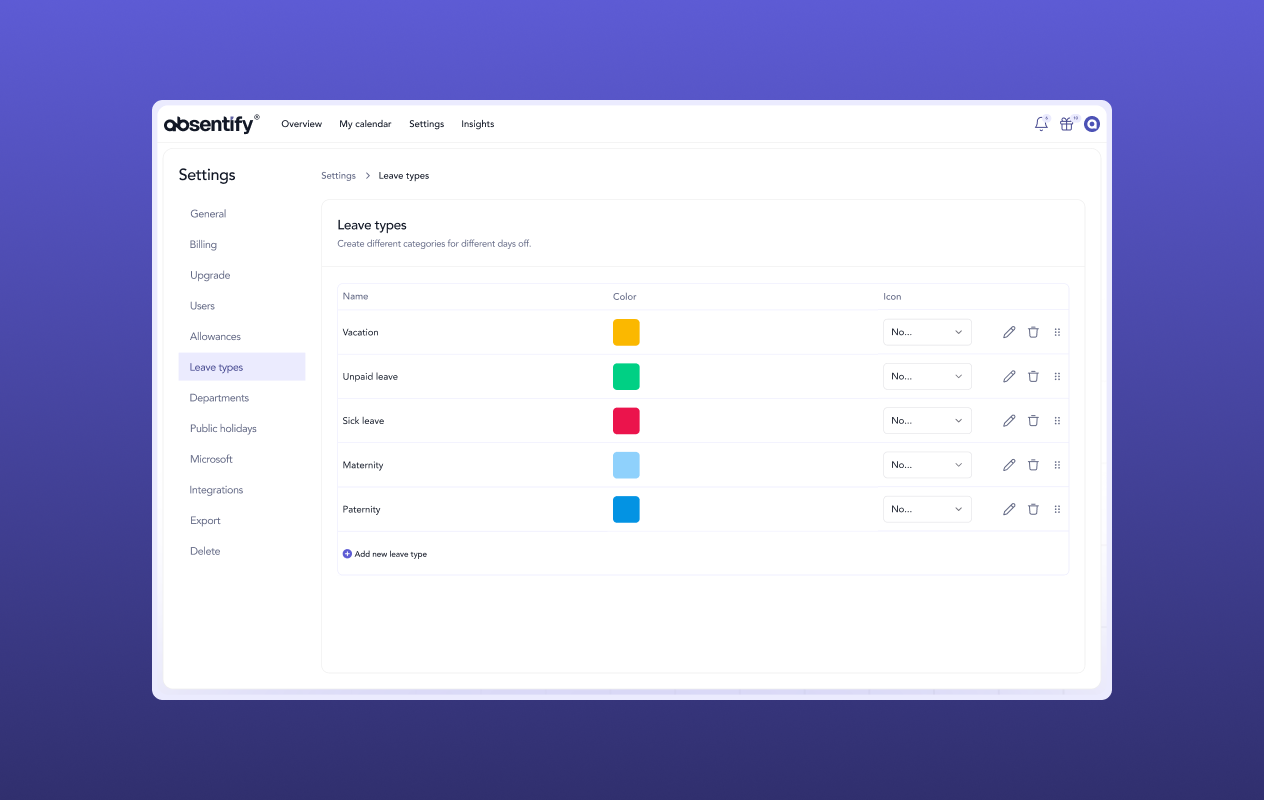
Define types of absences
Create all types of absence: vacation, sabbatical, further education, maternity leave, parental leave, etc.
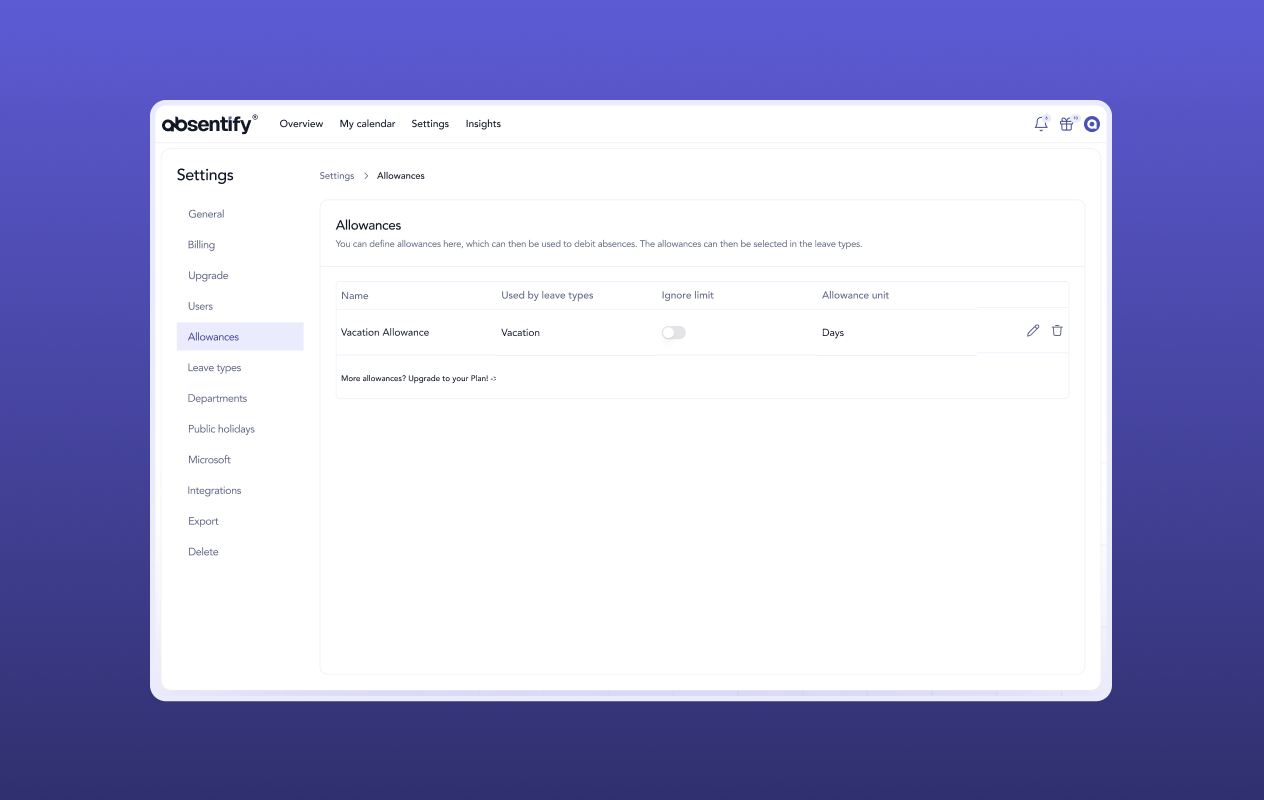
Absence quotas within your teams
Determine limits for how many colleagues can be on vacation at the same time. Then approve the desired absence first, so that it becomes binding.
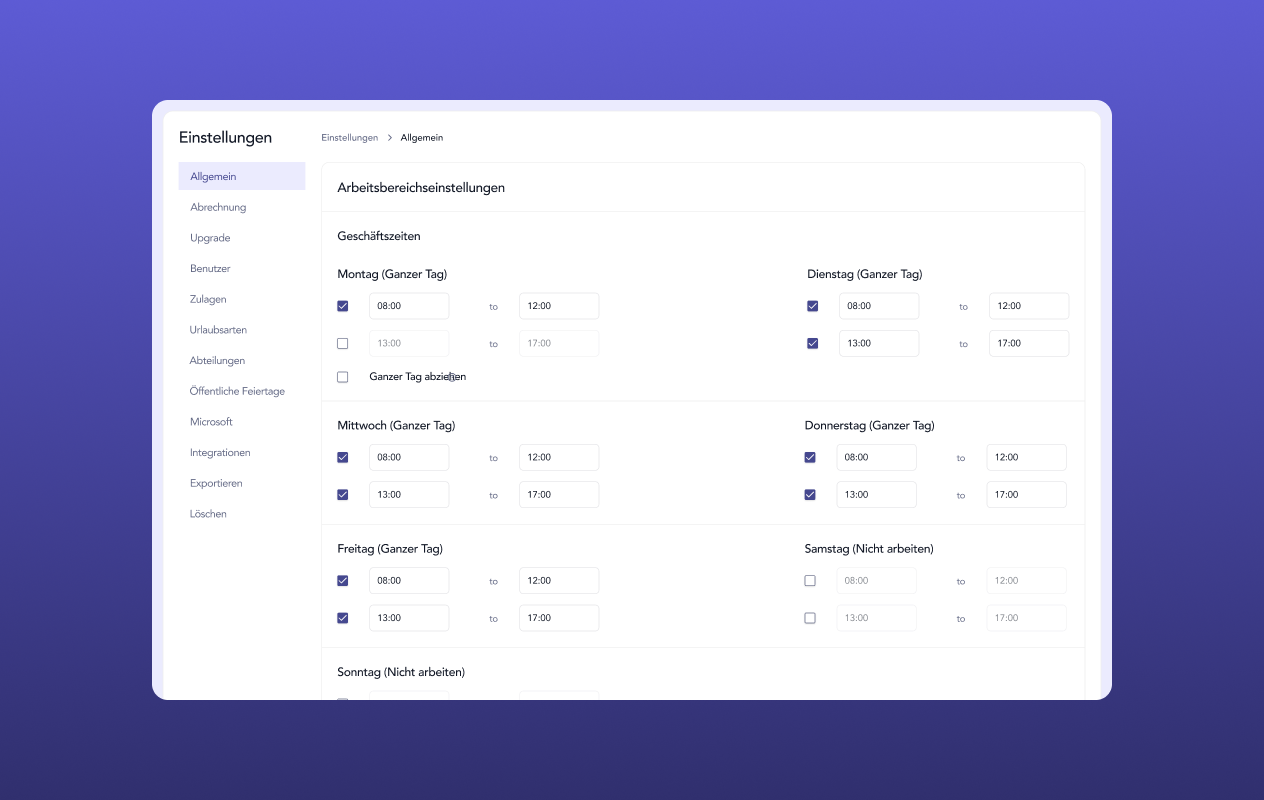
Departments and minimum staffing
Divide your team into departments, set minimum staffing levels, and receive immediate alerts for overlaps.
Would you like to simplify your absence management?
- No credit card required
- Unlimited free access
- Upgrade or cancel anytime
Holiday Calendar – Frequently Asked Questions and Answers
About the author

Anna Keller
Content manager at absentify
As a blog author at absentify, Anna Keller explains how companies can efficiently manage absences, vacations, and working hours. In her articles, she combines HR practice with Microsoft 365 tips for Outlook and Teams and provides templates, step-by-step instructions, and software comparisons for modern, digital processes.
Share article
More interesting articles

Reducing overtime: rights, duties and the process for employers and teams
Reducing overtime means offsetting accumulated extra hours with time off or payment. Under German employment law, the six calendar months or 24 weeks specified in the German Working Time Act apply solely to offsetting an extended working day against the statutory eight-hour average. Employment contracts, works agreements or collective agreements determine how an overtime balance can be reduced. Where these rules permit time off in lieu, the employer determines its timing and process within the scope of their right to give instructions.
Anna Keller
Content manager at absentify

When does unused leave expire? Deadlines and exceptions that determine your entitlement
Under German law, unused leave expires only under certain conditions: entitlement generally lapses on 31 December, or after the carryover period on 31 March, only if your employer has given you timely and specific notice of the impending expiry and you still do not take the leave. An exception applies in cases of continuous illness.
Anna Keller
Content manager at absentify

Employee Self Service (ESS): Definition, Features, and Benefits for Leave and Absence Management
Employee Self Service (ESS) gives employees access to manage their personal data, leave requests, or absences themselves without coordinating every step with HR. The term originally comes from SAP HR modules and has become an umbrella term for self-service features in human resources. Its benefits are particularly clear in leave and absence management.
Anna Keller
Content manager at absentify