

Die Abwesenheitslösung, die in Microsoft 365 zu Hause ist
absentify ist das native Abwesenheitsmanagement für Microsoft 365 Teams. Urlaub, Krankheit, Telearbeit und mehr werden zentral angefordert, genehmigt und automatisch mit Teams, Outlook und Entra ID synchronisiert.
Unbegrenzte Anzahl von Benutzern
Von 30.000+ Unternehmen weltweit genutzt



















Warum Teams heute scheitern (und warum es niemand mehr will)
Abwesenheiten werden noch zu oft über Excel-Listen, E-Mail-Pingpong oder Tools "neben" Microsoft 365 verwaltet. Das klingt harmlos, kostet aber jeden Monat Zeit, Nerven und Geld:
Unklarheit im Team
Wer ist wann weg? Wer ist verfügbar?
Manuelle Fehler
Teilzeit, Feiertage, Carry-over, Schichten → alles händisch.
Doppelte Arbeit
Kalender, Teams-Status und Out-of-Office müssen extra gepflegt werden.
Admin-Overhead
Onboarding, Abteilungswechsel, Genehmigungswege – ständige Nacharbeit.
Microsoft 365 nativ statt „nur ein weiteres Tool"
absentify lebt dort, wo Ihre Mitarbeiter arbeiten:
Wer sieht was? — Rollen, Datenschutz und sensible Daten
Datenschutz wird im täglichen Leben nicht durch Richtlinien bestimmt, sondern durch Sichtbarkeit. absentify geht genau auf diese Frage ein:
Vergessen Sie nie wieder, die Abwesenheitsnachricht einzustellen
Absenzen müssen nicht zweimal gepflegt werden. absentify sorgt dafür, dass alles konsistent ist — ohne manuelle Schritte.
Kontingente sind immer korrekt, egal wie komplex
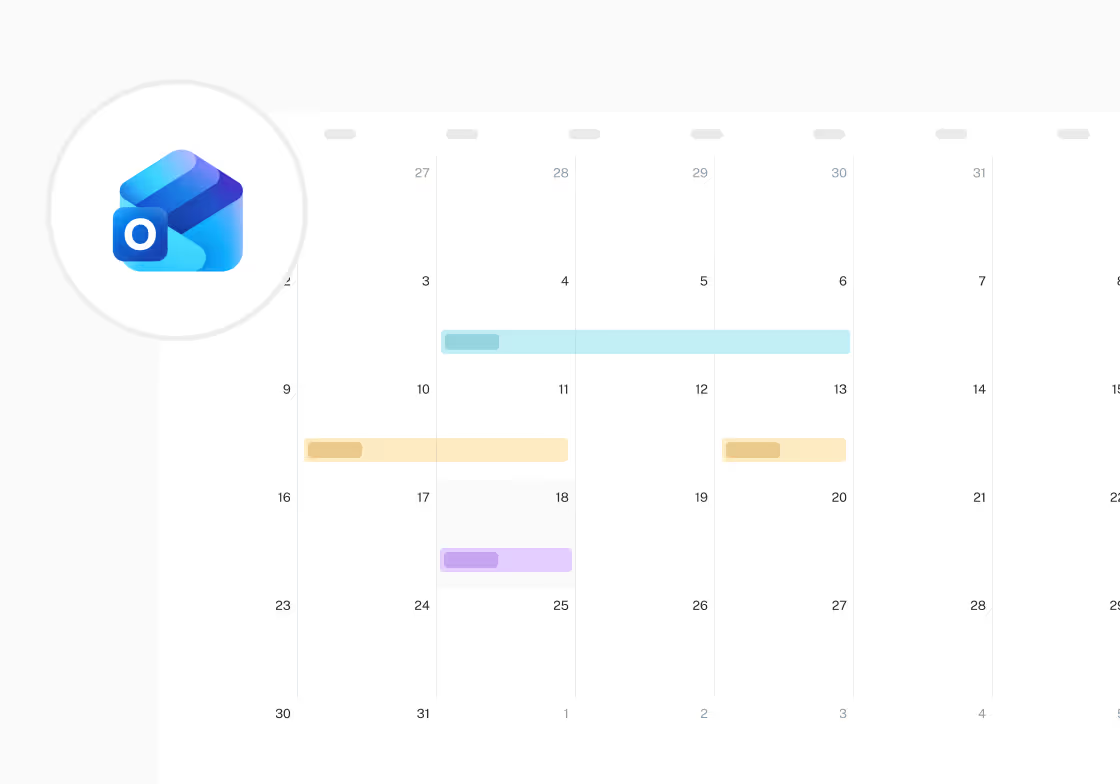
absentify berechnet Kontingente in Echtzeit — auch bei komplizierten Regeln.
Entdecke weitere Features
Hier findest du kompakte Antworten auf häufige Fragen rund um Nutzung, Sicherheit und Funktionen.
Microsoft Entra ID Synchronisation
Abwesenheiten können in Sekundenschnelle angefordert werden und sind sofort überall sichtbar.
Kontingente und Kalender werden automatisch auf dem neuesten Stand gehalten.
Teamleiter und Manager
Abwesenheiten innerhalb des Teams sind jederzeit deutlich sichtbar.
Genehmigungen erfolgen direkt in Teams oder Outlook, ohne zusätzlichen Aufwand.
HR
Regeln werden einmal definiert und dauerhaft korrekt umgesetzt.
Quoten, Audits und Datenschutz können jederzeit eindeutig nachvollzogen werden.
Microsoft 365-Administratoren
absentify wird zentral ausgerollt und sauber in Microsoft 365 integriert.
Zertifizierungen und Datenschutzanforderungen sind von Anfang an erfüllt.
Von Microsoft zertifiziert — bereit für die sofortige Zulassung
absentify ist eine Microsoft 365-zertifizierte App. Microsoft hat unsere App unabhängig überprüft — einschließlich Sicherheit, Datenschutz und Compliance.
ISO 27001-zertifiziert — Sicherheit auf Unternehmensebene
Dies zeigt ein etabliertes, verifiziertes Informationssicherheitsmanagementsystem (ISMS).

DSGVO-konform — Datenschutz, der im Alltag funktioniert
absentify ist so konzipiert, dass Datenschutz nicht extra kommt, sondern automatisch abläuft.

Antworten auf die wichtigsten Fragen
Hier finden Sie kompakte Antworten auf häufig gestellte Fragen zu Bedienung, Sicherheit und Funktionen.
Ja, unser Free Plan ist komplett kostenlos – ohne versteckte Kosten oder Ablaufdatum. Ideal für kleine Teams oder zum Einstieg. Wenn dein Bedarf wächst, kannst du jederzeit auf einen kostenpflichtigen Plan mit zusätzlichen Funktionen upgraden.
absentify lässt sich nahtlos mit bestehenden Kalendern verbinden. Unterstützt werden aktuell:
- Outlook-Kalender
- Outlook Shared-Kalender
- Microsoft Teams-Gruppenkalender
- Alle Kalender mit iCal-Unterstützung
Alle Abwesenheiten werden automatisch synchronisiert – ganz ohne manuelle Pflege.
Ja, absentify zeigt automatisch alle Feiertage weltweit an – inklusive nationaler und regionaler Unterschiede. Diese erscheinen direkt in deinem absentify-Kalender und werden bei Synchronisierung auch in Outlook übernommen.
Absolut! Du kannst eigene Abwesenheitstypen wie Urlaub, Krankheit, Homeoffice usw. anlegen und dafür Farben, Kontingente und Regeln definieren. Auch mehrstufige Genehmigungsprozesse sind möglich – je nach Abteilung oder Abwesenheitstyp.
Mit absentify kannst du Abteilungen, Teams, Rollen und Workflows exakt abbilden. Zusätzlich lassen sich Microsoft Entra ID und Teams-Gruppen integrieren – so werden neue Mitarbeitende automatisch hinzugefügt oder entfernt.
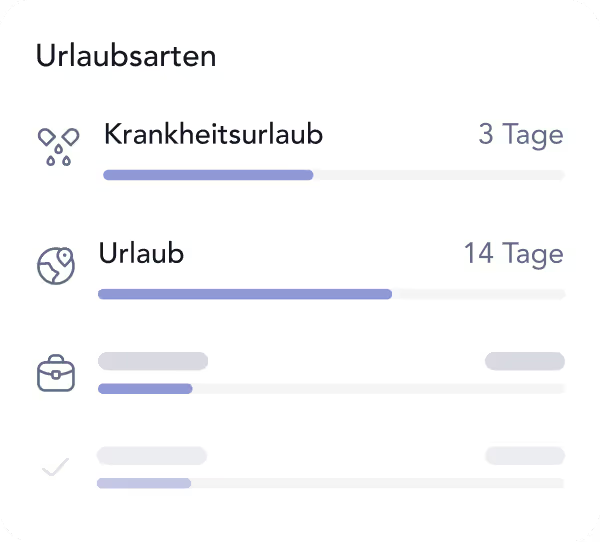
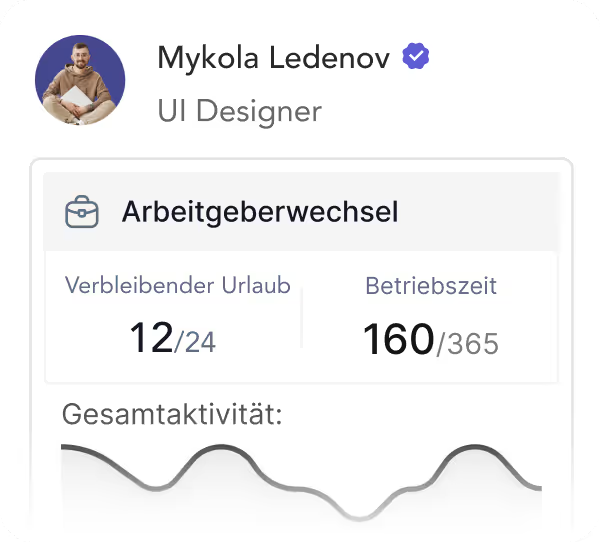
In deinem Profil findest du jederzeit eine Übersicht über alle genommenen und verbleibenden Abwesenheiten – wahlweise in Tagen, halben Tagen oder sogar minutengenau (z. B. in 15-Minuten-Schritten). Admins sehen zusätzliche Berichte für die gesamte Organisation.
Lege einfach einen eigenen Abwesenheitstyp für Homeoffice an und definiere, ob Genehmigungen erforderlich sind oder wer es sehen darf. So lässt sich Remote Work genauso einfach abbilden wie klassische Abwesenheiten – direkt in einem zentralen System.
Ja! Du kannst für jede Abwesenheit eine Vertretung hinterlegen. Diese Person wird automatisch benachrichtigt und kann bei Bedarf Aufgaben übernehmen. Konflikte (z. B. wenn beide gleichzeitig abwesend wären) werden automatisch erkannt.
Genehmigende Personen erhalten automatisch E-Mail-Benachrichtigungen, sobald eine neue Anfrage eingeht. Mitarbeitende werden ebenfalls informiert, wenn ihre Anfrage genehmigt oder abgelehnt wurde. Zusätzlich werden Microsoft Teams-Benachrichtigungen mit direkter Genehmigungsfunktion gesendet.
Ja! Du kannst dein Firmenlogo hochladen, Farben gemäß Corporate Design anpassen und sogar den Namen sowie das Icon der absentify-App in Teams oder Outlook individualisieren – für ein einheitliches und professionelles Erscheinungsbild.
Ja! absentify aktiviert und entfernt deine Outlook-Abwesenheitsnachrichten automatisch, sobald eine Abwesenheit beginnt oder endet. Du kannst für jeden Abwesenheitstyp eigene Vorlagen mit Platzhaltern wie Rückkehrdatum oder Vertretung hinterlegen – auch zentral für alle Mitarbeitenden im Unternehmen.
Ja, absentify ist in mehreren Sprachen verfügbar. Jeder Benutzer kann die bevorzugte Sprache im eigenen Profil einstellen – perfekt für internationale Teams.
Aktuell unterstützt: Englisch, Deutsch, Französisch, Italienisch, Spanisch, Ungarisch, Polnisch, Ukrainisch, Türkisch, Russisch, Portugiesisch
Datensicherheit steht bei absentify an erster Stelle. Wir sind:
- ISO 27001 zertifiziert
- DSGVO-konform
- Von Microsoft als Teams-App offiziell verifiziert
Deine Daten werden verschlüsselt, in EU-Rechenzentren bei Microsoft gespeichert und regelmäßig gesichert.
absentify bietet viele Vorteile gegenüber klassischen Excel-Tabellen:
- Automatisierte Workflows: Abwesenheitsanträge, Genehmigungen und Vertretungen laufen digital – kein manuelles Nachhalten, keine E-Mail-Ketten.
- Klar definierte Rollen & Rechte: Du steuerst genau, wer was sehen darf – ohne Risiko, sensible Daten offenzulegen.
- Zentralisierte Datenbasis: Ein System, immer aktuell – keine doppelten Dateien oder Versionschaos.
- Microsoft 365-Integration: Direkt nutzbar in Outlook und Teams – keine zusätzlichen Tools notwendig.
- Kein doppeltes User-Management: Durch Entra ID bleibt alles automatisch synchronisiert.
- Echtzeit-Reports & Dashboards: Urlaubsstände, Abwesenheiten und Trends – immer aktuell abrufbar.
- Zertifizierte Sicherheit: DSGVO-konform, ISO-zertifiziert und von Microsoft verifiziert.
- Mehrsprachige Oberfläche: Ideal für internationale und vielfältige Teams.
- Nie wieder Excel-Chaos: Keine Versionskonflikte, keine verlorenen Daten, keine Formelfehler.

Du hast noch offene Fragen oder hast besondere Anforderungen?
Deine Urlaubs- und Abwesenheitsplanung, voll integriert in Microsoft 365



100% Microsoft 365-integriert
direkt in Teams, Outlook & Entra ID
DSGVO- & ISO 27001-zertifiziert
zertifizierte Sicherheit
Rollout in Stunden, nicht in Wochen
ohne IT-Implementierung
230.000+ aktive Nutzer weltweit
für HR, IT, Management und mehr