

absentify - Your Leave Planner Directly in Your Microsoft Teams App
Plan vacations for your company directly in Microsoft Teams. Free and fully integrated!
Manage leave directly in the app, no additional software needed
Automatically sync absences to calendars and out-of-office notes
Set up in just a few minutes – fully integrated with Teams


Used by 30,000+ companies worldwide



















Your Leave Planner in the App
With absentify, leave management feels like it has always been part of Microsoft Teams. Once set up, you can manage absences, vacation days, and calendar entries directly in the app.
🚀 No extra tools, no complicated workflows. Just seamless absence management.
Leave planner app absentify: right in Microsoft 365
absentify brings the entire leave planner into Microsoft Teams and Outlook: submit requests, check remaining leave, spot overlaps, approve, and sync automatically to the calendar.
Without absentify
- Switching between different tools and platforms
- Manually updating calendars and notes
- No direct calendar synchronization
- Leave approvals via email or verbally
- Expensive third-party tools with limited integration
A complete leave planner right inside your Teams app
Plan leave in the Microsoft apps
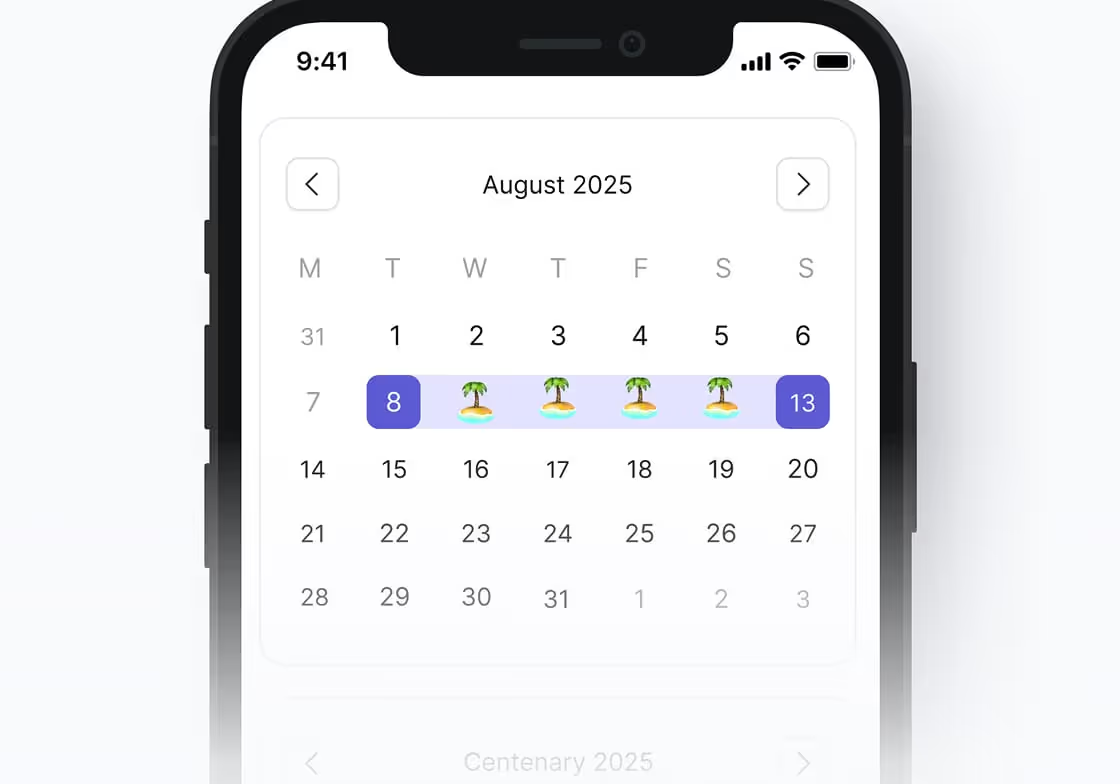
Manage leave days directly in Microsoft Teams – on desktop as well as smartphone and tablet.

Manage leave and other absences directly in Microsoft Teams.

Plan leave inside Outlook, no need to switch apps.

Automatic user sync for effortless onboarding & offboarding.

Automatic notifications

Automatic synchronization of absences with personal and shared Outlook calendars.

Set up automatically based on approved leave.
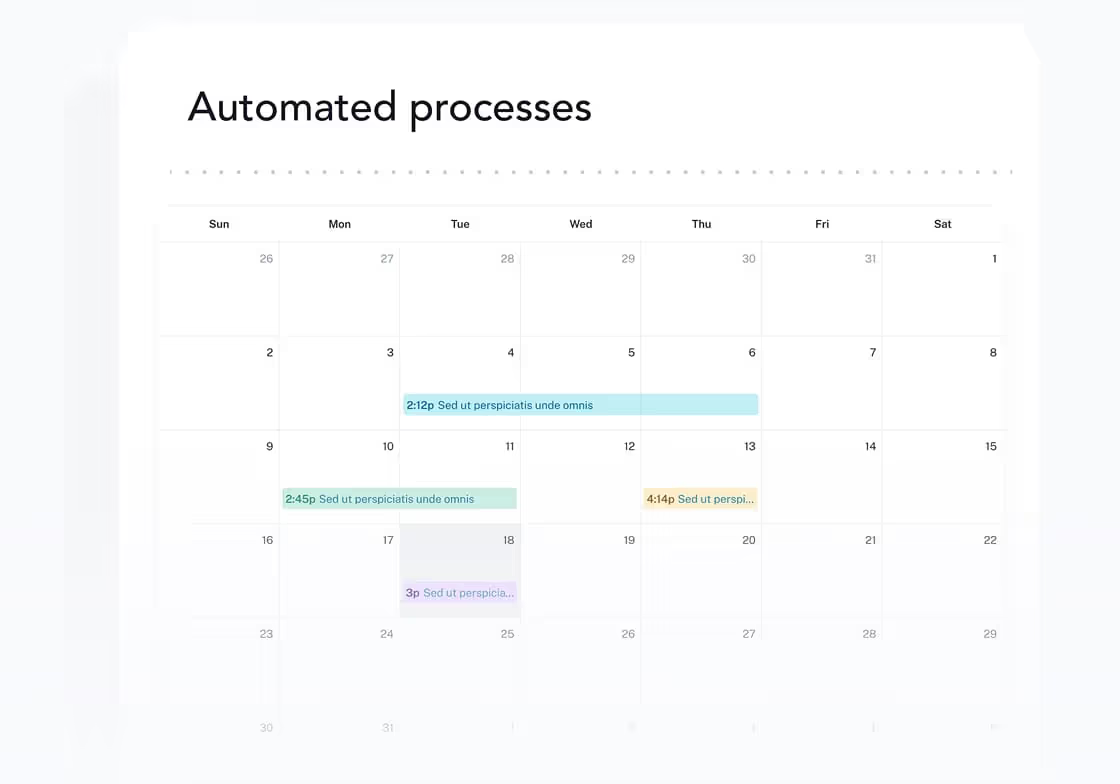
Plan leave where your team already works
Every employee gets their own calendar to plan leave and other absences, view leave allowances and remaining days.

Group your employees into departments, set minimum staffing levels, and get warnings about overlapping leave requests.

Create your own leave types such as training, home office, business trips, parental leave, and many more. Decide who can see them in detail.
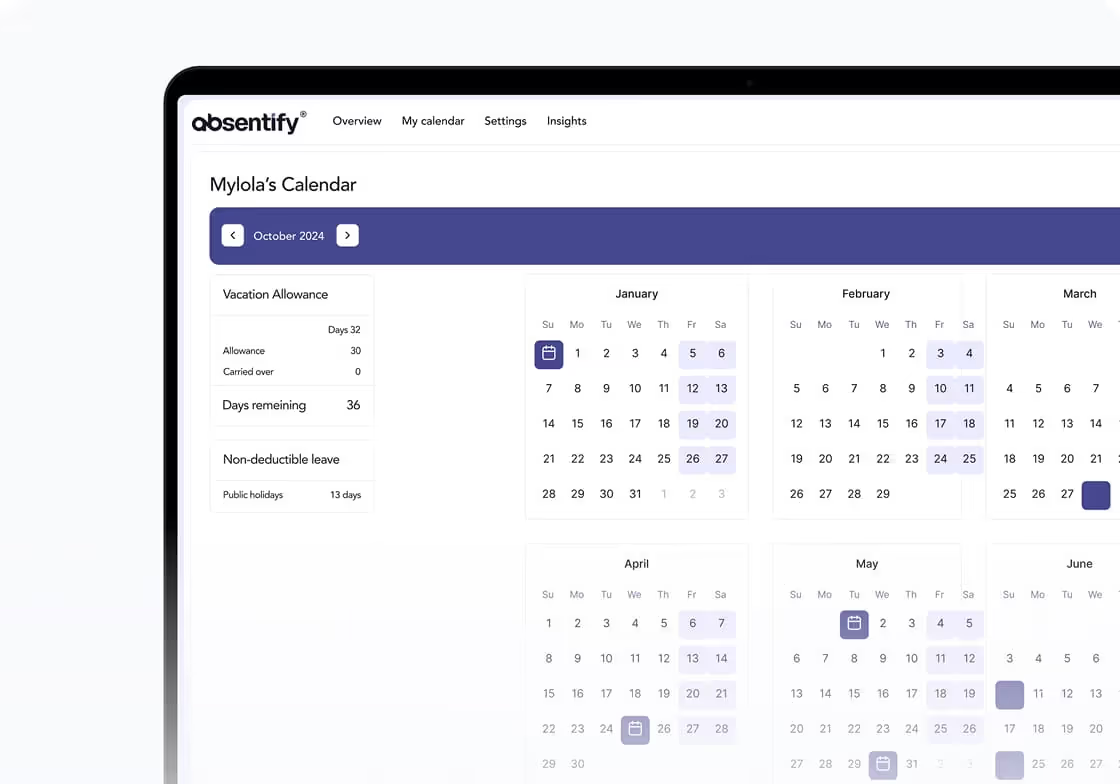
Even more features

Access over 250 country-specific holiday calendars.

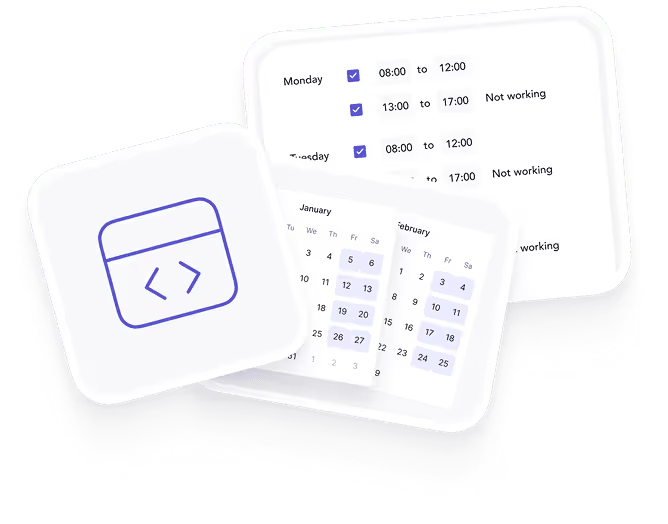
Assign custom working hours & shifts.

Available in English, German, and additional community-supported languages.
Security & Compliance You Can Trust

Built with global security standards.
100% privacy-focused.
Meets strict security & compliance guidelines.

Leave planner app for all industries and teams

Startups & Small Teams
Plan leave without building an HR department: employees submit their requests directly in Teams or Outlook. You approve them; absentify shows you everything you need.
See instantly whether leave fits the team: absentify shows remaining leave, overlaps, and absences in the team calendar.
Start for free and grow with your team later: set up your leave planner in just a few minutes and use absentify directly in Microsoft 365.
Agencies
See who's available for client projects: leave, sickness, and other absences appear directly in the team calendar.
Approve leave without breaking project plans: managers see overlaps and team capacity before approving, so campaigns, launches, and client meetings don't hinge on a missing key person.
Fewer questions: everyone sees in Teams or Outlook who's available and who isn't.

Mid-Sized Businesses
Plan leave across multiple departments: HR, team leads, and management see in absentify who's away and when.
Approve requests with an eye on minimum staffing: managers spot overlaps before saying yes.
Less manual work for HR: remaining leave, carryovers, part-time models, and calendar updates are reflected directly in Microsoft 365.
Large & International Enterprises
Plan absences across multiple locations, countries, and departments.
Manage users, roles, and access rights through Microsoft 365, without duplicate work in HR and IT.
Use leave and absence data for reporting, capacity planning, and leadership overviews.
Non-Profits & Public Sector
Plan leave without adding extra admin work: employees submit requests directly in Microsoft Teams or Outlook. Approvals, calendar updates, and remaining leave run there too.
Define responsibilities: decide who can see leave requests, reasons, and remaining days, so employee data doesn't end up in the wrong calendar.
Public holidays, part-time, and special rules: absentify accounts for regional public holidays, working-time models, and different absence types.
Leave Planner Without Teams App
Manage leave in the web-based platform, accessible from any device. Use absentify anywhere – once logged in, you always have access.
Web platform
Simplify absence management through our intuitive web platform. Designed for optimal performance on all devices, you can track and manage employee absences anytime, anywhere, with just a few clicks.

Microsoft Outlook
Oversee absences directly within your Outlook interface, accessible on both desktop and mobile. This integration ensures that absence updates are always at your fingertips - no need to juggle between different applications.
Microsoft Teams
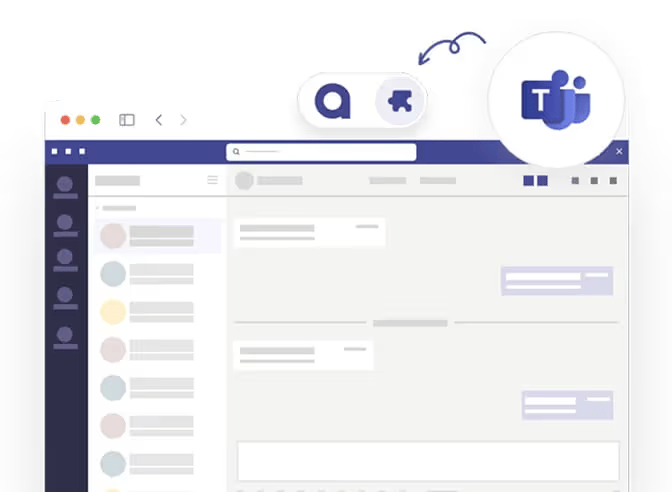
Effortlessly manage employee absences directly within the Microsoft Teams app, available on both desktop and mobile. Enjoy seamless integration that keeps your team informed and connected without switching platforms.

absentify is wherever you are
Simply connect absentify with your tools to unify leave planning across your company.
Leave planner app – frequently asked questions
absentify is suitable for companies of all sizes – from small teams looking for a free and easy solution to large enterprises with complex approval processes and global locations. The flexible integration makes absentify useful for all industries.
Manual planning in Excel or via email is often time-consuming and error-prone. absentify automates the most important processes, synchronizes absences with calendars and out-of-office messages, and provides full transparency on team availability.
absentify is fully integrated into Microsoft Teams. After a one-time setup, you can plan absences, request approvals, and sync calendars – all within your familiar work environment, without additional tools.
absentify's core features are completely free and not time-limited. You can manage unlimited users, approve leave requests, and track absences without any costs. Additional features are available in paid plans.
Yes! absentify is free for both management and employees. The leave planner in the Teams app provides all core features for managing absences and approvals for your entire team at no extra cost.

Do you still have unanswered questions or do you have special requirements?
Your vacation and absence planning, fully integrated with Microsoft 365


100% Microsoft 365 integrated
directly in Teams, Outlook & Entra ID
GDPR & ISO 27001 certified
certified safety
Rollout in hours, not weeks
without IT implementation
230,000+ active users worldwide
for HR, IT, management and more