

Your vacation and absence planner, fully
integrated with Microsoft 365
Simplify absence planning for you and your entire team in Microsoft Outlook and Teams.


Used by 30,000+ companies worldwide



















“Rollout in hours, not weeks. Because absentify was developed for Microsoft 365, everything was right out of the box — from calendar synchronization to agent regulation. Even our IT team was impressed.”

Frank Köllisch
CEO
Absence planner absentify – directly in Microsoft 365
Manage vacations, training, and all other absences in absentify and keep your team in view at all times.
Native Microsoft 365 & Teams Integration
With absentify, your team simply stays in Outlook and Teams and uses the absentify absence planner in the familiar interface.
Simply sign in with your existing Microsoft account.
Handle your vacation planning directly in Microsoft Teams or Outlook. You continue working in your familiar environment without switching between different applications.
Your team will get the hang of absentify right away.
Thanks to real-time synchronization with your Outlook calendar, your appointments are always in sync everywhere. Colleagues always see your absence and availability up to date.

Intelligent Capacity Planning & Minimum Staffing
absentify protects you from having too many colleagues absent at the same time.
Define for each department how many employees must be present at minimum. Attempts to exceed this are automatically rejected.
Receive an immediate notification when an incoming leave request would cause a conflict.
Give your employees insight into the shared team calendar. This way, they can independently coordinate their vacation with colleagues in advance and resolve overlaps on their own.
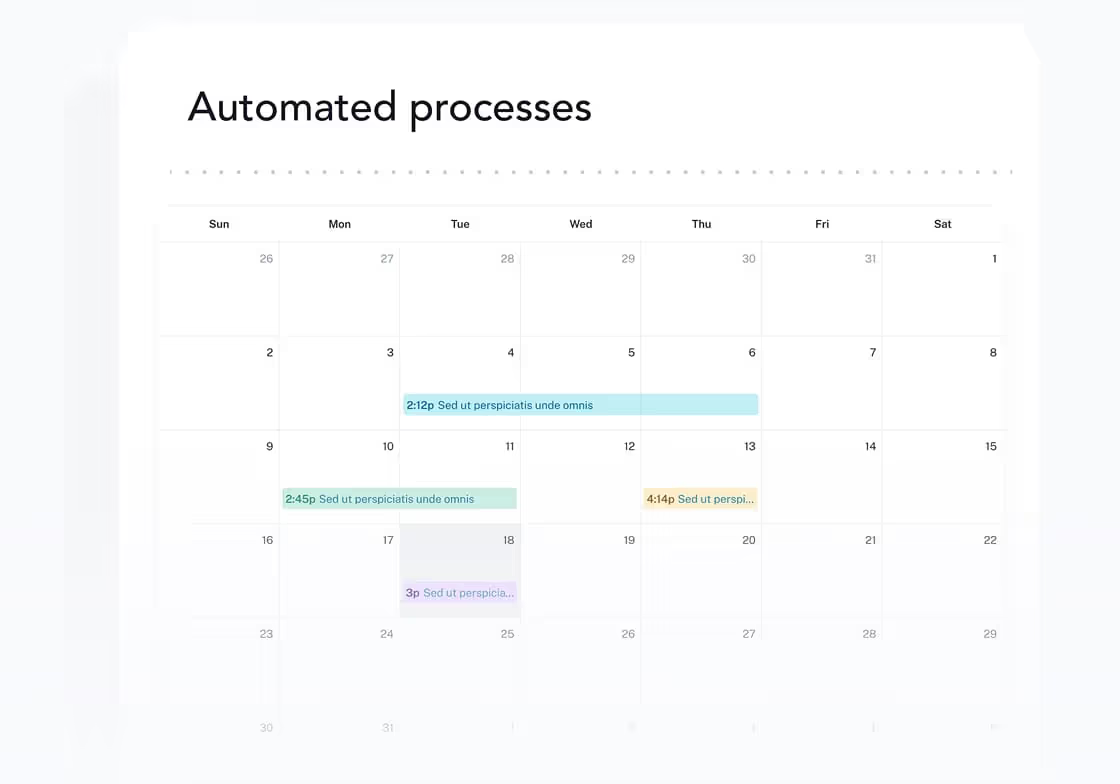
Fully Automated Status Updates & Outlook Synchronization
absentify automates all communication around your absence so you can fully focus on your vacation or project.
Your status in Microsoft Teams automatically switches to "Away" on the first day of your absence. Colleagues can see immediately that you're not available.
Set up your out-of-office message directly when planning your vacation. The system activates the auto-reply in Outlook right on schedule and deactivates it automatically when you return.
Approved vacation or sick days are immediately added as events to your personal Outlook calendar.
Thanks to automatic synchronization, the scheduling assistant in Outlook and Teams always knows about your days off. Meeting invitations during your vacation are automatically declined.
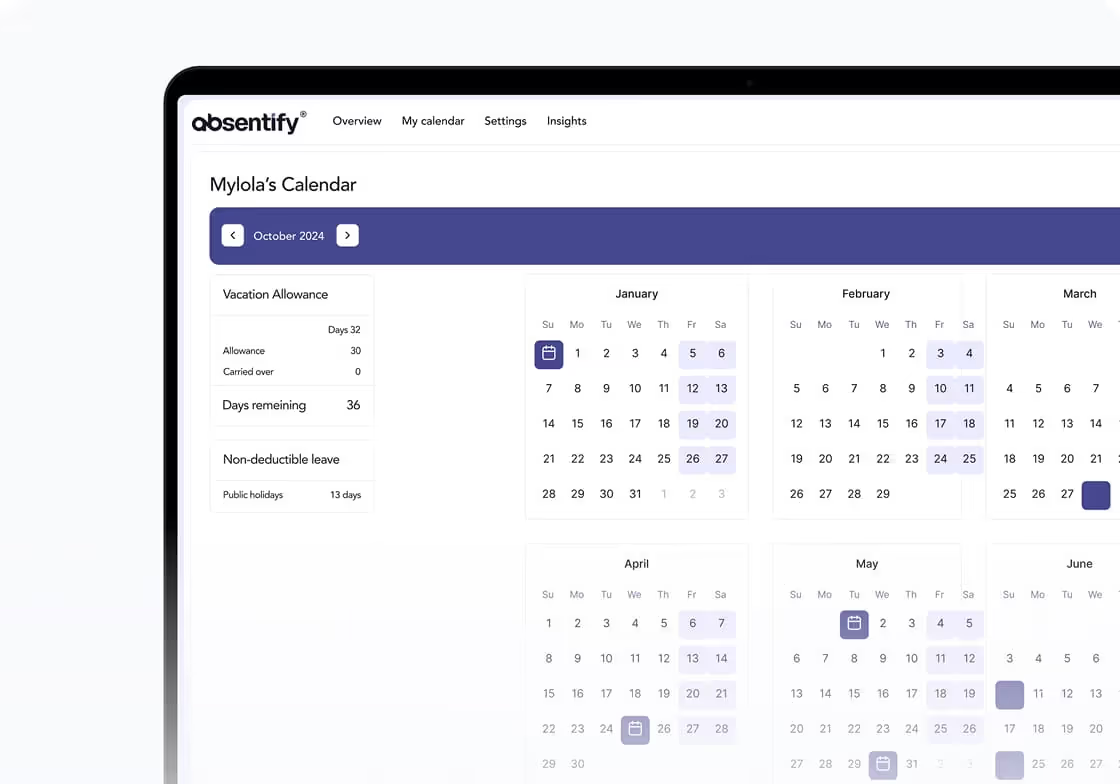
Employee Self-Service & Real-Time Allowances
No more back-and-forth: Everyone on your team can check for themselves how many vacation days are remaining.
Everyone on the team can see their already taken vacation and remaining days in real time.
Vacation, home office, or training can be requested in absentify. You receive the request and can decide.
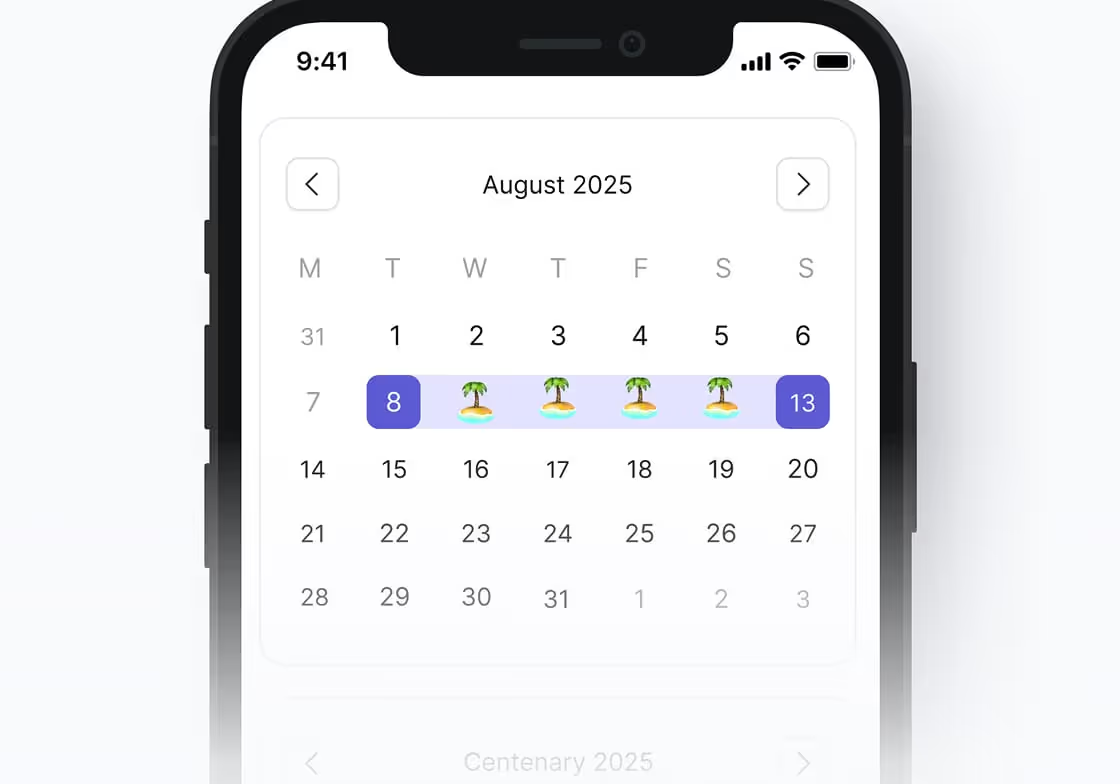
absentify for global teams
absentify considers time zones and public holidays from over 250 countries and regions.
Access holiday calendars from over 250 countries and regions. The system automatically recognizes public holidays at each employee's location and does not deduct them from the vacation allowance.
Map part-time models, 4-day weeks, or shift patterns per employee. Vacation days are only calculated for the days the team member is actually scheduled to work.
Manage different locations or offices in absentify.
Create customized categories for your company, from "Sabbatical" and "Parental leave" to "Training" and more.

Absence planner without installation
A major advantage of absentify is that you don't need to install any new software on your computer or server. As a cloud application for Microsoft 365, the absence planner is instantly available where you already sign in.

Web platform
Manage your employees' absences conveniently through your web browser.

Microsoft Outlook
Manage absences directly in your Outlook interface, available on desktop as well as smartphones and tablets. No need to switch between different apps.
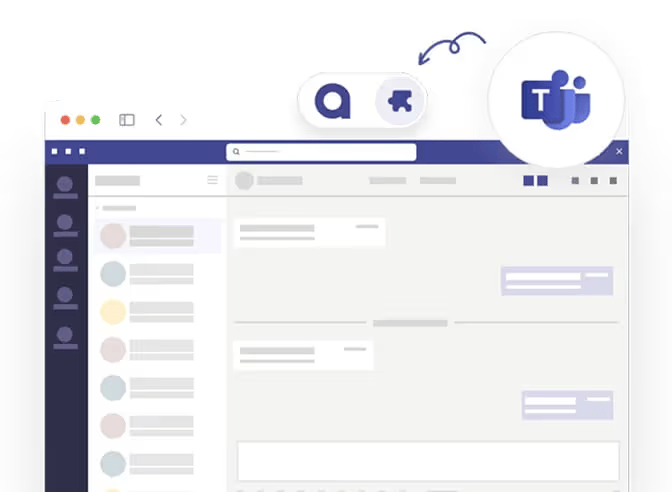
Microsoft Teams
Manage your employees' absences directly in the Microsoft Teams app, available on desktop and mobile devices.
Use your absence planner on the go
Plan absences not only on the big screen, but also on your smartphone: absentify is where you already use Microsoft Teams as an app. Especially when requesting leave at short notice or issuing approvals quickly.
absentify is integrated before other software is downloaded
You integrated absentify into your Teams interface long before all your colleagues downloaded any external software — let alone set it up.


absentify is wherever you are
Simply connect absentify with hundreds of tools to make vacation planning in your company even easier.
Safe. Certified. Trustworthy.
absentify protects your data with the highest security standards. We're ISO 27001 certified, Microsoft verified, and fully GDPR-compliant, so your company data stays protected at all times.
Learn more about security


Answers to the most important questions
Yes, we offer a permanently free version of absentify that already includes all the basic features for small teams. If your company grows or you need advanced features like automatic out-of-office synchronization, you can upgrade.
Since absentify is a native Microsoft 365 app, your data never leaves the secure environment of the Microsoft Cloud. We use your company's existing security standards (such as multi-factor authentication). Additionally, our software is fully GDPR-compliant.
You can define as many absence types as you like, from vacation and sick leave to home office and training to sabbaticals. For each type, you can specify whether it should be deducted from the vacation allowance or not.
As soon as an employee submits a request, the assigned manager is automatically notified by email or Teams notification. Approval is done with a single click directly in the app. The employee is immediately informed of the result and the calendar updates automatically.
Yes, in absentify you can set up individual work schedules for each team member (e.g., a 20-hour week spread over 3 days). The system then only deducts vacation for the days the employee would have actually worked according to their schedule.
Yes, the transition is very simple. We offer an import function that lets you quickly and easily transfer existing leave entitlements and already taken days into absentify so you can start right away with up-to-date data.

Do you still have unanswered questions or do you have special requirements?
Your vacation and absence planning, fully integrated with Microsoft 365
100% Microsoft 365 integrated
directly in Teams, Outlook & Entra ID
GDPR & ISO 27001 certified
certified safety
Rollout in hours, not weeks
without IT implementation
230,000+ active users worldwide
for HR, IT, management and more