

Free Timesheet Template: Download as PDF, Excel & Word
Timesheets are a legal requirement for many types of employment, particularly for hourly and non-exempt workers under the Fair Labor Standards Act (FLSA). Many teams also use timesheets voluntarily to transparently document working hours, overtime, and absences.
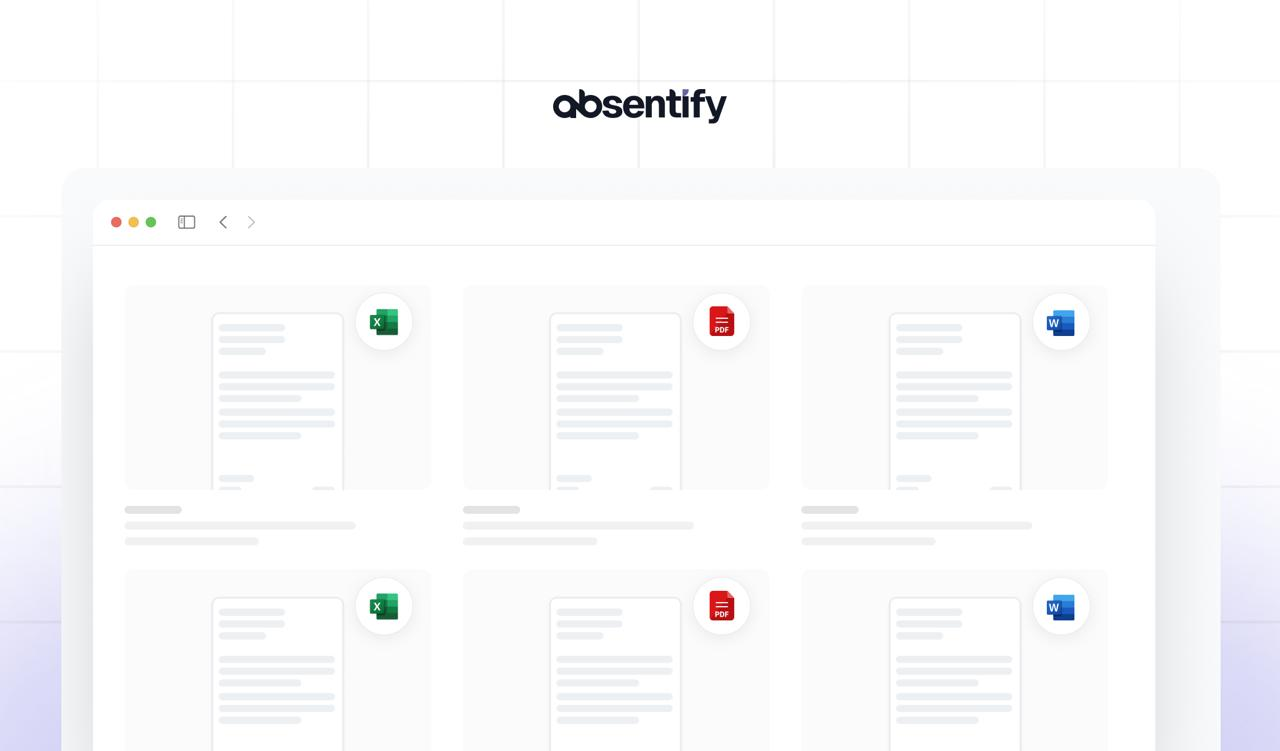
If you don't want to spend time searching for a free timesheet template, you'll find the right one here ready to download. Choose between Excel, Google Sheets, Word, or PDF and start using the template immediately — no registration required.
Free Timesheet Template: Key Takeaways
- A timesheet template is used to document working hours, breaks, and overtime as proof for payroll processing.
- A timesheet is legally compliant when it records the start time, end time, and total duration of daily working hours. Additional details like overtime are common but not always legally required.
- With absentify, absences such as vacations, sick leave, business trips, and more are automatically managed and synchronized with MS Teams and Outlook.
Download Free Timesheet Templates
If you want to document working hours accurately, you need a template that's ready to use straight away. Below you'll find free timesheet templates in various formats that you can use without registration.
The templates can be easily adapted for daily, weekly, or monthly time tracking and reused as often as needed.
| Timesheet Template |
|---|
| Download timesheet template for Excel |
| Download timesheet template for Word |
| Download timesheet template for Google Sheets |
| Download timesheet template as PDF |

What Is a Timesheet?
A timesheet is a record of actual hours worked. It is maintained by the employee and reviewed by the employer or used for payroll processing. Timesheets allow you to precisely document start times, end times, breaks, and overtime.
Purpose of a timesheet:
- Working time record: Legal requirement for hourly workers, contractors, and certain industries.
- Billing: Basis for wages, salaries, or project costing.
- Transparency: Overview for employees and employers of hours worked.
What Types of Timesheets Are There?
Timesheet templates come in different formats. The right option depends on how detailed the time tracking needs to be and what the records will be used for.
By Time Period
- Daily timesheet: Records start time, breaks, and end time per day. Suitable for hourly workers or individual projects.
- Weekly timesheet: Consolidates data for a full week. Practical for smaller teams or employees who submit their hours on a weekly basis.
- Monthly timesheet: Standard in many organizations, as it can be directly linked to payroll processing.
By Use Case
- Employee timesheet: Focuses on working hours and breaks. Common in workplaces without digital time tracking.
- Project timesheet: In addition to working hours, it records which project or client was worked on.
- Contractor/freelancer timesheet: Compact format, often used as a printable timesheet template.
Required Information on Timesheets Under UK and US Law
Under the Fair Labor Standards Act (FLSA) in the United States, employers must maintain accurate records of hours worked for non-exempt employees. In the UK, the Working Time Regulations 1998 require employers to keep adequate records of working hours. To ensure your timesheets are legally compliant, the following information should be documented:
Essential Information on a Timesheet
- Date
- Employee name and, where applicable, department/project
- Start time and end time, break periods
- Net working hours (with decimals where appropriate, e.g. 7.5 hours)
- Type of absence (e.g. vacation, sick leave, public holiday)
- Date of creation or submission
Supplementary Information on a Timesheet
- Overtime: Must be recorded separately so it can be verified.
- Project or department: Helpful for project-based billing.
- Signature of employee and, where applicable, supervisor: Ensures compliance and verifiability.
Special Considerations for Timesheets
- Under the FLSA, employers must keep records for all non-exempt (hourly) employees. In the UK, the Working Time Regulations apply to most workers.
- Employers are required to retain these records: in the US, payroll records must be kept for at least three years under the FLSA, and time cards for two years. In the UK, working time records should be kept for two years under the Working Time Regulations.
- Both electronic and handwritten timesheets are acceptable, provided the data is complete and accurate.
How to Fill In a Timesheet Correctly
A timesheet template only serves its purpose when it's filled in correctly. Errors can quickly lead to hours not being recognized or legal requirements being violated. The following steps show you how to use the template properly:
- Enter the date: Each entry must be clearly assigned to a specific day.
- Name and project/department: So it is clear who worked and in what context.
- Record start and end times: Capture full clock-in and clock-out times, not just total hours.
- Document break times: A mandatory entry under working time regulations. Unreported breaks can lead to compliance issues.
- Calculate net working hours: Subtract breaks and express in decimals (e.g. 7.5).
- Mark overtime: Hours exceeding the standard schedule should be listed separately.
- Add signature: Employee and, where applicable, supervisor confirm the entries.

Start for free now
No credit card required—enjoy unlimited access with our free plan. You can upgrade or cancel anytime.
Best Practices for Using Timesheets
A timesheet should always be maintained consistently and accurately. The following best practices help you keep time records compliant and practical:
- Regular entries: Working hours should be recorded daily to avoid errors and memory gaps.
- Communicate clear rules: Employees need to know which entries are mandatory (e.g. breaks, project allocation).
- Supervisor review: Approval or sign-off ensures transparency and prevents disputes.
- Use standardized templates: Uniform documents simplify evaluation and prevent chaos from varying formats.
- Prefer digital storage: Even if printouts are needed, original files should be archived digitally to ensure traceability and order.
- Meet deadlines: Timesheets should be collected and reviewed at the end of each month so that wages can be processed accurately.
All Working Hours at a Glance — Directly in MS Teams
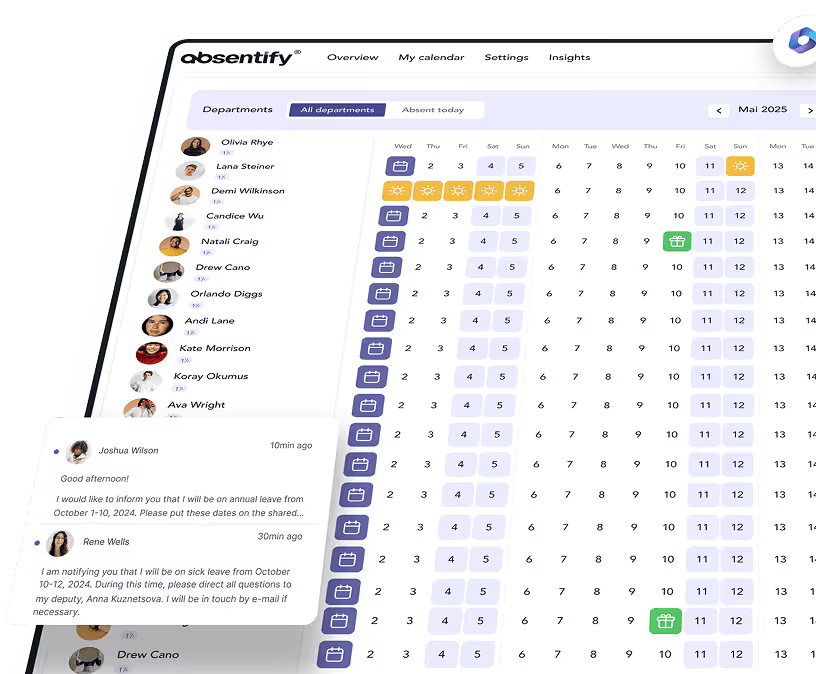
Free timesheet templates are a quick way to start documenting working hours transparently and compliantly. But as teams grow, projects become more complex, or billing requirements increase, spreadsheets quickly reach their limits. absentify integrates with Microsoft Teams and Outlook, making it significantly easier to manage all absences.
Your benefits with absentify:
- Direct synchronization of absences with automatic calculation of working time accounts
- Clear management directly in MS Teams and Outlook
- Transparent approval processes for employees and supervisors
- Digital archiving without spreadsheet chaos
Want to simplify your time tracking?
- No credit card required
- Unlimited free access
- Upgrade or cancel anytime
Timesheet Template – Frequently Asked Questions and Answers
About the author

Anna Keller
Content manager at absentify
As a blog author at absentify, Anna Keller explains how companies can efficiently manage absences, vacations, and working hours. In her articles, she combines HR practice with Microsoft 365 tips for Outlook and Teams and provides templates, step-by-step instructions, and software comparisons for modern, digital processes.
Share article
More interesting articles

Reducing overtime: rights, duties and the process for employers and teams
Reducing overtime means offsetting accumulated extra hours with time off or payment. Under German employment law, the six calendar months or 24 weeks specified in the German Working Time Act apply solely to offsetting an extended working day against the statutory eight-hour average. Employment contracts, works agreements or collective agreements determine how an overtime balance can be reduced. Where these rules permit time off in lieu, the employer determines its timing and process within the scope of their right to give instructions.
Anna Keller
Content manager at absentify

When does unused leave expire? Deadlines and exceptions that determine your entitlement
Under German law, unused leave expires only under certain conditions: entitlement generally lapses on 31 December, or after the carryover period on 31 March, only if your employer has given you timely and specific notice of the impending expiry and you still do not take the leave. An exception applies in cases of continuous illness.
Anna Keller
Content manager at absentify

Employee Self Service (ESS): Definition, Features, and Benefits for Leave and Absence Management
Employee Self Service (ESS) gives employees access to manage their personal data, leave requests, or absences themselves without coordinating every step with HR. The term originally comes from SAP HR modules and has become an umbrella term for self-service features in human resources. Its benefits are particularly clear in leave and absence management.
Anna Keller
Content manager at absentify