Never forget to set the out-of-office message again
You enter your absence in absentify – the out-of-office notice in Outlook is automatically set and removed. No more manual adjustments, no forgotten messages, no searching through Outlook menus.

Used by 20,000+ companies worldwide











Microsoft 365 integration at a glance

Everything synced in Microsoft 365
Login with Microsoft account
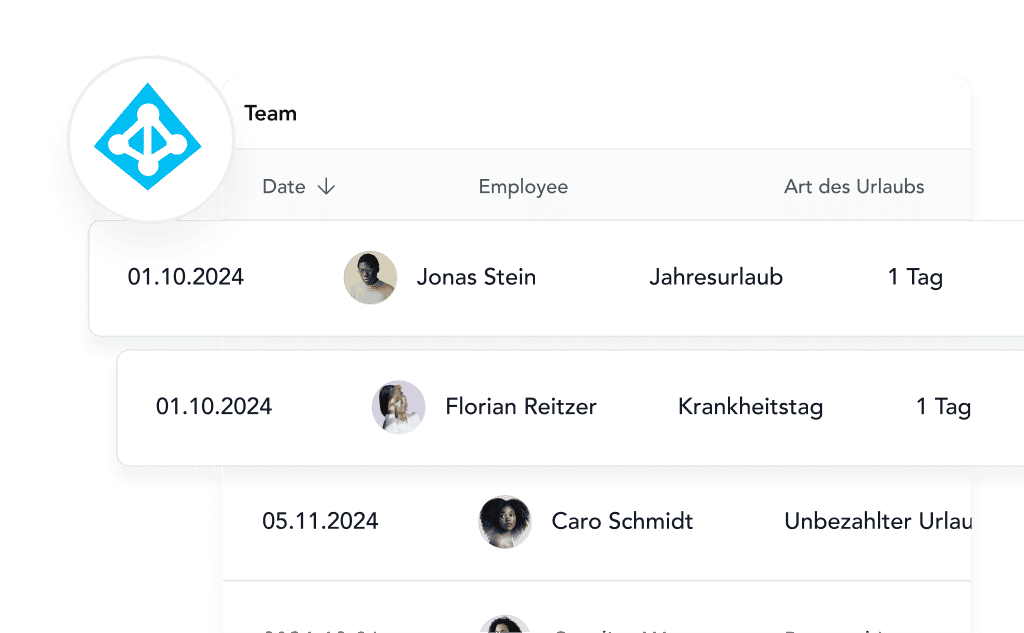
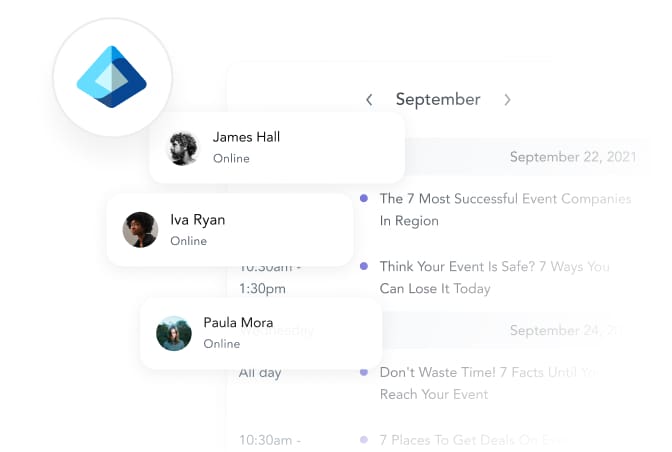
Users & groups synchronized
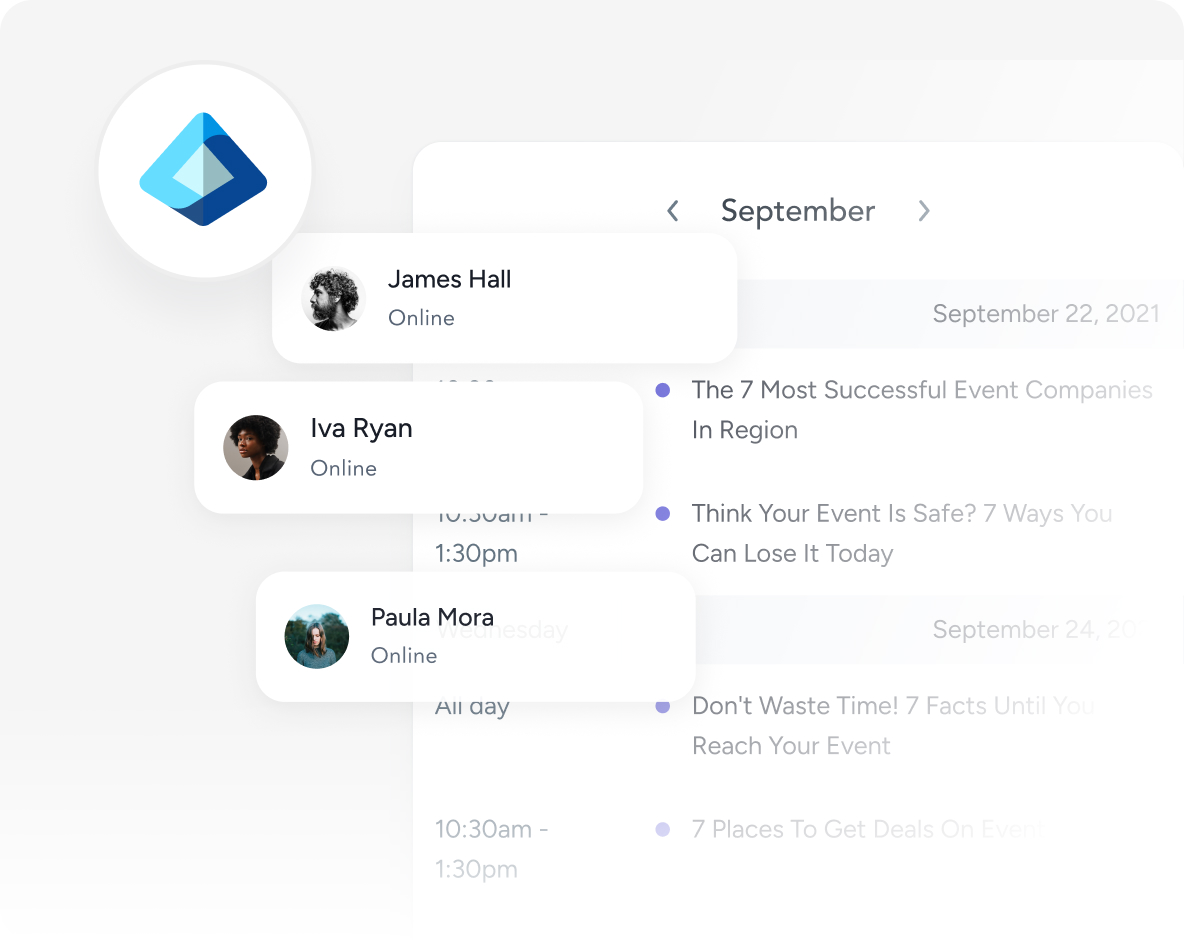
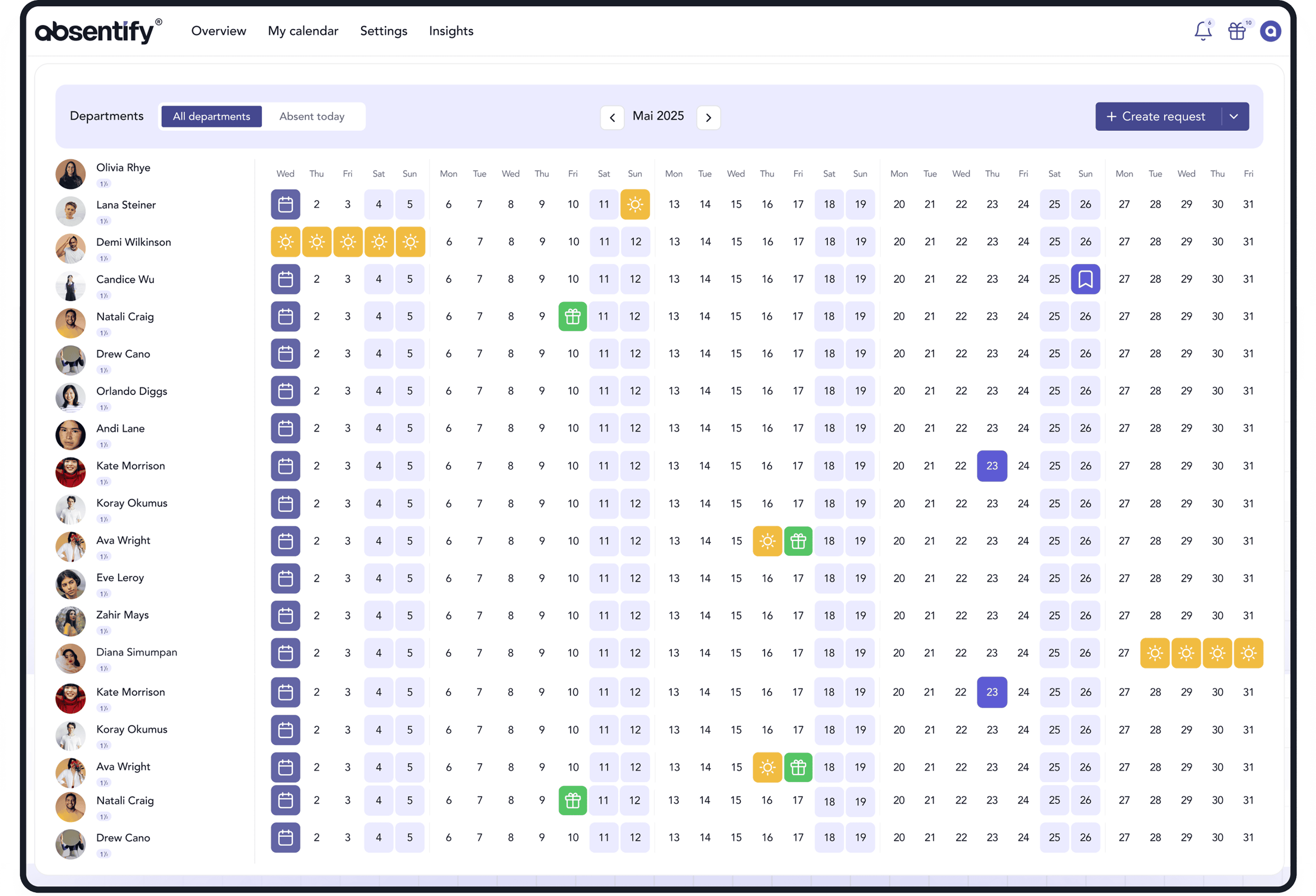
Calendar always automatically up to date


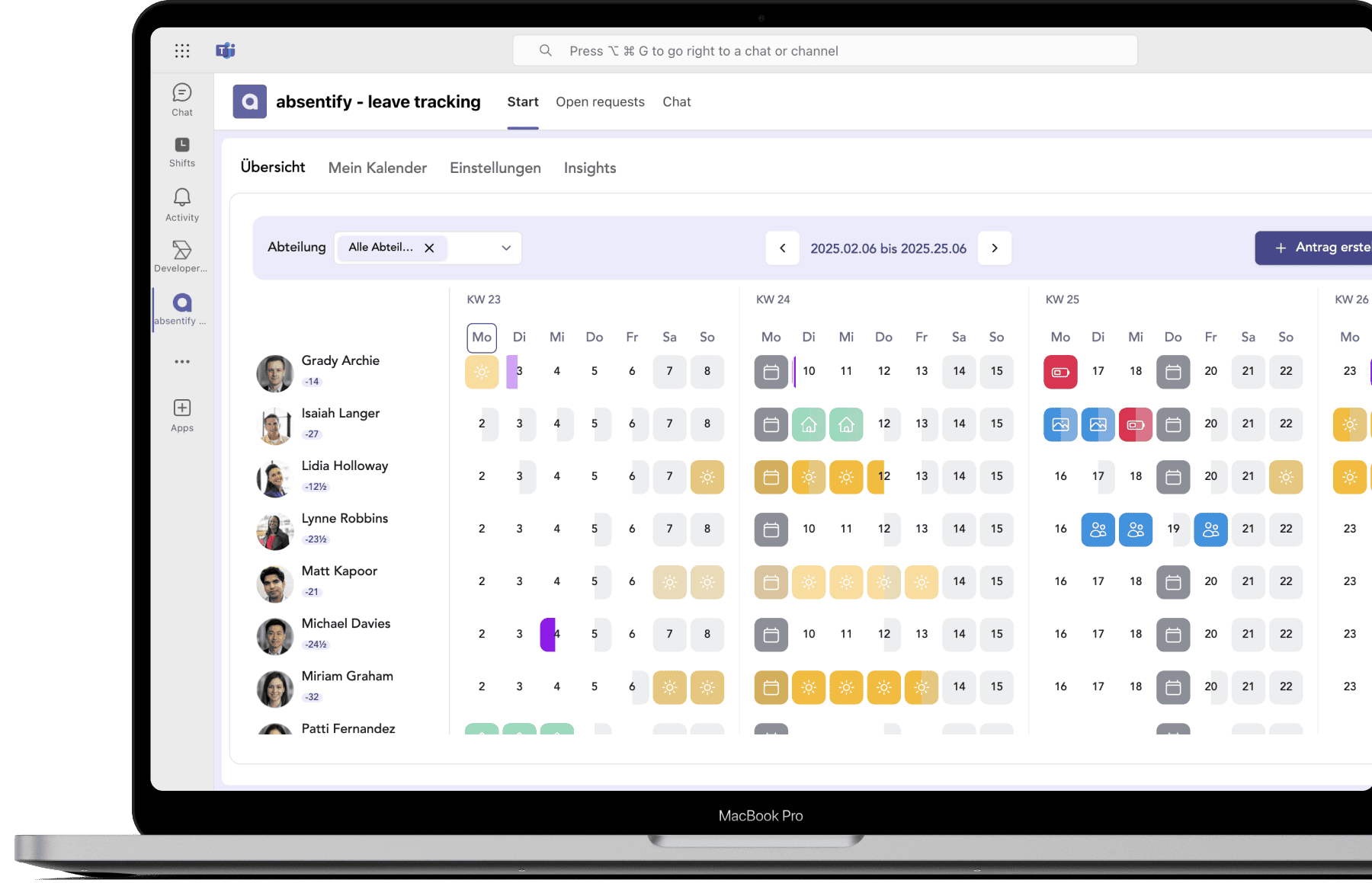
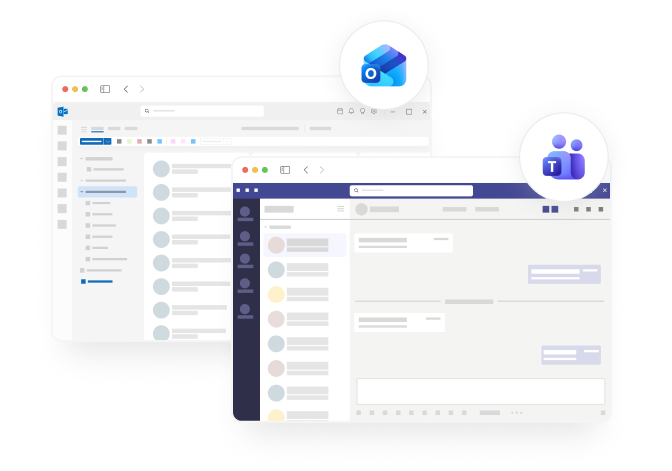
Manage absences in Teams
Secure, compliant, and maintenance-free
Why automatic out-of-office messages are important
Most out-of-office messages are set late, incorrectly, or not at all. absentify automates the entire process: activation, deactivation, return date, representation – everything runs reliably and on time. This keeps communication with colleagues and clients professional and clear.
100% automatic
Activation & deactivation without intervention
Intelligent
Correct return date including holidays & working hours
Uniform templates
Company-wide for all employees
Record absence: Communication runs automatically
absentify reliably sets out-of-office messages at the right time, adjusts them for changes, and takes into account working hours, holidays, and substitutes.
Out-of-office messages that manage themselves
absentify activates your out-of-office notice exactly at the start time and automatically deactivates it as soon as you return. If your absence is extended or shortened, the notice adjusts immediately. Without needing to open Outlook.
Automatic activation & deactivation
Return date is calculated correctly
Changes are applied immediately
Professional messages with automatically filled details
Placeholders like return date, name, substitute, or working hours are automatically filled with the correct values. This creates consistent, error-free out-of-office messages, no matter how complex calendars, shifts, or holidays are.
Automatic return date calculation
Placeholders for name, times & substitute
Different internal/external templates
One template for all: HR centrally manages it
HR can set company-wide out-of-office templates – by type of absence, for internal or external contacts, and with defined substitute logic. All employees automatically use the correct message without having to set anything themselves.
Uniform templates for the entire company
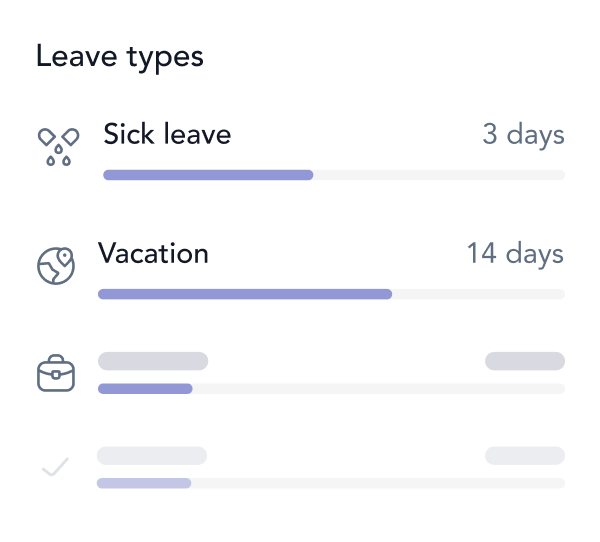
Different templates per type of absence
Employees can no longer make mistakes
Why absentify?
The comparison shows the difference.
Other solutions
Automatic Sync
Fully automatic
Often manual or semi-automatic
Shared Calendars
Yes, unlimited
Usually unavailable
Teams Group Calendar
Native integration
Rarely available
Status Synchronization
Intelligent mapping
Mostly just “Absent”
iCal Export
Yes, for all calendar apps
Restricted
Real-time Updates
Within seconds
Often delayed
Configurability
Highly customizable
Limited options
GDPR compliant
Made in Germany
Not always
Start now for free now
Simplify your vacation and absence management and effortlessly keep track in Microsoft Teams and Outlook.
No credit card needed
Loved by teams from all over the world
Discover more features
Here you will find concise answers to frequently asked questions about usage, security, and features.


Answers to the most important questions
Here you can find concise answers to common questions about usage, security and functions.
Can I disable the feature for certain types of absence?
What happens if the authorization is revoked?
Are my emails sent by absentify?
How much does the feature cost?
Can I have different messages for internal and external contacts?
What happens if I change the note manually in Outlook?
Do I have to set something up for each employee?

Submit a request
Your vacation and absence planning, fully integrated with Microsoft 365
Unlimited users



100% Microsoft 365 integrated
directly in Teams, Outlook & Entra ID
GDPR & ISO 27001 certified
certified safety
Rollout in hours, not weeks
without IT implementation
200,000+ active users worldwide
for HR, IT, management and more