No installation required – absentify appears automatically where your employees work.
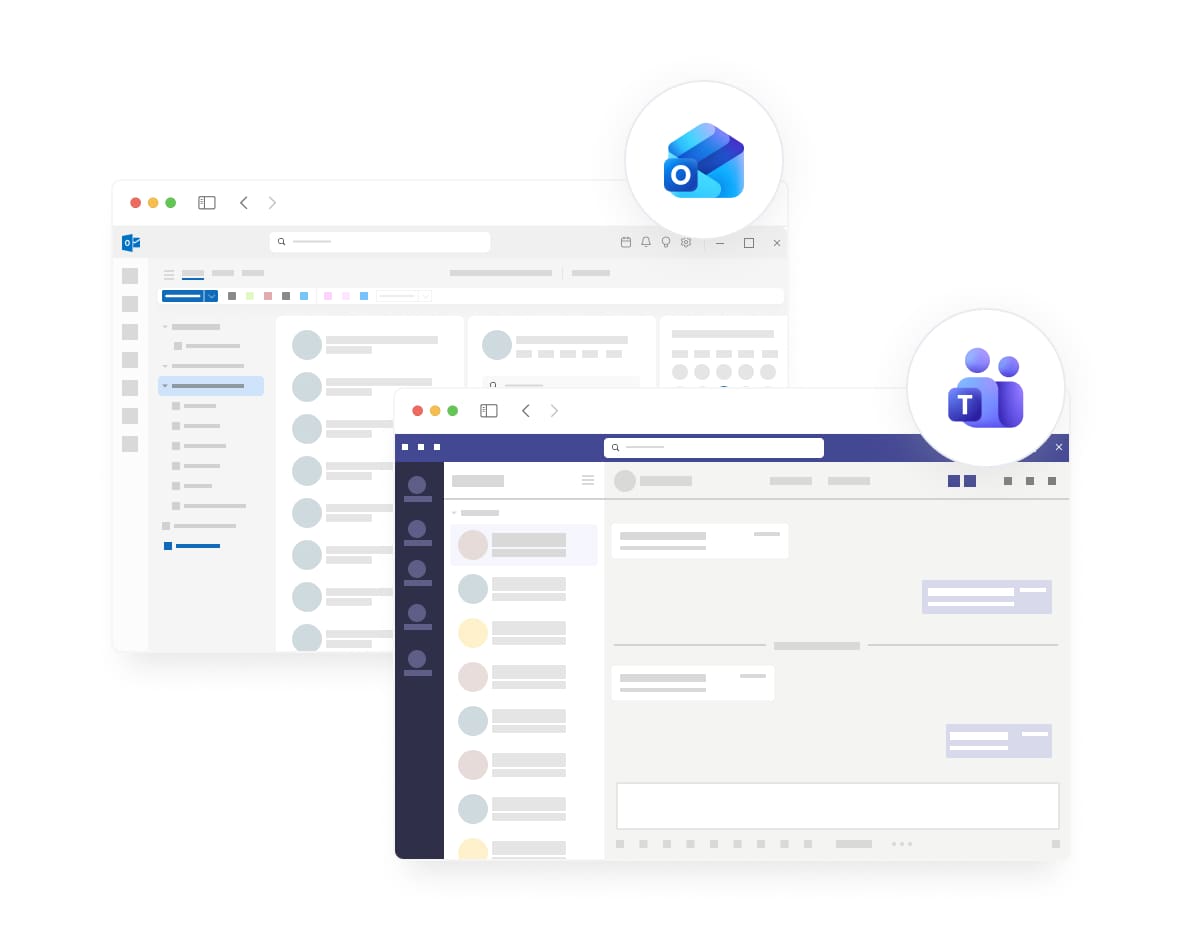
The absentify app is directly integrated into Microsoft Teams and Outlook. IT admins deploy the app centrally – employees find it automatically in their familiar work environment. No app store, no downloads, no manual installation.
Utilizado por más de 20 000 empresas de todo el mundo











Microsoft 365 integration at a glance

Everything synced in Microsoft 365
Login with Microsoft account
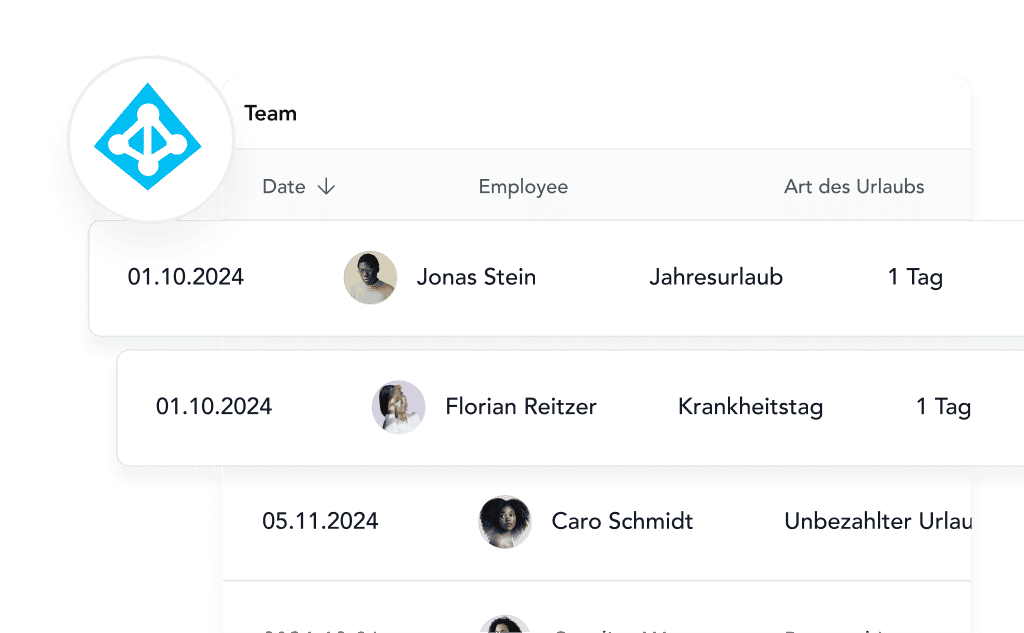
Users & groups synchronized
Calendar always automatically up to date


Manage absences in Teams
Secure, compliant, and maintenance-free

Why Microsoft integration is crucial
absentify is fully integrated into Microsoft Teams and Outlook. This means: No downloads, no updates, no manual setup. Employees use absentify where they already work – in chat, in the calendar, and in daily team communication.
Rolled out centrally
IT distributes absentify with just a few clicks for the entire organization.
Automatically for new employees
As soon as they log in, absentify appears in Teams & Outlook.
Available everywhere
Desktop, Mobile, Outlook Web, SharePoint, usable everywhere.
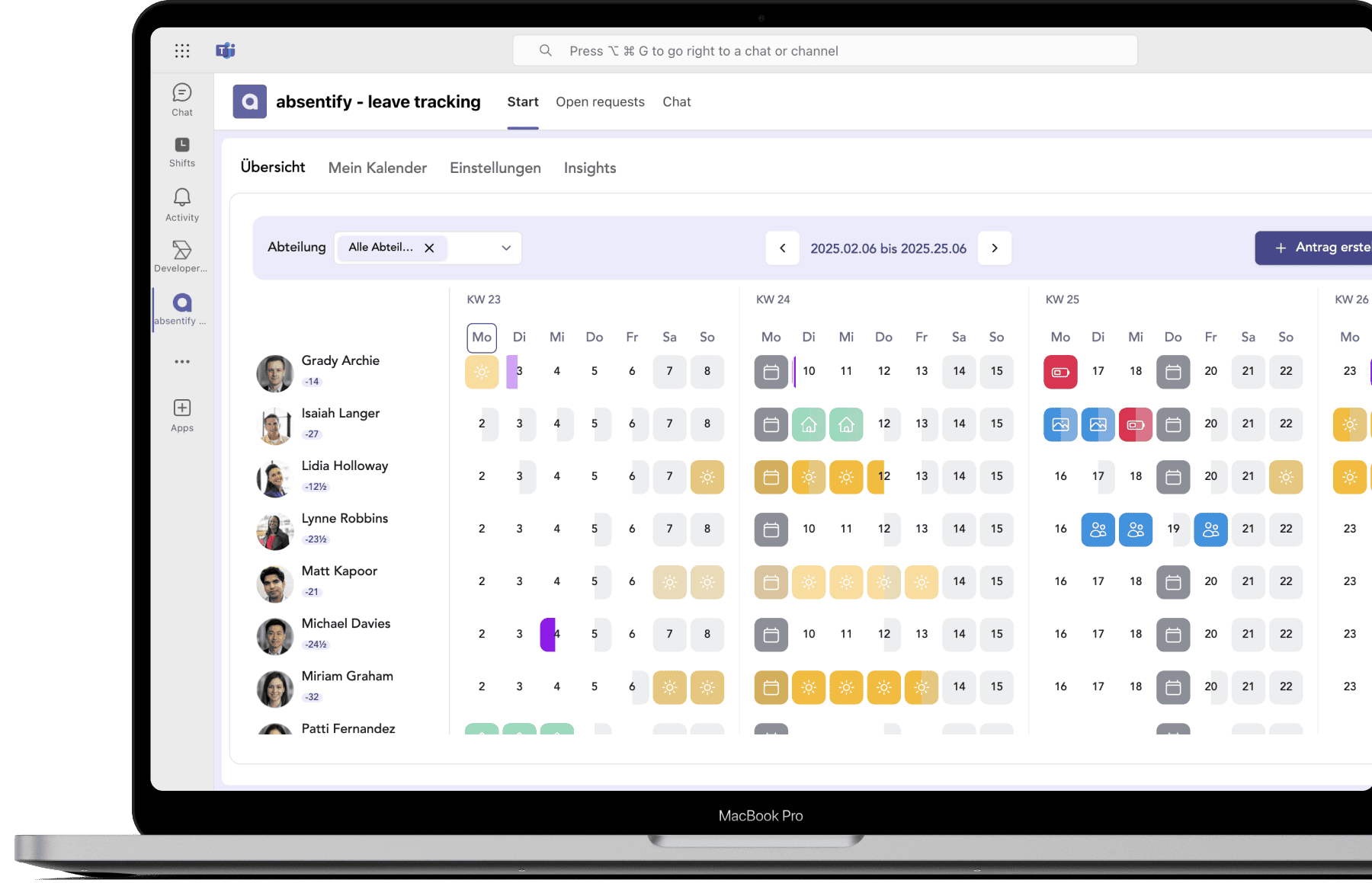
Visible to your team, no installation required
absentify is embedded directly in Teams and Outlook. Whether on a desktop, in a browser, or on a smartphone, employees can access absentify at any time without any additional setup steps.
Rolled out by IT. Immediately available to everyone.
Admins approve the app in the Microsoft Teams Admin Center and select which users or departments should receive it. Optionally, absentify can even be pinned to the Teams sidebar so that all employees can see the app immediately.
Automatic activation & deactivation
Return date is calculated correctly
Changes are applied immediately
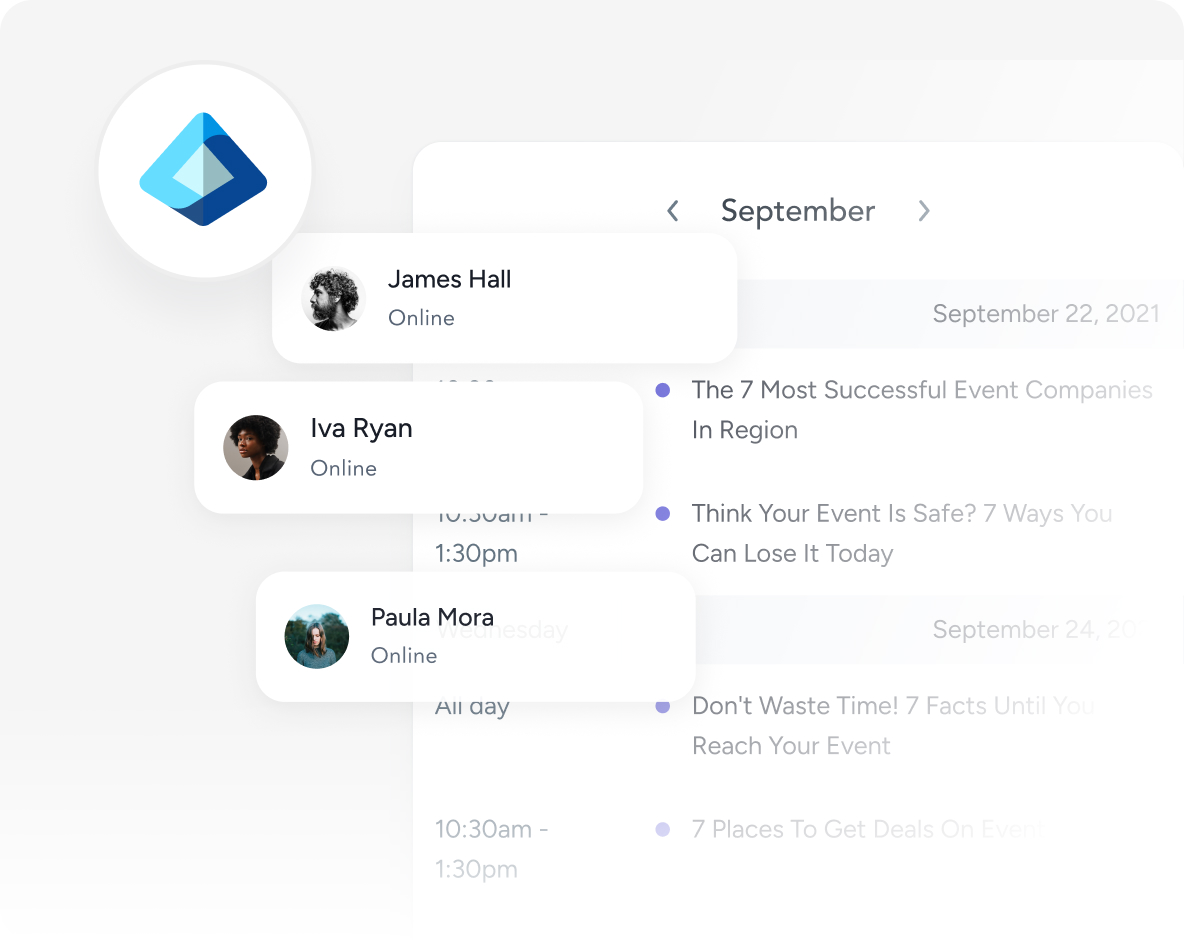
Teams, Outlook, Mobile: always the same app
absentify is natively integrated into Microsoft 365. Whether in Microsoft Teams, Outlook, or SharePoint, the app works identically everywhere, synchronizes automatically, and requires no separate installation or updates.
Rollout for the entire company or specific teams
App automatically visible in Teams
Optional: Pin to the Teams sidebar
Your own app: Name, icon, and colors
With the Plus Plan, absentify can be fully branded: your own app name, your own icon, custom colors, and branded welcome emails. For employees, absentify looks like an internal company tool rather than external software.
Your own app name & logo
White label without absentify branding
11 languages for welcome emails
¿Por qué ausentarse?
La comparación muestra la diferencia.
Otras soluciones
Sincronización automática
Totalmente automático
A menudo manual o semiautomático
Calendarios compartidos
Sí, ilimitado
No suele estar disponible
Calendario de grupos de equipos
Integración nativa
Raramente disponible
Sincronización de estado
Mapeo inteligente
En su mayoría solo «Ausente»
Exportación iCal
Sí, para todas las aplicaciones de calendario
Limitado
Actualizaciones en tiempo real
En cuestión de segundos
Con frecuencia se retrasa
Configurabilidad
Altamente personalizable
Opciones limitadas
Cumple con el RGPD
Hecho en Alemania
No siempre
Empieza ahora gratis ahora
Simplifica la gestión de tus vacaciones y ausencias y realiza un seguimiento sin esfuerzo en Microsoft Teams y Outlook.
No se necesita tarjeta de crédito
Loved by teams from all over the world
Descubre más funciones
Aquí encontrará respuestas concisas a las preguntas más frecuentes sobre el uso, la seguridad y las funciones.


Respuestas a las preguntas más importantes
Aquí encontrará respuestas concisas a las preguntas más frecuentes sobre el uso, la seguridad y las funciones.
¿Necesito Microsoft 365 para usar absentify?
¿Cuánto tiempo tarda la aplicación en ser visible para los empleados?
¿Los empleados pueden eliminar la aplicación ellos mismos?
¿Qué ocurre si un empleado no usa Microsoft Teams?
¿Puedo implementar la aplicación solo para ciertos departamentos?
¿La integración de Teams/Outlook tiene un costo adicional?
¿Qué pasa si alguien no usa Microsoft 365?
¿Puedo incrustar absentify en SharePoint?

Enviar una solicitud
Su planificación de vacaciones y ausencias, totalmente integrada con Microsoft 365
Usuarios ilimitados
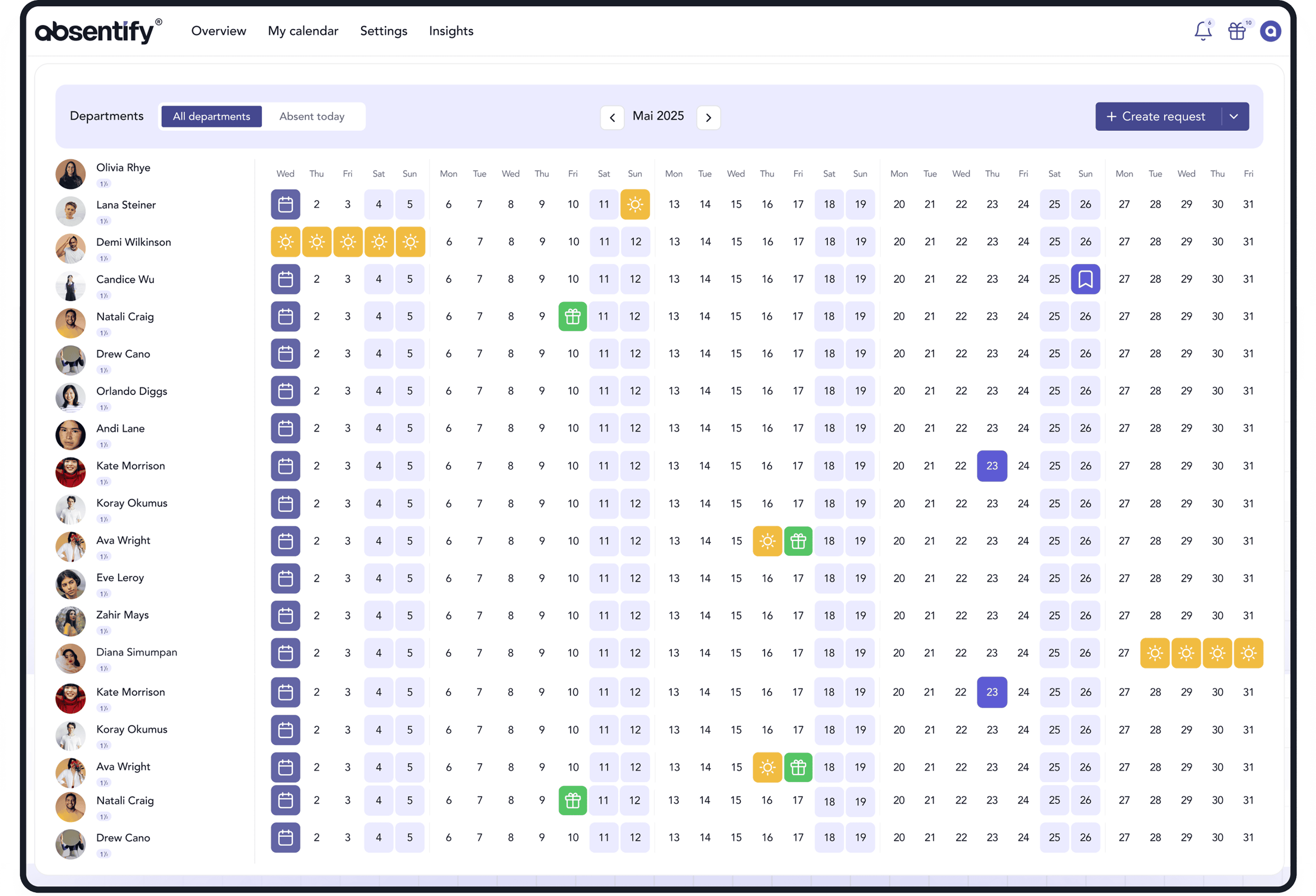



100% integrado en Microsoft 365
directamente en Teams, Outlook y Entra ID
Con certificación GDPR e ISO 27001
seguridad certificada
Implementación en horas, no en semanas
sin implementación de TI
Más de 200 000 usuarios activos en todo el mundo
para RRHH, TI, administración y más