

Template for a vacation request
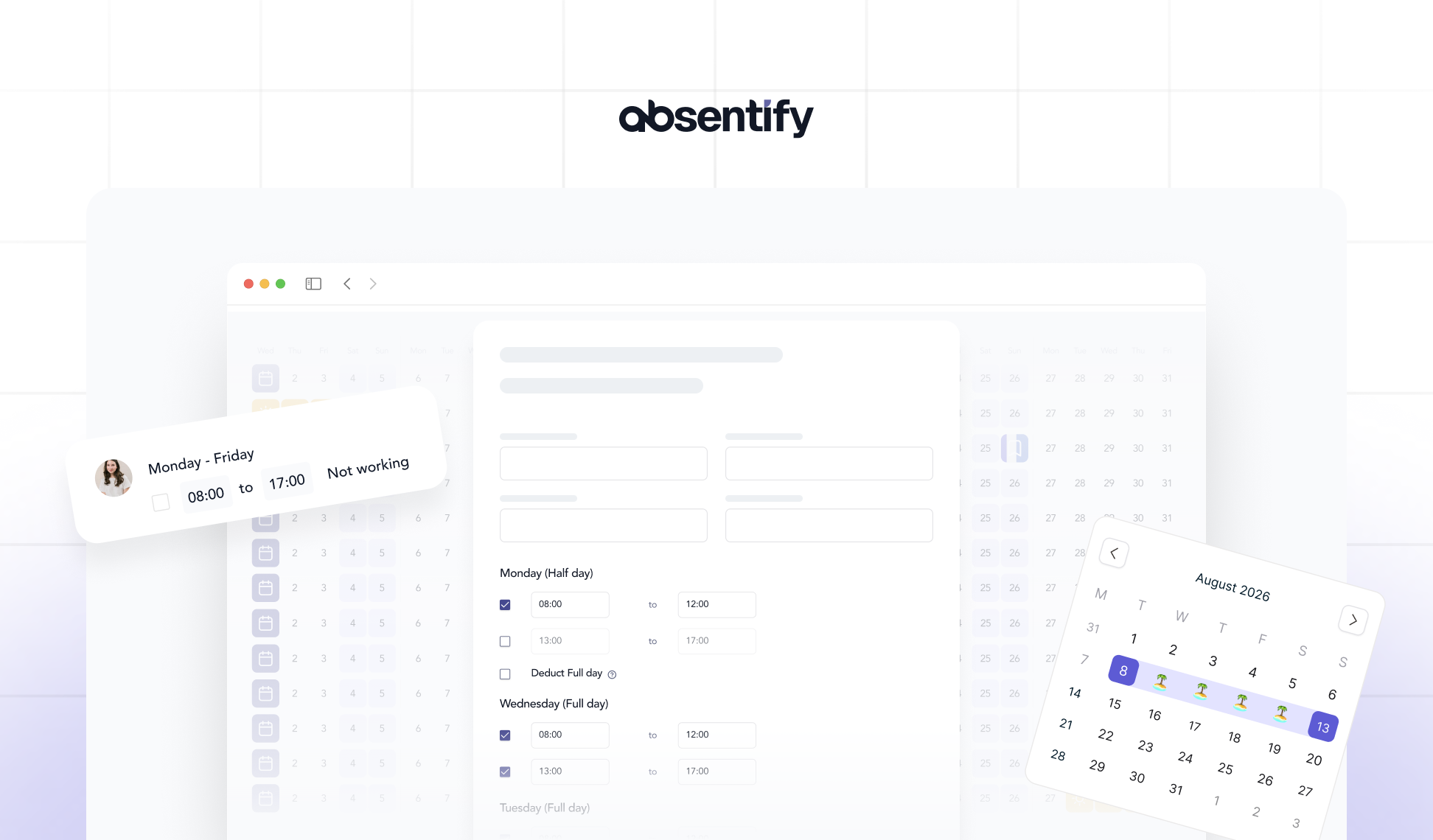
Those who wish to apply for vacation usually want to complete the application quickly and correctly, without wasting time on formatting or phrasing. A good template ensures that all important details, from the period and type of vacation to the signature, are correct right away. This way, your application arrives at the HR department fully completed and can typically be processed without any further questions.
Holiday request form: Key points at a glance
-
A vacation request template for employees saves time, prevents form errors, and ensures clear processes for vacation planning.
-
The leave request must include all mandatory information, including name, period, type of leave, cover and signature.
-
Submitting the vacation request in a timely manner, often two to six weeks before the vacation starts, avoids overlaps and increases the chances of approval.
-
With absentify, the entire process is digital: employees submit vacation requests online, supervisors approve directly, and everyone involved keeps track.
Vacation request: Download template for free
Here you can find verified vacation request templates in PDF, Excel or Word, which you can download for free and use immediately.
Download a holiday request form template as a PDF for free
Download a vacation request template for Word for free
Download a holiday request template for Google Docs for free
Download a vacation request form template for Excel for free
Why is a template for a vacation request sensible?
Anyone applying for a vacation wants to fill out the form correctly and quickly, without having to worry about format or wording each time. A standardized vacation slip provides clarity and reliability.
Uniform processes and improved traceability thanks to templates
In teams and larger organizations, uniformity is important. If everyone uses the same leave slip or the same form for leave requests, clarity is maintained even with many employees and overlapping vacation periods. This saves time and reduces misunderstandings in vacation planning.

What information must a vacation request include?
In order for your application to be processed without any queries, certain information must always be included. A complete template ensures that no field is overlooked and the process remains clear for all parties involved.
Mandatory information in the vacation request
| Required field | Description | Example |
|---|---|---|
| Name and Department | So it's clear who is making the request and which team they belong to. | Lisa Meier, Sales |
| Vacation period | Start and end of the planned vacation, preferably with specific dates. | 07/15/2025 – 07/29/2025 |
| Number of days | Facilitates the release and control of remaining vacation days. | 10 working days |
| Type of vacation | Recreational leave, special leave, or unpaid leave. | Vacation |
| Representation | Important for internal planning and accessibility. | Max Schulz will take over customer communication |
| Date and signature | Confirmation that the application is being submitted as binding. | Hamburg, July 1, 2025 – Lisa Meier |
| Approval by supervisor | Signature or digital approval of the responsible person. | Approved on 07/03/2025 |
Digital alternative to the classic vacation request
With absentify, you can digitize the entire process. Employees submit their digital leave request online and the approval is carried out according to the defined release processes. The status is visible at all times and all data remain clearly documented. This eliminates the need for printing, signing, and sending forms back and forth completely.
When should employees submit their vacation request?
In principle, there is no legally prescribed deadline for when a vacation request must be submitted. Nevertheless, the rule of thumb is: The earlier employees submit their request, the greater the chance that the desired period will be approved. Many companies also expect that requests are submitted two to four weeks before the vacation starts.
Common practice for vacation requests
Most HR departments plan vacations on a quarterly or semi-annual basis. Those who submit their requests early avoid overlapping with colleagues. Especially during holiday seasons or times of intensive projects, it pays to plan ahead.
What are the rules for short-term vacation requests?
Short-term vacations are also possible, for instance for family events or illness of relatives. In this case, employees should submit the vacation request form digitally right away or announce their leave over the phone.
What should be considered when applying for vacation leave?
As soon as employees submit their leave request via form or digitally through absentify, the decision lies with the management or the HR department. It is important to know the process and to understand what applies in the event of a rejection.
How quickly must an employer respond to a vacation request?
The law does not set a fixed deadline for employers to respond to a vacation request. In practice, a processing time of about 10 days is considered reasonable. If employees do not receive any response after this period, they should remind their supervisor by email or via their absence management software.
When is a vacation request considered approved?
A vacation request is only considered approved when the supervisor has **explicitly authorized **it, either in writing, digitally, or verbally in exceptional cases, provided that the supervisor subsequently confirms it.
Is a verbal vacation request valid?
Legally yes, practically no. A verbal request can be easily overlooked and employees have no proof of the time or content. Therefore, a written or digitally submitted leave request is always safer.

Start for free now
No credit card required—enjoy unlimited access with our free plan. You can upgrade or cancel anytime.
Is there a retention requirement for vacation requests?
There is no legal obligation to retain vacation requests. Neither the Federal Vacation Act nor other labor law regulations explicitly require employers to archive these documents.
In practice, many companies still archive vacation requests for several years. This is primarily to be able to prove in case of a dispute when the vacation was requested or approved. The basis for this are the general obligations to provide evidence and documentation in labor law as well as the statute of limitations of three years according to § 195 BGB.
Can the employer refuse the vacation request?
Rejection is only permissible in certain cases. These include:
-
urgent operational reasons, e.g., staff shortages or production peaks,
-
already approved vacations of other employees in the same period,
-
lack of representation in the team,
-
simultaneous training sessions or mandatory appointments.
Employers must provide a factual justification for why leave is not granted. The obligation to provide a justification arises from the labor law interpretation of § 7 para. 1 BUrlG.
What to do if your vacation request is repeatedly denied?
If an application is repeatedly rejected without any comprehensible reasons, employees can contact the works council or seek legal advice. The statutory entitlement to leave remains unaffected. The employer may only postpone the holiday, not permanently deny it.
Can employees withdraw their vacation request?
If employees decide not to take their vacation after all, they can withdraw the request at any time before approval. Once it has been approved, it is considered binding. Changes can then be made only in agreement with the HR department or a supervisor.
Submit vacation requests faster and reduce processing times
A good vacation request template helps to avoid mistakes and process requests more quickly. However, even with the best template, the process remains manual: print out, sign, forward, track.
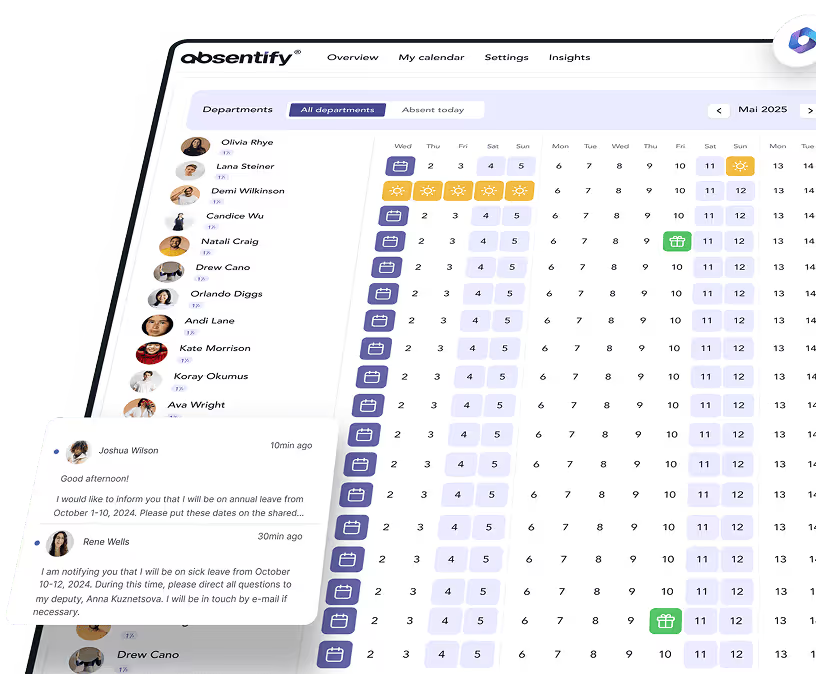
With a digital vacation management system, the back and forth between forms and emails is eliminated. Employees submit leave requests online, managers approve them with a click, and everyone involved keeps track in real time without any paperwork.
Your benefits with absentify:
-
Review and approve vacation requests digitally
-
Clear overview of remaining vacation days, substitutions, and absences
-
Direct integration into Teams and Outlook
-
Transparent processes for HR and employees
Would you like to simplify your absence management?
- No credit card required
- Unlimited free access
- Upgrade or cancel anytime
Vacation Request Template – Frequently Asked Questions and Answers
About the author

Anna Keller
Content manager at absentify
As a blog author at absentify, Anna Keller explains how companies can efficiently manage absences, vacations, and working hours. In her articles, she combines HR practice with Microsoft 365 tips for Outlook and Teams and provides templates, step-by-step instructions, and software comparisons for modern, digital processes.
Share article
More interesting articles

Reducing overtime: rights, duties and the process for employers and teams
Reducing overtime means offsetting accumulated extra hours with time off or payment. Under German employment law, the six calendar months or 24 weeks specified in the German Working Time Act apply solely to offsetting an extended working day against the statutory eight-hour average. Employment contracts, works agreements or collective agreements determine how an overtime balance can be reduced. Where these rules permit time off in lieu, the employer determines its timing and process within the scope of their right to give instructions.
Anna Keller
Content manager at absentify

When does unused leave expire? Deadlines and exceptions that determine your entitlement
Under German law, unused leave expires only under certain conditions: entitlement generally lapses on 31 December, or after the carryover period on 31 March, only if your employer has given you timely and specific notice of the impending expiry and you still do not take the leave. An exception applies in cases of continuous illness.
Anna Keller
Content manager at absentify

Employee Self Service (ESS): Definition, Features, and Benefits for Leave and Absence Management
Employee Self Service (ESS) gives employees access to manage their personal data, leave requests, or absences themselves without coordinating every step with HR. The term originally comes from SAP HR modules and has become an umbrella term for self-service features in human resources. Its benefits are particularly clear in leave and absence management.
Anna Keller
Content manager at absentify