

Vacation management in the cloud: Fair scheduling for the team
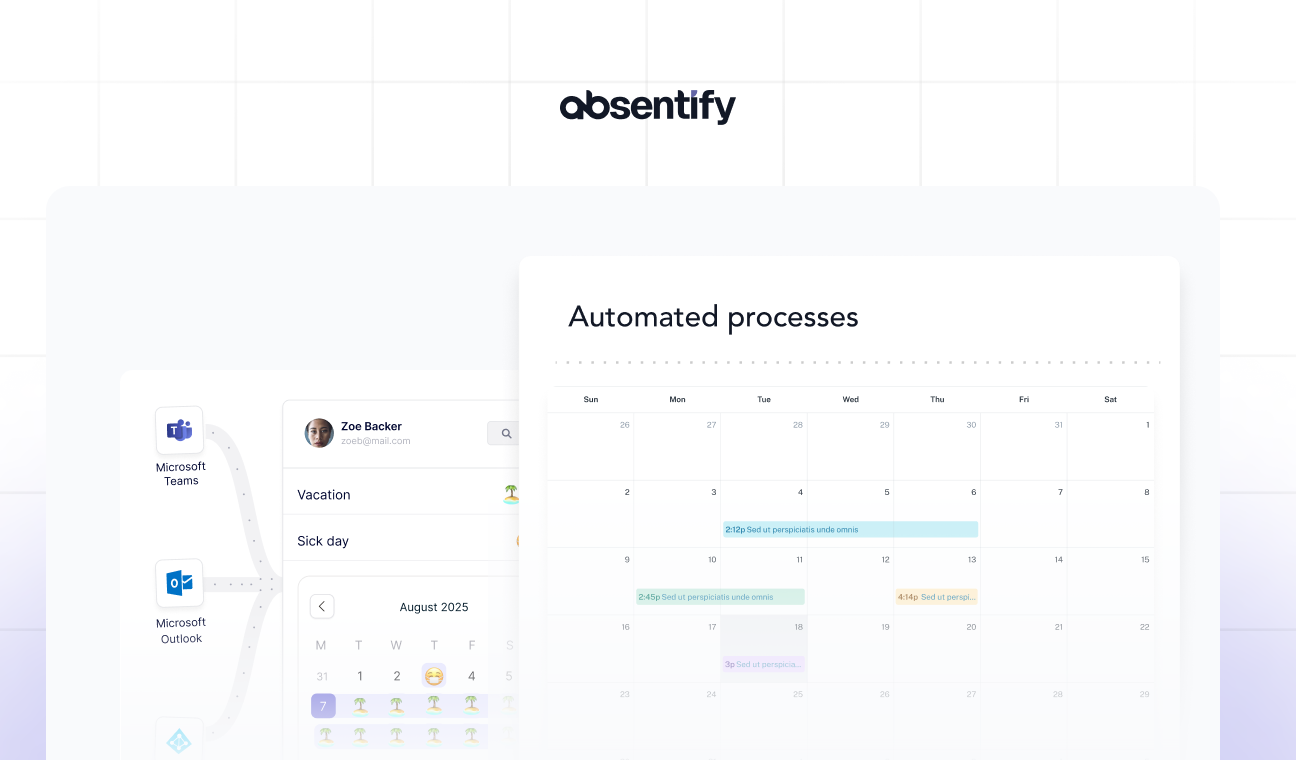
Vacation requests via email, manually syncing calendars, and Excel spreadsheets that no one keeps up to date? This is time-consuming and causes frustration in the team! With a cloud-based vacation management system, you keep track, automate approvals, and ensure that your team can plan fairly.
Here you will learn about the benefits of managing vacation time in the cloud, how to implement a vacation management system via the cloud, and what to look for in software.
What is a cloud-based vacation management system?
A cloud-based leave management system is a software hosted in a data center (in the cloud) and accessible over the internet. In other words: All employees can access it, no matter where they work. Instead of passing around a vacation plan as an Excel file or moving a paper calendar from desk to desk, all employees access it via a browser or an app. The leave management is synchronized in real time, so everyone can see all entries immediately.


How does a cloud-based vacation management system work?
Access to the vacation management in the cloud is done via the internet: The software is usually hosted by the provider. Users access it through a secure connection.
Roles and Permissions:
-
Employees can view and request their own vacation.
-
Supervisors and/or the human resources department can approve, reject, or comment on applications.
-
Administrators have an overview of all data, set up the system, maintain master data, etc.
Workflows:
- The entire process from vacation request to approval or rejection can usually be automated via the cloud.
Notifications and reminders:
- Involved individuals are informed about new applications, decisions, or when certain time limits are exceeded via email or push notifications.
Integrations:
-
Calendar Integration (e.g., Outlook, Teams, Slack, Salesforce, Monday.com, etc.)
-
Single-Sign-On (SSO) for easier sign-in
-
Interfaces to HR, payroll and salary systems
Advantages of a cloud-based vacation management system
The two biggest advantages of a cloud-based vacation management system are its easy accessibility and simplified administration:
-
Employees can access the system from anywhere (in the office, at home, or on the go) and submit their requests or check their leave status.
-
The responsible parties can centrally review vacation requests and compare them with already submitted applications to avoid understaffing.
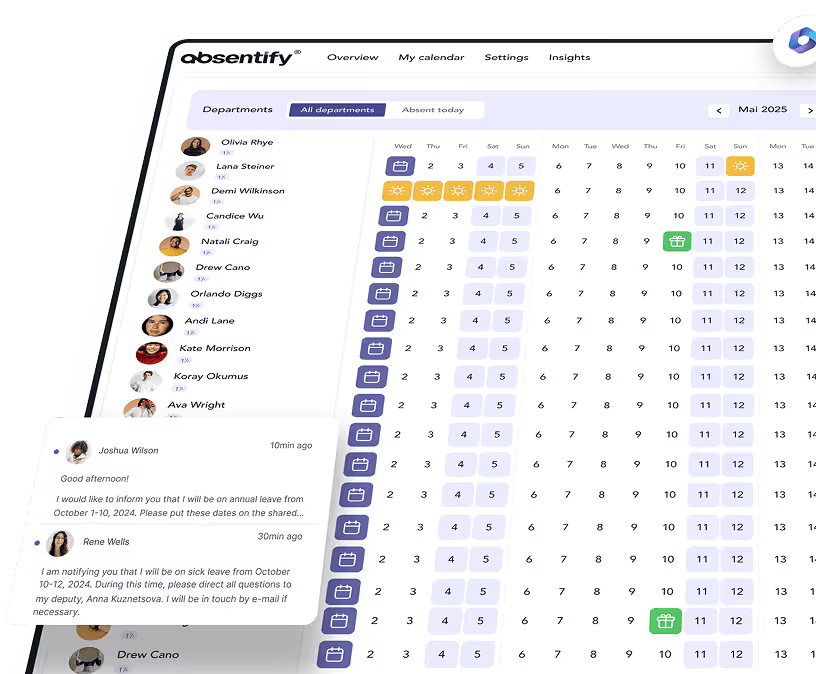
Additionally, the data in the vacation management system** is always up-to-date via the cloud **All entries are therefore visible to the entire team, so that every colleague is aware of the others' requests. This is particularly important when certain colleagues should not or are not allowed to be absent at the same time.
Excel sheets and paper calendars especially reach their limits with growing teams. It quickly leads to dissatisfaction, when some colleagues are able to enter their preferences very late and thus encounter the already completed planning of the rest of the team.

Start for free now
No credit card required—enjoy unlimited access with our free plan. You can upgrade or cancel anytime.
Choosing a cloud-based vacation management system: How to proceed
The new tool for holiday planning and management should not only please colleagues, but also provide decision-makers with some useful tools. We have compiled the most important criteria for selecting suitable software here:
-
Stay within existing structures: Don't impose additional software on your team that they have to open separately just for vacation planning. Otherwise, details and timings are quickly overlooked, as few people open software they don't need on a daily basis.
-
Display important dates: Make sure that the vacation management software also shows all important dates and events of the company, not just holidays and vacations.
-
Seeing the plans of others: Your colleagues should be able to see each other's schedules, which greatly facilitates coordination.
-
Enable independent planning: Wishes should be able to be expressed digitally independent of existing entries. This avoids the unpleasant feeling of being *too late *with one's own planning.
-
Quotas for absences: Some days of the year, such as bridge days, are particularly popular. If you can set quotas for absences in the new software, there will be enough staff present even on such days without you having to intervene during the planning stage.
-
Approval directly in the planning: When decisions regarding vacation requests have to be sent via email or note, it's an unnecessary detour. An option for approval directly in the software greatly simplifies the process.
Vacation management free of charge directly in the Microsoft 365 Cloud (Outlook & Teams)
If Microsoft software is a daily tool in your company, all important dates are likely already in the Outlook and/or Teams calendar. With absentify, you can integrate a **complete vacation management **system into this calendar – including quotas and approval capabilities.
The installation is completed with just a few clicks and afterwards absentify is indistinguishable from the familiar Microsoft interface, ensuring that all employees can immediately manage their leave. absentify enhances the calendar with all the features of a leave management system, eliminating the need for a separate tool.

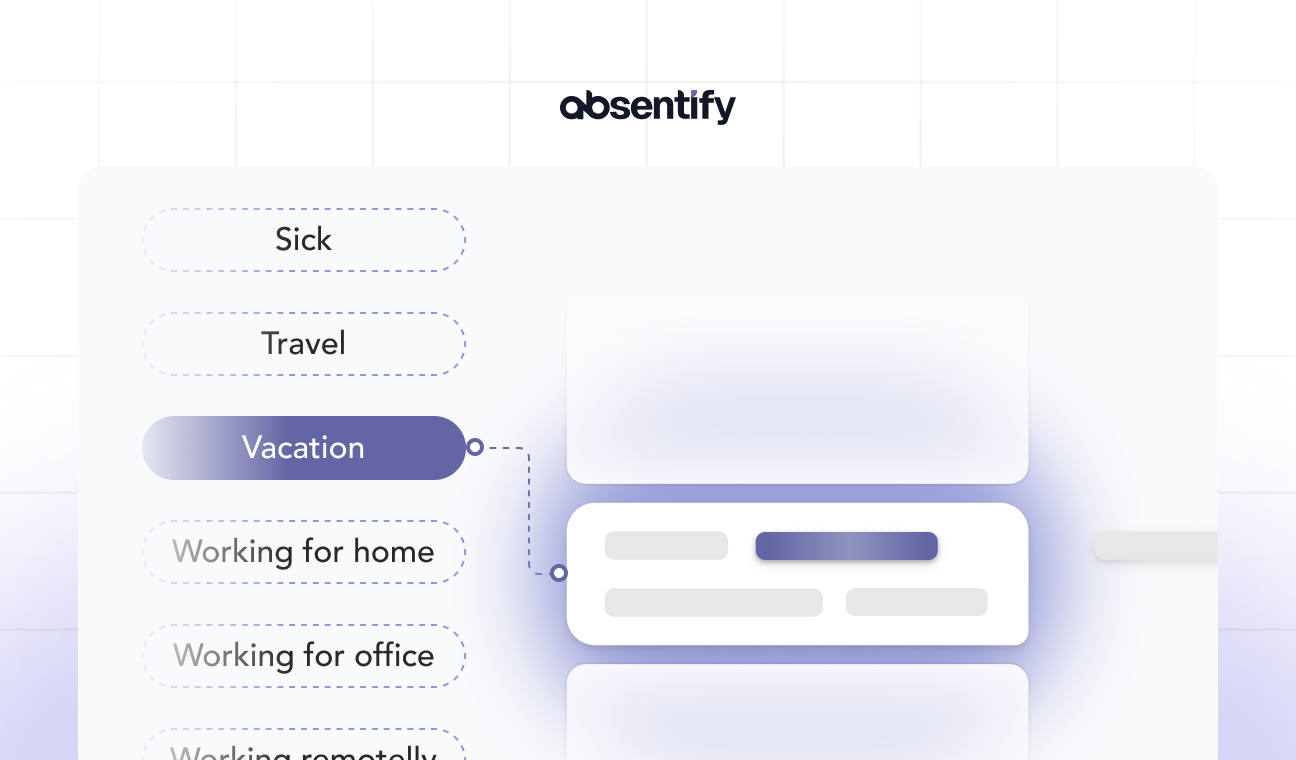
With absentify, every employee can plan their vacation wishes and absences in their own calendar. You maintain an overview of absence entitlements, remaining vacation days, and the type of absence taken, all without manual calculations.
The approval or rejection is done directly from absentify, so you consolidate all the vacation management features in one cloud software.
Would you like to simplify your absence management?
- No credit card required
- Unlimited free access
- Upgrade or cancel anytime
Vacation Management Cloud – Frequently Asked Questions and Answers
About the author

Anna Keller
Content manager at absentify
As a blog author at absentify, Anna Keller explains how companies can efficiently manage absences, vacations, and working hours. In her articles, she combines HR practice with Microsoft 365 tips for Outlook and Teams and provides templates, step-by-step instructions, and software comparisons for modern, digital processes.
Share article
More interesting articles
Reducing overtime: rights, duties and the process for employers and teams
Reducing overtime means offsetting accumulated extra hours with time off or payment. Under German employment law, the six calendar months or 24 weeks specified in the German Working Time Act apply solely to offsetting an extended working day against the statutory eight-hour average. Employment contracts, works agreements or collective agreements determine how an overtime balance can be reduced. Where these rules permit time off in lieu, the employer determines its timing and process within the scope of their right to give instructions.
Anna Keller
Content manager at absentify
When does unused leave expire? Deadlines and exceptions that determine your entitlement
Under German law, unused leave expires only under certain conditions: entitlement generally lapses on 31 December, or after the carryover period on 31 March, only if your employer has given you timely and specific notice of the impending expiry and you still do not take the leave. An exception applies in cases of continuous illness.
Anna Keller
Content manager at absentify
Employee Self Service (ESS): Definition, Features, and Benefits for Leave and Absence Management
Employee Self Service (ESS) gives employees access to manage their personal data, leave requests, or absences themselves without coordinating every step with HR. The term originally comes from SAP HR modules and has become an umbrella term for self-service features in human resources. Its benefits are particularly clear in leave and absence management.
Anna Keller
Content manager at absentify